
Advertisement
Click to download now, finish the installation quickly, and directly unlock the all-round experience
Advertisement
Screenshots




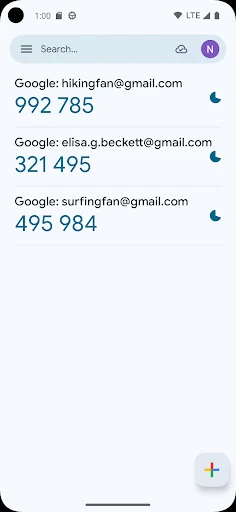
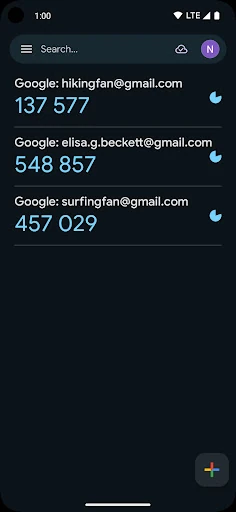
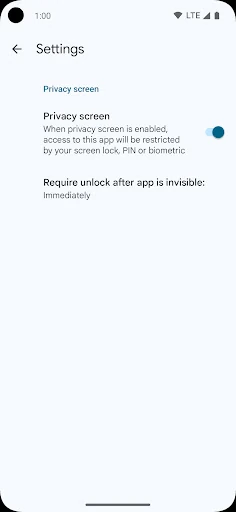
Click to download now, finish the installation quickly, and directly unlock the all-round experience
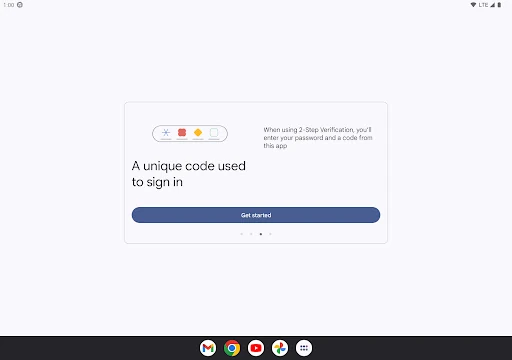
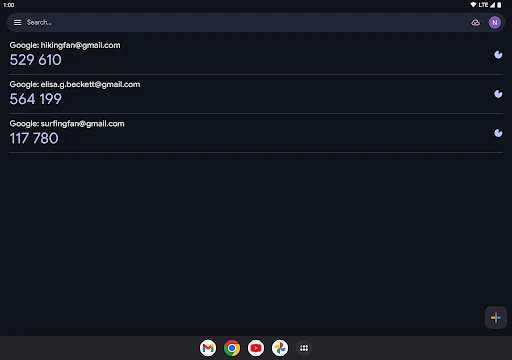
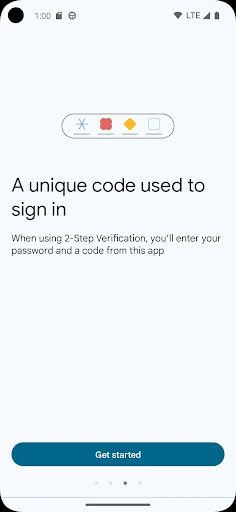
Google Authenticator generates the temporary codes used for two-step verification on websites and services. It suits anyone who wants an extra layer of account protection beyond a password, especially people managing several accounts from an Android phone. Codes can be retrieved without a mobile or Wi-Fi connection, which is useful when travelling or dealing with unreliable coverage.
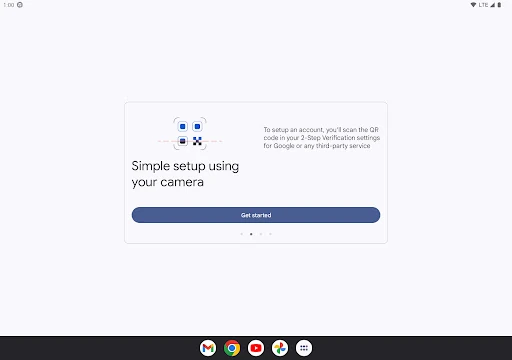
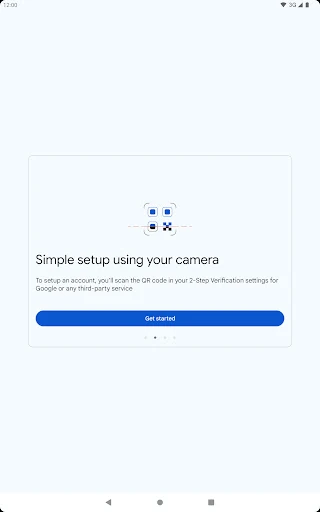
For services that support it, setup can be completed by scanning a QR code rather than typing a long security key. The app supports time-based and counter-based verification methods, helping it work with a broad range of services. Codes can also be moved to another phone by exporting accounts through QR codes.
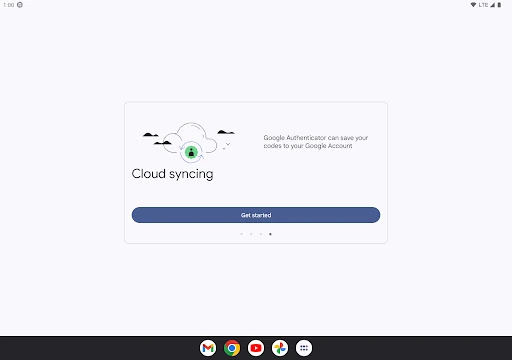
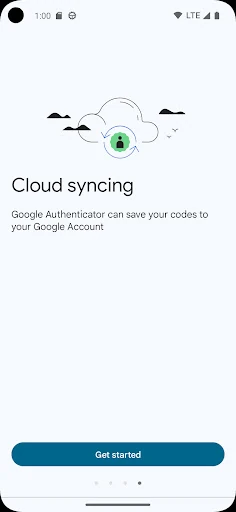
Google Authenticator can sync codes with a Google Account, giving users a way to restore them after changing or losing a device. That convenience may be most useful to people who previously kept all verification codes only on one phone. Users who prefer local-only storage should pay attention to how they configure synchronization.
This listing shows a rating of 3.85 from 640,343 reviews, alongside an install range of 100,000,000+. That is a much stronger signal than the score alone: the rating comes from a large user base and the app has reached a substantial number of Android devices. It is well established, although the score is not close to a perfect five.
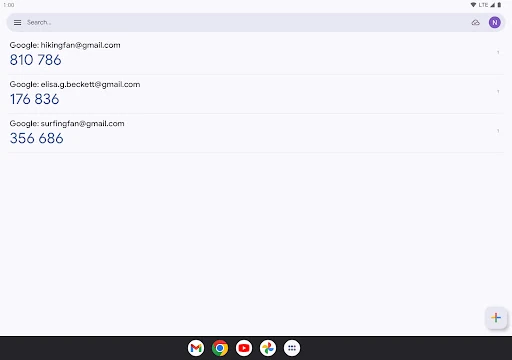
Google LLC publishes the app in the Tools category. Its purpose is narrow and clear: open the app, find the account, and use the current code before it expires. The straightforward layout works well for a modest list of accounts. People with many entries may find the list harder to organise, but for basic two-step verification, the app keeps the main task readily accessible.