
Advertisement
Click to download now, finish the installation quickly, and directly unlock the all-round experience
Advertisement
Screenshots
Click to download now, finish the installation quickly, and directly unlock the all-round experience
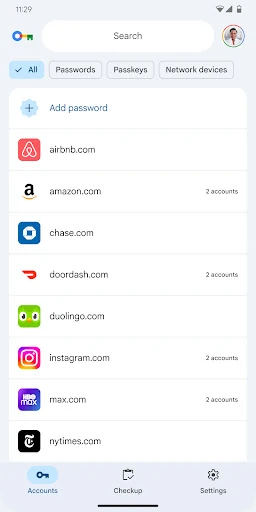
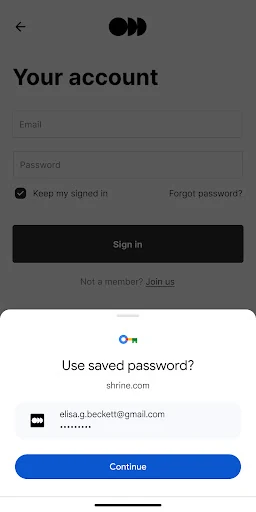
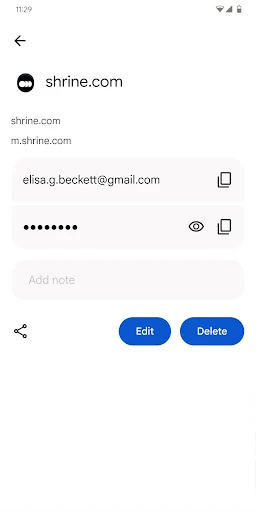
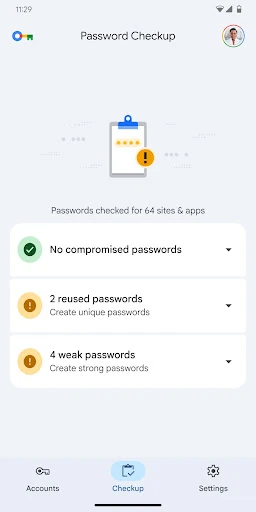
Google Password Manager stores saved passwords and passkeys, then helps fill them when you sign in to websites and Android apps. It suits people who use Android and Chrome and want credentials available across devices without managing a separate password utility.
This is most useful for Android owners who already use Chrome or other Google services. Its value comes from being built into the Android and Google account experience, so it requires less setup than a standalone password manager. Users looking for folders, tags or extensive manual organisation may find the controls more limited.
Google Password Manager is listed with a 4.33 rating from 6,595 reviews. That review volume gives the score more context than a high rating based on only a handful of responses. The listing shows an install range beginning at 1+, while the developer is Google LLC. Together, these figures provide a more useful view of how broadly the app is represented and how much user feedback sits behind its score.