🏆 Expert Verdict & Overview
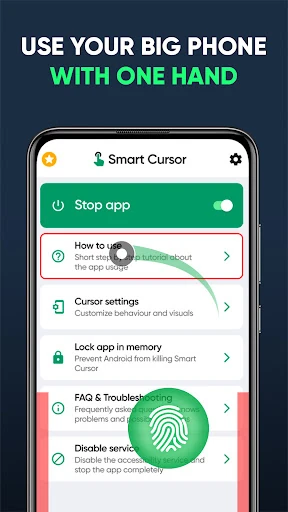
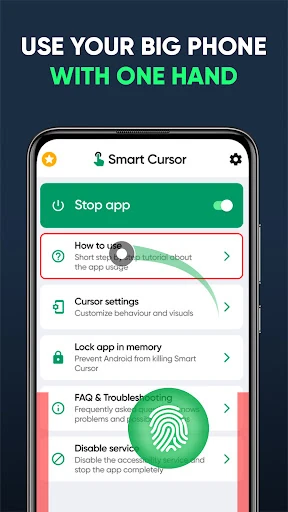
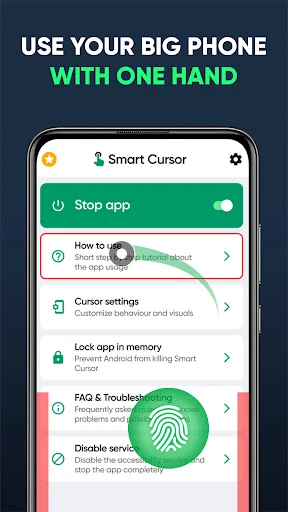
In an era where smartphone displays are reaching tablet-like proportions, Mouse & Screen Cursor Touchpad emerges as a critical utility for ergonomics and accessibility. Positioned firmly within the Tools category, this application addresses the "phablet" dilemma—the physical difficulty of reaching the top corners of a large screen with one hand. By implementing a sophisticated virtual touchpad and cursor system, it effectively bridges the gap between hardware size and human hand span. As a tech editor, I find its approach to one-handed navigation both technically sound and user-centric, offering a desktop-class precision layer over the Android interface.
🔍 Key Features Breakdown
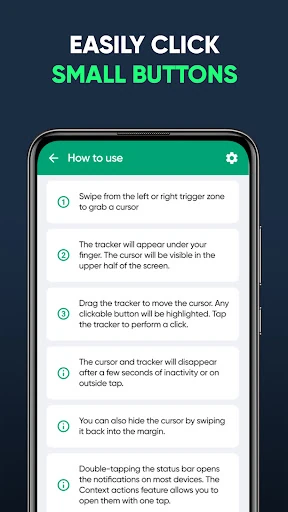
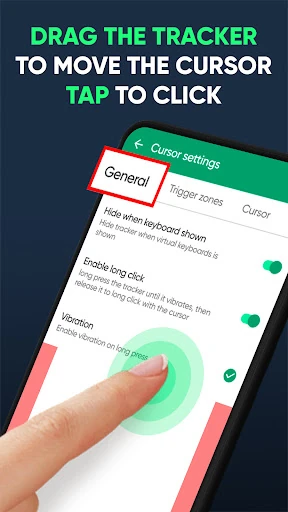
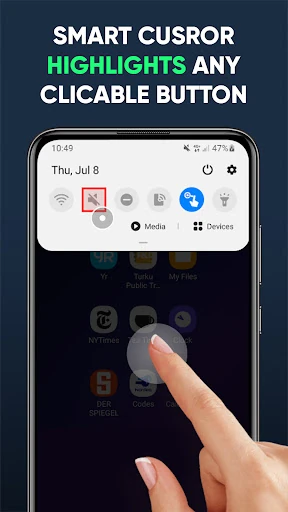
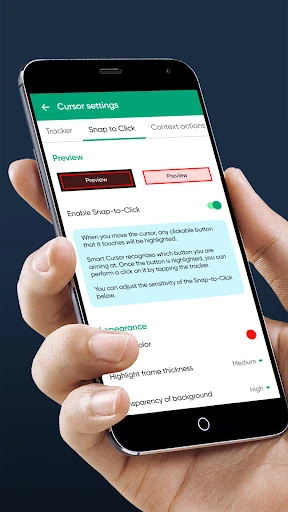
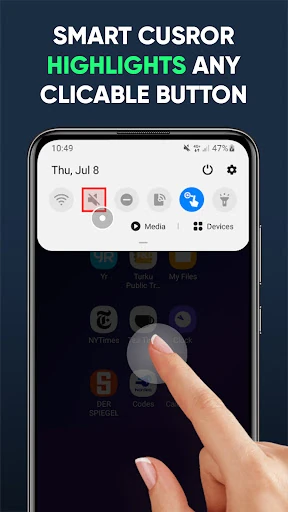
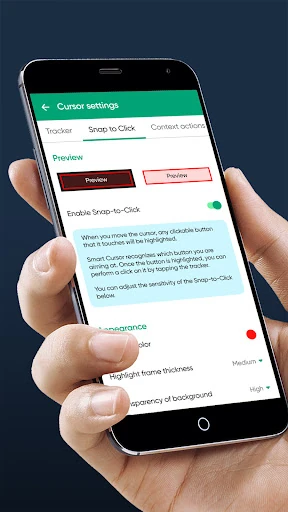
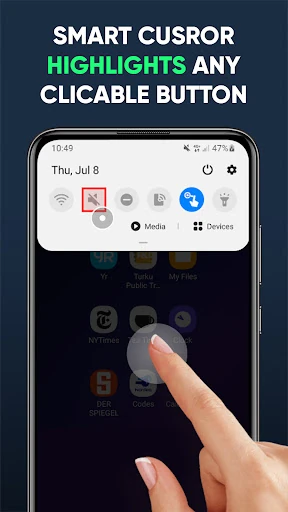
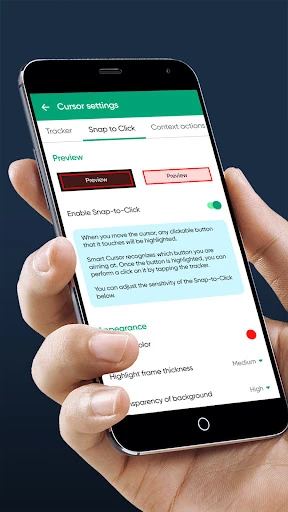
- Intelligent Snap-to-Click: This feature solves the common frustration of precision on high-density screens by highlighting clickable elements as the cursor passes over them, ensuring the user hits the intended target every time.
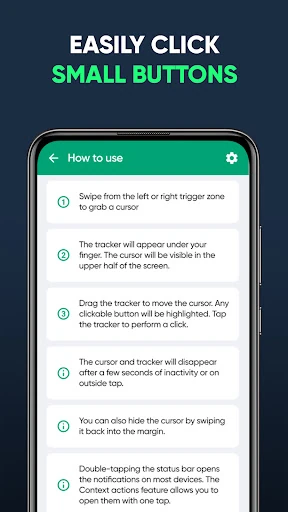
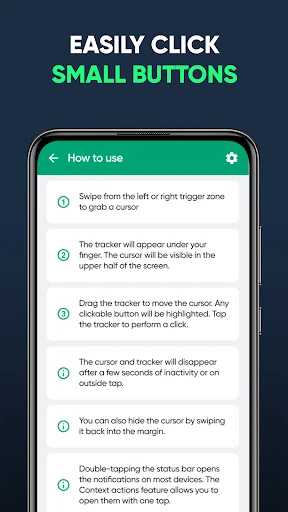
- Edge-Triggered Activation: By allowing users to initiate the cursor via a simple swipe from the lower edges, the app ensures that the tool is only present when needed, keeping the screen clutter-free during passive consumption.
- Quick Settings Integration: The inclusion of a dedicated Quick Settings tile allows for immediate toggling of the service, which is essential for users who switch frequently between intensive navigation and simple tasks.
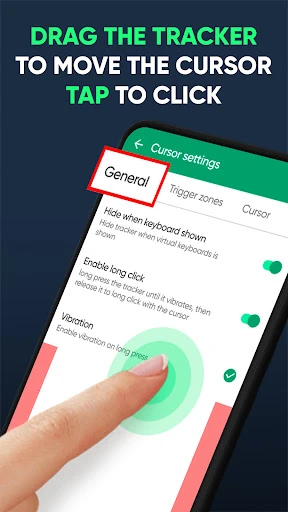
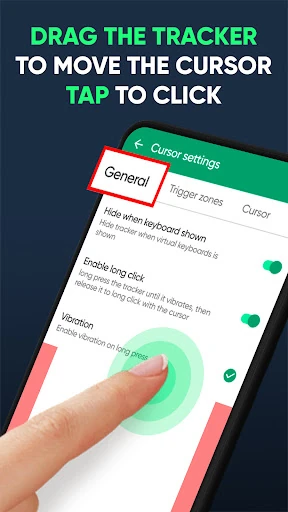
- Context-Aware Tracker: The lower-half tracker acts as a remote control for the upper screen, meaning users never have to shift their grip or risk dropping their device to reach the notification shade or top-level menus.
🎨 User Experience & Design
The user experience is characterized by its "invisible" design philosophy. Instead of overwhelming the user with a heavy UI, Mouse & Screen Cursor Touchpad focuses on a sleek, minimalist overlay that respects the device's native aesthetics. The learning curve is impressively shallow; the gesture-based controls feel intuitive almost immediately. From a UX standpoint, the application successfully minimizes cognitive load by using familiar desktop metaphors (the cursor and touchpad) while adapting them for the vertical, touch-first environment of Android.
⚖️ Pros & Cons Analysis
- ✅ The Good: Drastically improves ergonomics for large-screen devices, reducing thumb strain and the risk of accidental drops.
- ✅ The Good: High privacy standards, as the app operates without requiring personal data or internet access for its core functions.
- ❌ The Bad: The mandatory Accessibility Service requirement can be an intimidating setup hurdle for less tech-savvy users.
- ❌ The Bad: The tracker overlay can occasionally interfere with apps that have critical navigation elements located in the lower-third of the screen.
🛠️ Room for Improvement
Future updates would benefit from enhanced visual customization, such as the ability to change the cursor's skin or the tracker's opacity to better suit different system themes. Additionally, an "auto-whitelist" feature that automatically disables the cursor when specific full-screen applications (like high-motion games or video players) are launched would streamline the user experience even further.
🏁 Final Conclusion & Recommendation
Mouse & Screen Cursor Touchpad is an essential tool for power users, owners of "Plus" or "Ultra" sized smartphones, and users with limited hand mobility. It transforms the often-clunky experience of handling a large device into a streamlined, one-handed operation. If you find yourself constantly readjusting your grip to reach the top of your screen, this application is a highly recommended addition to your digital toolkit.