Advertisement
Click to download now, finish the installation quickly, and directly unlock the "all-round experience"
Advertisement
Screenshots

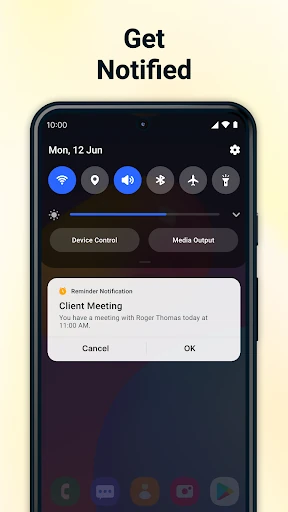
Click to download now, finish the installation quickly, and directly unlock the "all-round experience"
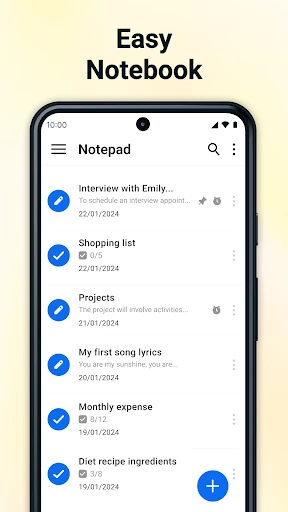
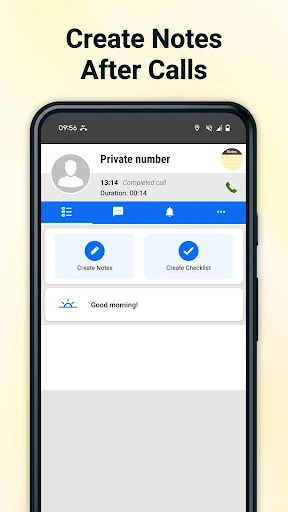
Notepad - Notes and Notebook establishes itself as a lightweight yet robust contender in the Tools category, prioritizing speed and utility over unnecessary complexity. By focusing on the core experience of capturing thoughts without friction, it serves as a reliable digital companion for users who find feature-heavy productivity apps overwhelming. Its unique integration into the communication workflow via after-call features distinguishes it from generic text editors, making it a highly functional tool for real-time information management in a fast-paced environment.
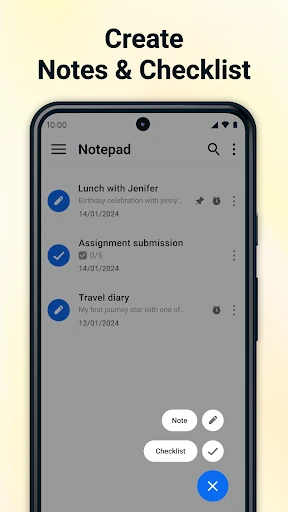
The design philosophy of Notepad - Notes and Notebook centers on a distraction-free environment. Its interface is clean and utilitarian, adhering to modern Android design standards which prioritize legibility and rapid navigation. The UX is particularly strong for users who value "time-to-note"—the speed at which one can start typing after opening the app. By emphasizing local storage and a minimalist layout, the app provides a snappy, responsive feel that cloud-heavy alternatives often lack. The inclusion of checkboxes for lists adds a tactile, satisfying layer to daily task management.
To further elevate the user experience, the developers should consider implementing an optional encrypted cloud sync feature for users who require multi-device accessibility. Additionally, adding a global search function that scans within the text of notes would significantly improve retrieval speeds. Integrating basic rich-text formatting options (like bold or italic text) and a dark mode toggle would also align the app more closely with current industry-standard accessibility and aesthetic trends.
Notepad - Notes and Notebook is an ideal solution for students, busy professionals, and casual users who require a dependable, "no-nonsense" digital notebook. It excels at quick captures, grocery list management, and capturing phone-based insights. While it may lack the advanced collaboration tools of enterprise-level suites, its streamlined efficiency and specialized call features make it a top-tier choice for anyone seeking a fast, reliable, and private note-taking experience.