Advertisement
Click to download now, finish the installation quickly, and directly unlock the "all-round experience"
Advertisement
Screenshots
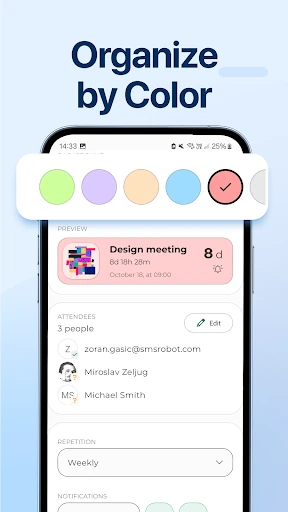
Click to download now, finish the installation quickly, and directly unlock the "all-round experience"
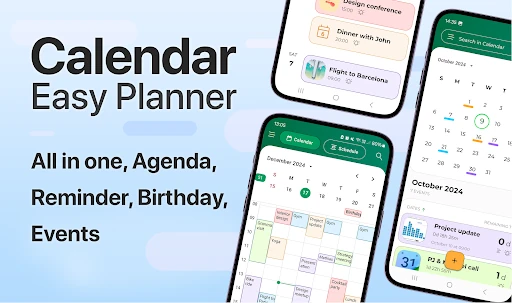
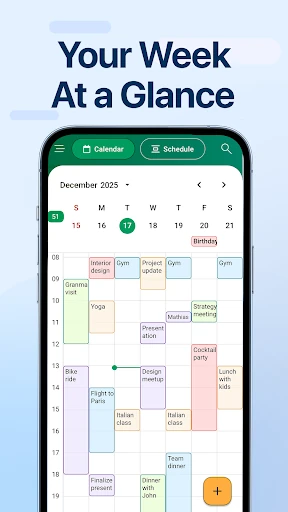
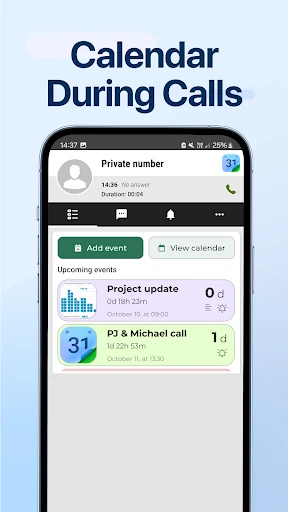
Calendar - Easy Planner, branded as CalX, is a streamlined entry into the competitive Productivity landscape that focuses on utility and immediate accessibility. In an era where mobile users are bombarded with overly complex enterprise tools, CalX carves out a niche by prioritizing the "after-call" moment—a critical gap in standard time management workflows. By positioning itself as an intuitive bridge between communication and organization, the app serves as a reliable personal assistant for those who need to convert verbal agreements into scheduled actions without friction.
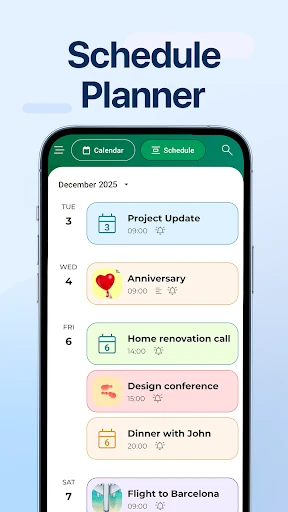
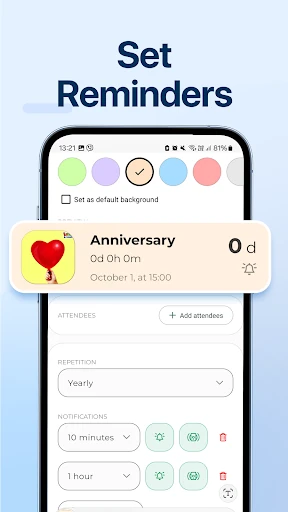
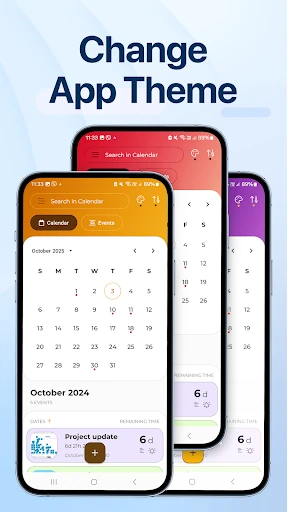
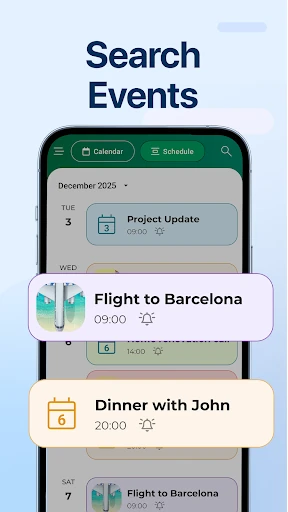
The interface of Calendar - Easy Planner follows a minimalist design philosophy, aligning with the expected standards for modern productivity software. The UX is built around "low-friction" interactions; the process of creating an event is optimized to require the fewest taps possible. The visual design is clean, using ample white space to ensure that the user's schedule remains the focal point. While the design is conservative, its predictability is its strength, allowing users to navigate the app instinctively without a steep learning curve.
To truly dominate the category, CalX should consider integrating Natural Language Processing (NLP) for event creation, allowing users to simply type "Lunch with Sarah at 1 PM tomorrow" to auto-populate fields. Furthermore, adding two-way sync with major platforms like Google Calendar or Outlook would make it a more viable option for corporate users. Finally, expanding the after-call feature to include quick-notes or voice-memo attachments would add another layer of utility for mobile professionals.
Calendar - Easy Planner is specifically designed for freelancers, students, and busy individuals who need a straightforward, localized tool to manage their daily lives. It is particularly effective for those who conduct significant business over the phone and need to capture data instantly. While it may not yet replace heavy-duty project management suites, its simplicity and innovative after-call access make it a highly recommended choice for personal time management.