kubenav - Kubernetes Dashboard
Rico Berger
Downloads
10,000+
Version
Latest
Advertisement
Click to download now, finish the installation quickly, and directly unlock the "all-round experience"
Advertisement
Screenshots
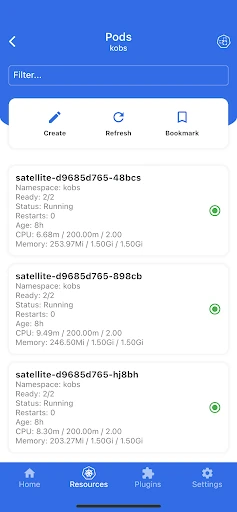
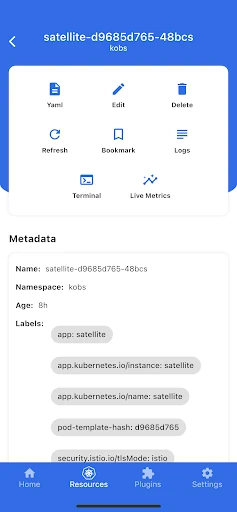
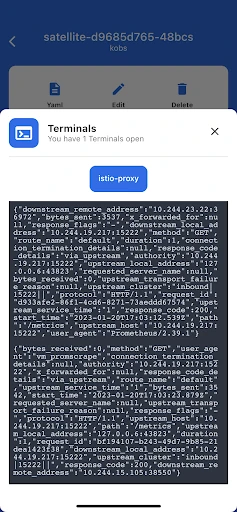
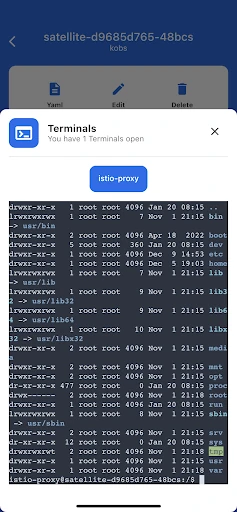
Click to download now, finish the installation quickly, and directly unlock the "all-round experience"
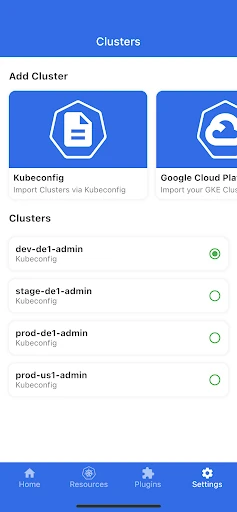
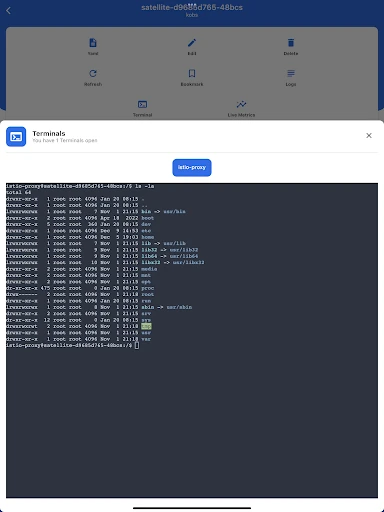
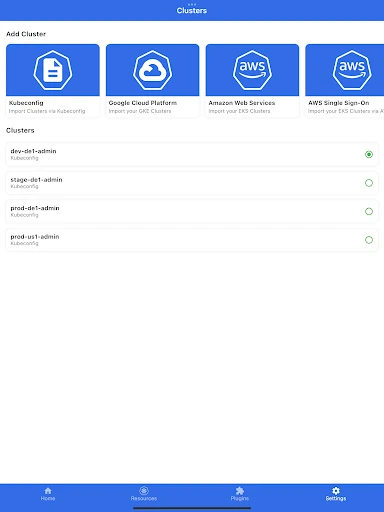
kubenav - Kubernetes Dashboard is a sophisticated, open-source management tool designed to bridge the gap between desktop-grade cluster administration and mobile portability. Positioned within the Libraries & Demo landscape as a high-utility interface, it provides DevOps engineers and SREs with a professional-grade alternative to the traditional command-line interface. By successfully translating the complexities of kubectl into a mobile-first experience, kubenav allows for critical intervention and monitoring without the need for a workstation, making it a pivotal asset for modern cloud-native workflows.
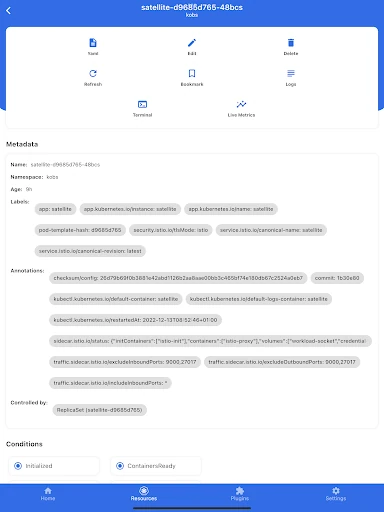
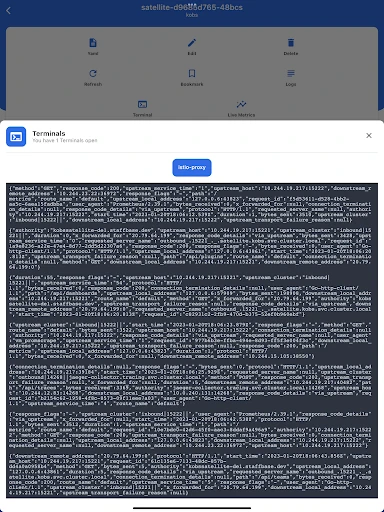
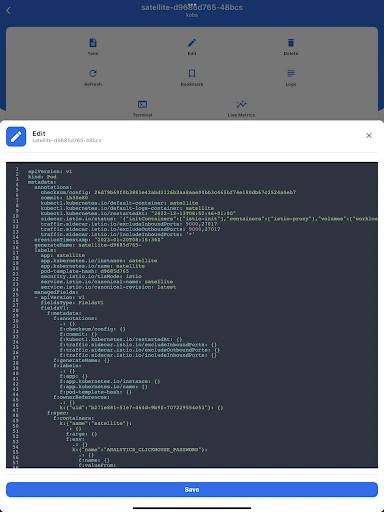
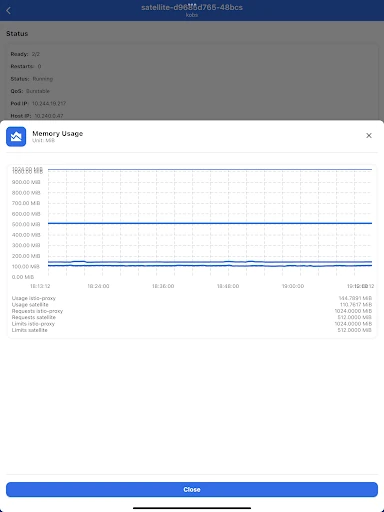
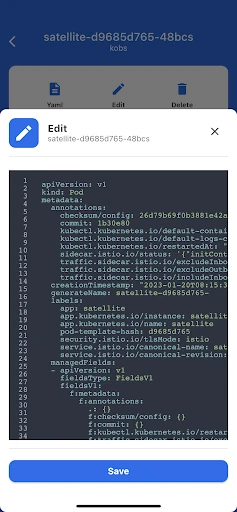
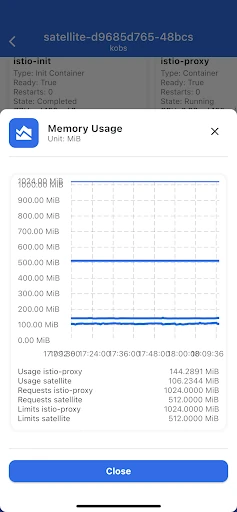
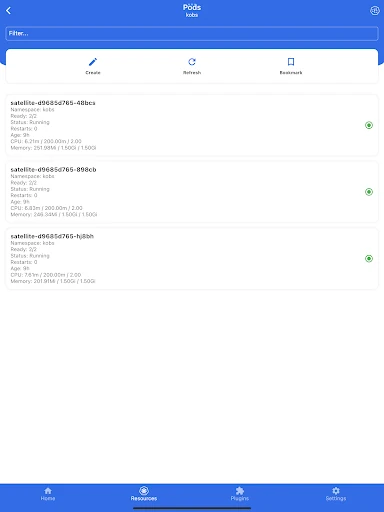
In the context of the Libraries & Demo category, kubenav excels by maintaining a clean, data-centric UI that prioritizes information density without becoming overwhelming. The navigation is logically structured around namespaces and resource types, which is essential for managing large-scale clusters on smaller screens. The design language is functional and professional, utilizing clear status indicators for workloads. The transition between high-level overviews and granular detail views (like YAML manifests or event logs) is seamless, demonstrating a deep understanding of the administrative user journey.
To further enhance the user experience, the developers could implement a specialized YAML editor with syntax highlighting and auto-completion specifically tailored for mobile touchscreens. Additionally, the inclusion of biometric authentication (Fingerprint/Face ID) for accessing sensitive cluster configurations would provide an extra layer of security essential for production-level management. Finally, adding "offline mode" caching for resource manifests would allow users to review cluster states even in areas with poor connectivity.
kubenav - Kubernetes Dashboard is a must-have utility for Cloud Architects, DevOps Professionals, and Developers who need to maintain high availability for their applications. It is not a "demo" app in the sense of being a limited preview; it is a full-featured tool that provides genuine power. It is highly recommended for anyone who needs to manage Kubernetes environments and requires the flexibility to perform scaling, debugging, and monitoring tasks away from their desk.