Email for Outlook, Hotmail
A1 Office Apps
Downloads
1,000,000+
Version
Latest
Advertisement
Click to download now, finish the installation quickly, and directly unlock the "all-round experience"
Advertisement
Screenshots






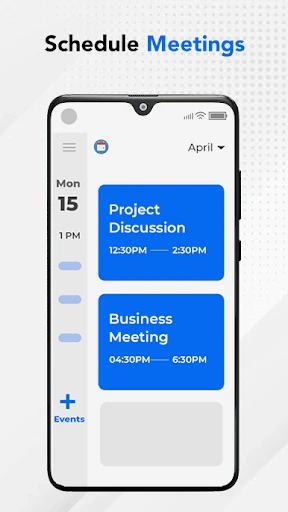
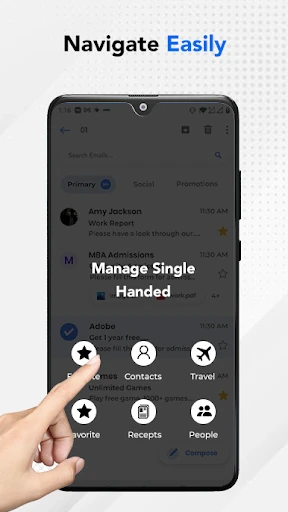

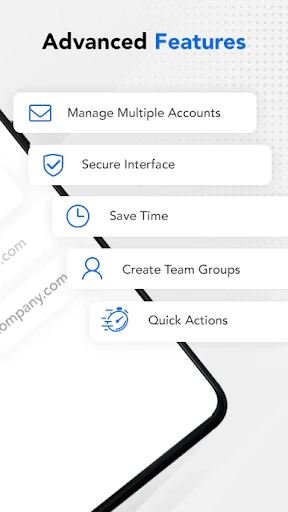
Click to download now, finish the installation quickly, and directly unlock the "all-round experience"
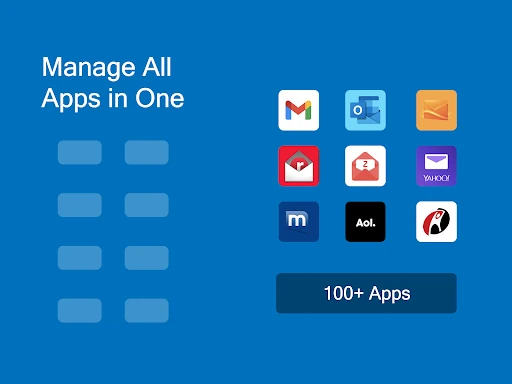
Email for Outlook, Hotmail positions itself as a streamlined, high-performance alternative to official first-party mail clients within the Communication landscape. As a third-party aggregator, it focuses on consolidating the Microsoft ecosystem—specifically Outlook, Hotmail, and MSN—into a single, unified interface. The app strikes a balance between professional utility and user-centric customization, offering a "premium feel" that prioritizes speed and security. In an era where notification fatigue is a common pain point, its emphasis on granular alert management makes it a noteworthy contender for users seeking a more disciplined approach to their digital correspondence.
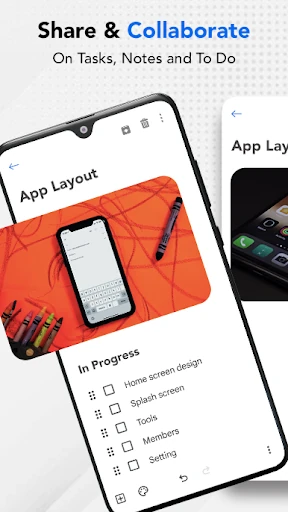
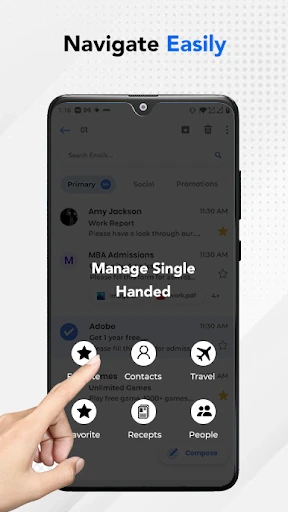
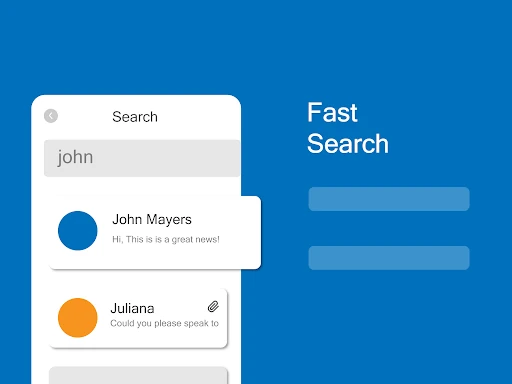
The UI of Email for Outlook, Hotmail is engineered for high-velocity interaction. By adhering to a "clean and tidy" philosophy, the design minimizes cognitive load, allowing users to navigate through high volumes of mail without feeling overwhelmed. The interface is optimized for various form factors, including tablets and smartwatches, which is a critical standard for modern communication apps. The UX succeeds by making complex actions, such as folder organization and filtering, feel lightweight rather than buried under layers of menus.
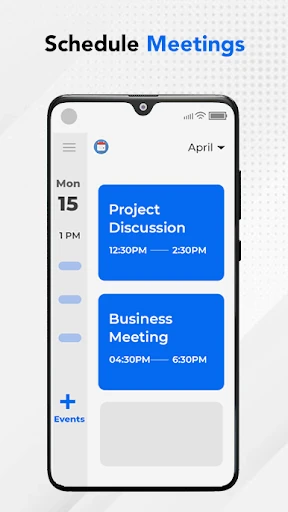
To further elevate the user experience, the next iteration should consider integrating a unified calendar view that syncs directly with Outlook events, as this is a core requirement for productivity-focused users. Additionally, introducing an "AI Smart Reply" feature and expanding dark mode support across all UI elements would bring the app in line with the latest trends in the Communication category. Expanding support for non-Microsoft IMAP/POP3 services would also broaden its appeal to users with diverse email portfolios.
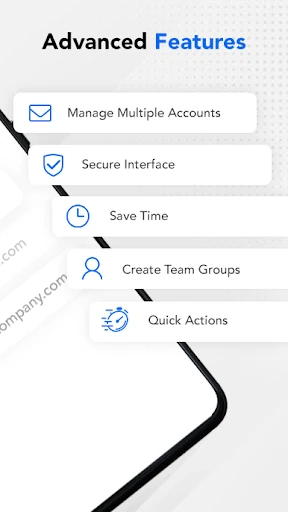
Email for Outlook, Hotmail is an ideal solution for power users, freelancers, and professionals who rely heavily on the Microsoft mail ecosystem but find the official app too bloated or restrictive. It is specifically recommended for users who prioritize notification control and a clutter-free environment. While it remains an unofficial tool, its robust feature set and focus on speed make it a superior choice for those who need to manage multiple accounts with surgical precision.