PDF Reader - PDF Viewer
QR Code Scanner.
Downloads
100,000,000+
Version
Latest
Advertisement
Click to download now, finish the installation quickly, and directly unlock the "all-round experience"
Advertisement
Screenshots
Click to download now, finish the installation quickly, and directly unlock the "all-round experience"
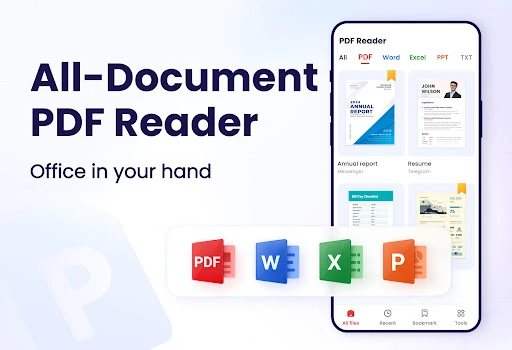
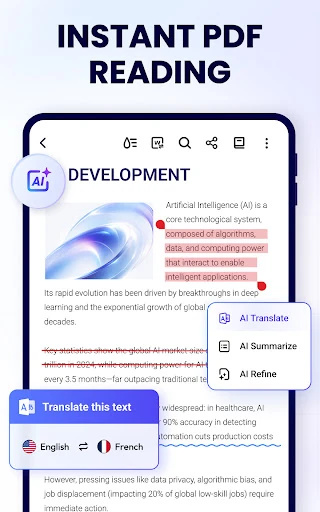
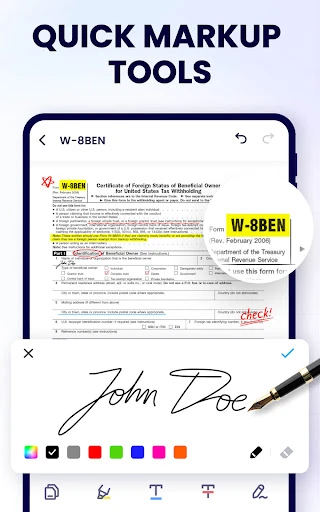
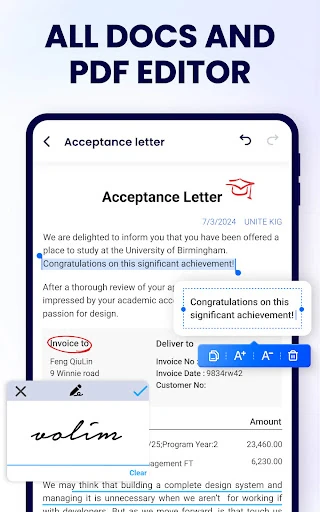
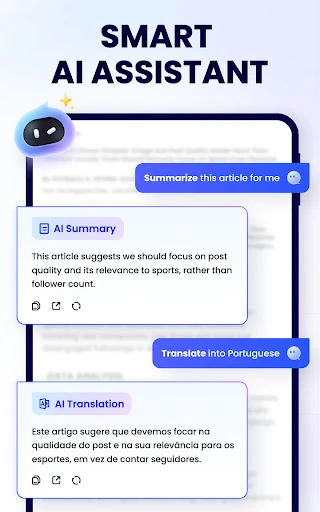
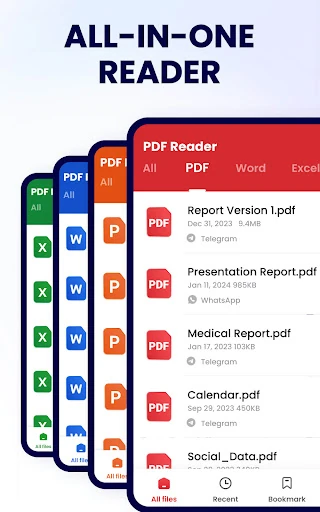
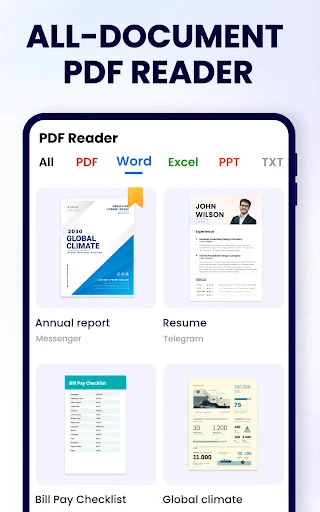
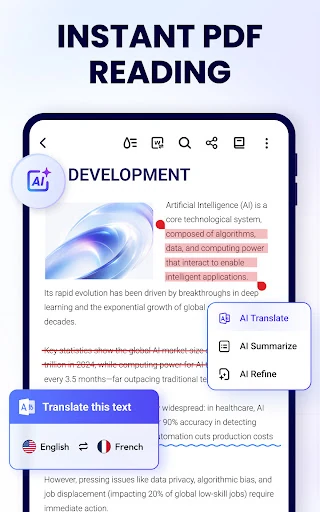
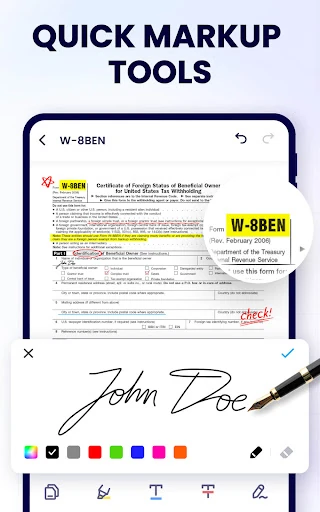
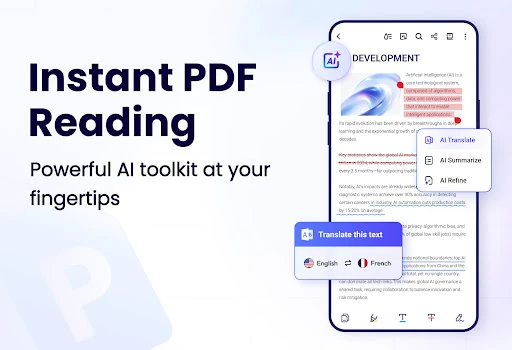
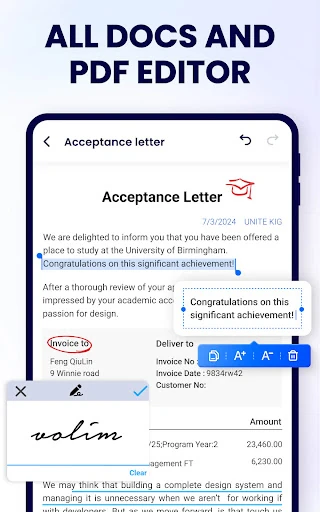
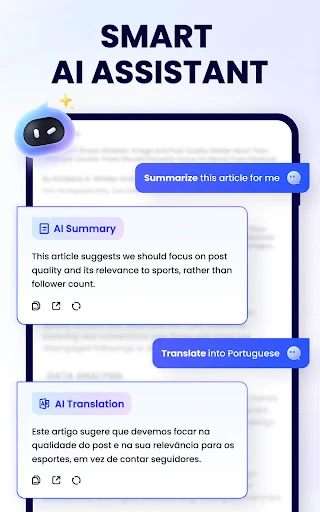
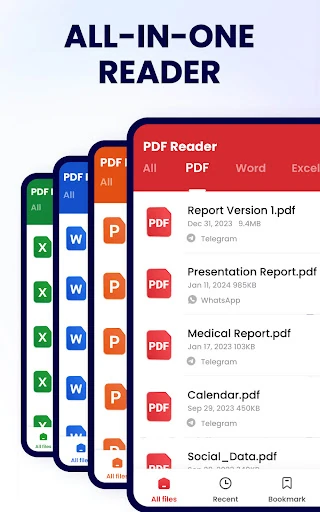
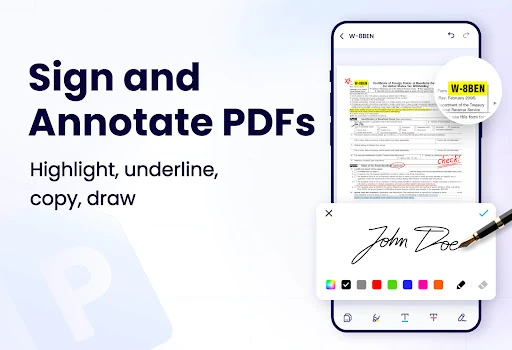
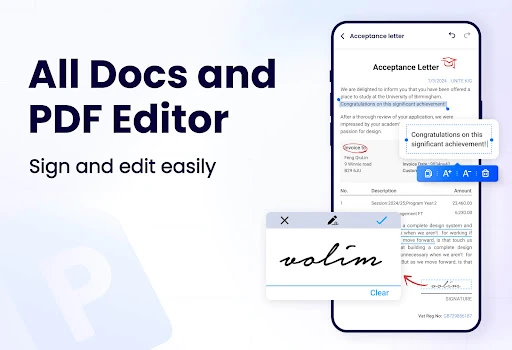
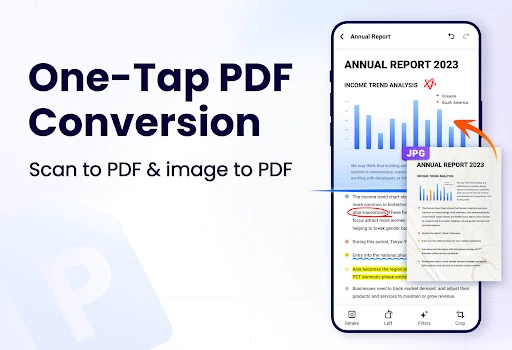
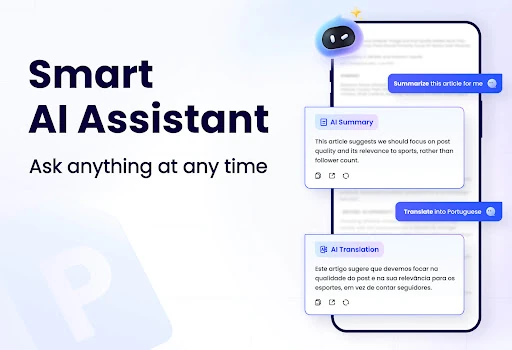
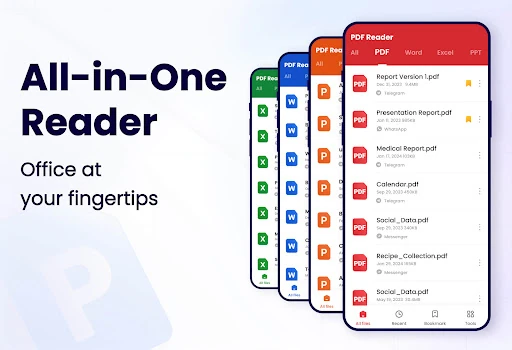
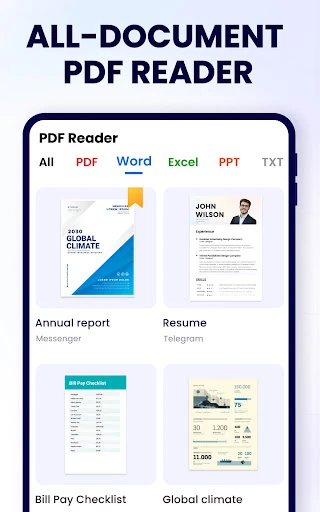
PDF Reader - PDF Viewer, also known as A+ Read, emerges as a high-utility powerhouse within the Productivity landscape. While many competitors focus solely on file viewing, this application distinguishes itself by offering a comprehensive suite that bridges the gap between simple reading, advanced editing, and AI-driven document analysis. Its professional-grade architecture is impressively housed within a lightweight 12MB package, making it an authoritative choice for users who require desktop-class document management on a mobile device without sacrificing system performance.
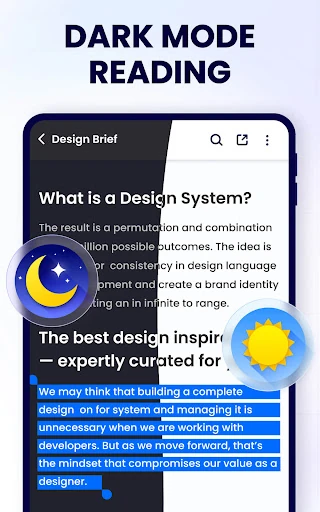
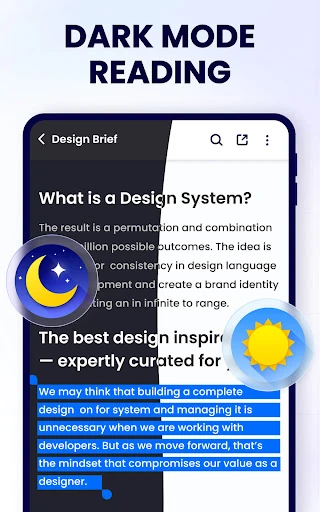
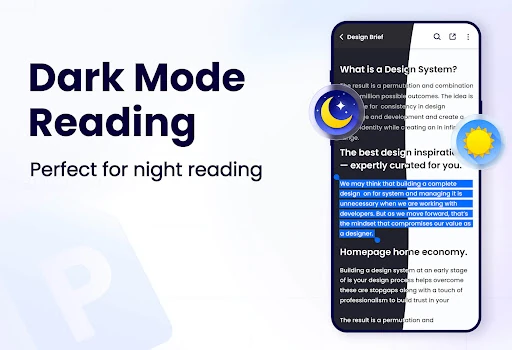
The user interface is designed with a focus on readability and accessibility, adhering to modern Productivity category standards. The inclusion of Reflow Mode and Dark Mode demonstrates a deep understanding of user psychology, specifically targeting the reduction of eye strain during long-form reading. The navigation is intuitive, utilizing both continuous and page-by-page scrolling to cater to different reading habits. Its 12MB footprint ensures that the UI remains responsive and snappy, providing a distraction-free environment that prioritizes content over complex menus.
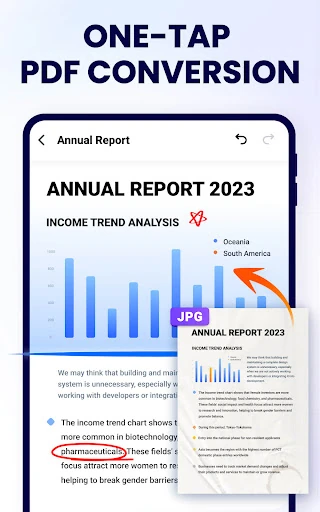
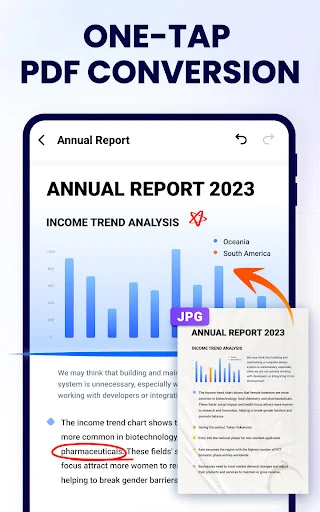
To further solidify its market position, the app should prioritize the release of bidirectional conversion tools (converting PDF back into editable Office formats). Additionally, the integration of cloud storage sync (OneDrive, Google Drive, or Dropbox) would significantly enhance the workflow for users moving between mobile and desktop environments. Improving the natural rhythm of the "Read Aloud" lifelike voices would also bolster its appeal as an accessibility and multi-tasking tool.
PDF Reader - PDF Viewer is a premier solution for students, educators, and corporate professionals who need a versatile document toolkit on the go. It successfully transforms the mobile device from a passive consumption tool into a proactive workstation. For anyone seeking a lightweight yet feature-rich alternative to heavy-duty office apps, this is a top-tier recommendation for the Android ecosystem.