Advertisement
Click to download now, finish the installation quickly, and directly unlock the "all-round experience"
Advertisement
Screenshots
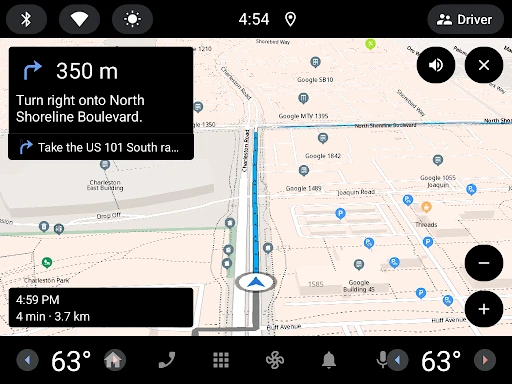
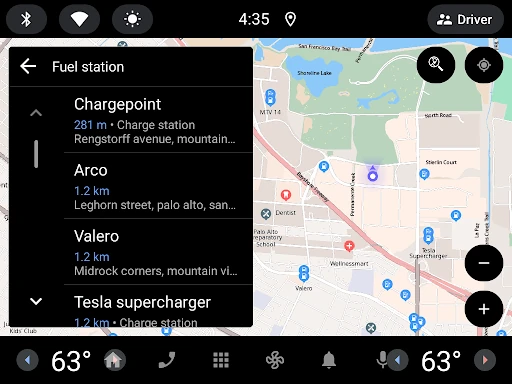
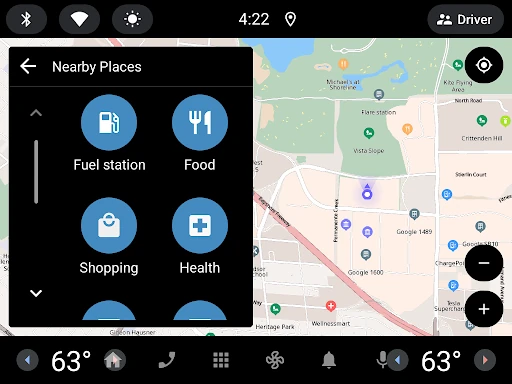
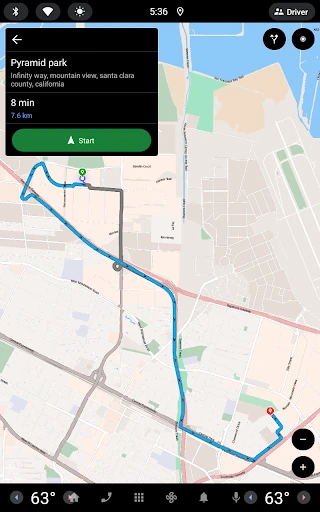

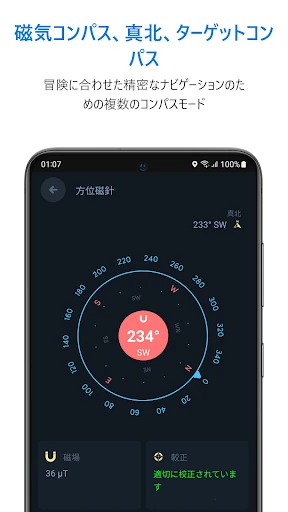
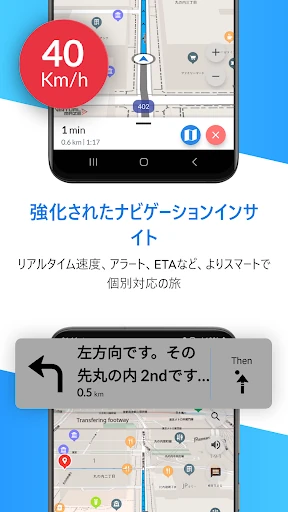

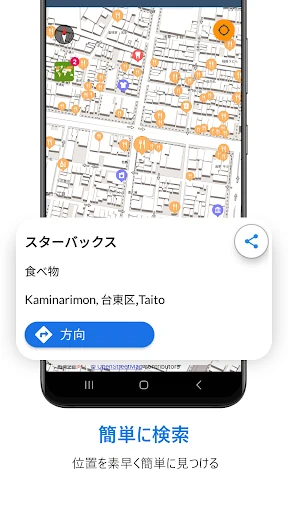

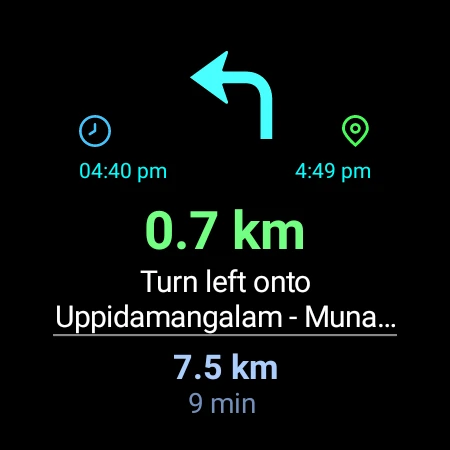
Click to download now, finish the installation quickly, and directly unlock the "all-round experience"
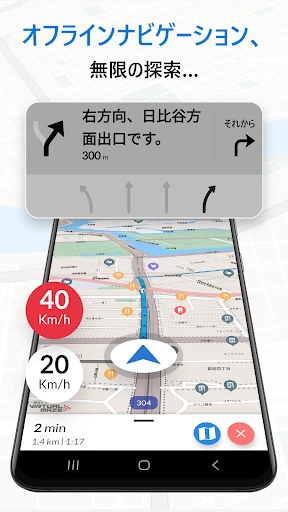
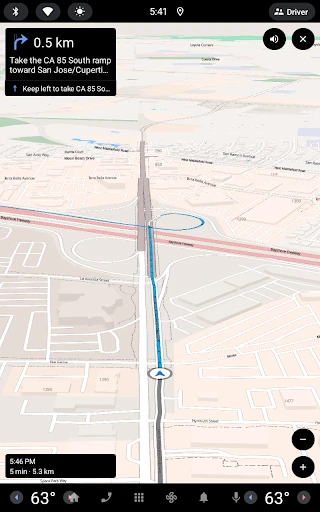
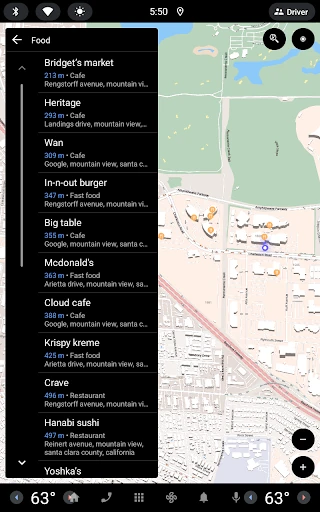
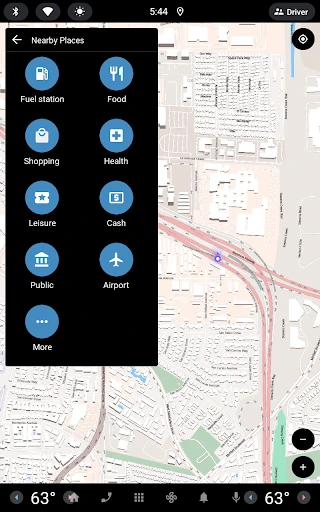
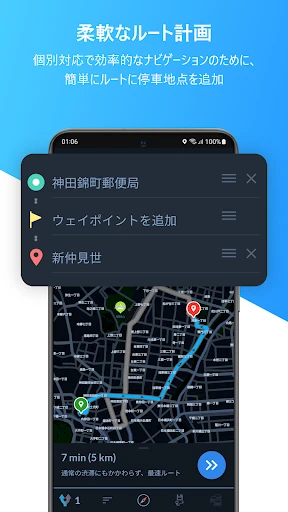
Offline Map Navigation is a robust and reliable utility that addresses the most significant vulnerability of modern navigation: data dependency. In a market dominated by apps that require constant connectivity, this tool stands out by providing a comprehensive, offline-first experience. By prioritizing local storage for mapping data, it ensures that drivers, cyclists, and pedestrians never lose their way in "dead zones" or while traveling abroad. The inclusion of premium safety features like Lane Guidance and Junction View—typically reserved for high-end hardware units—solidifies its position as a top-tier contender in the Maps & Navigation category.
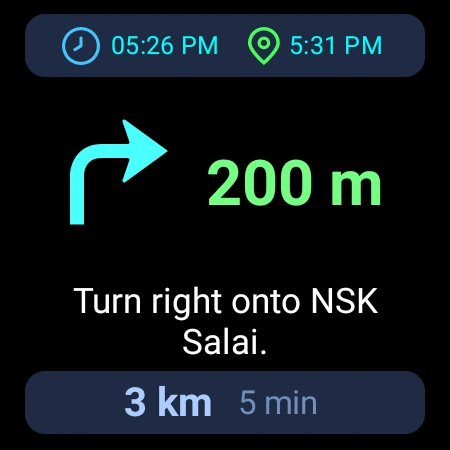
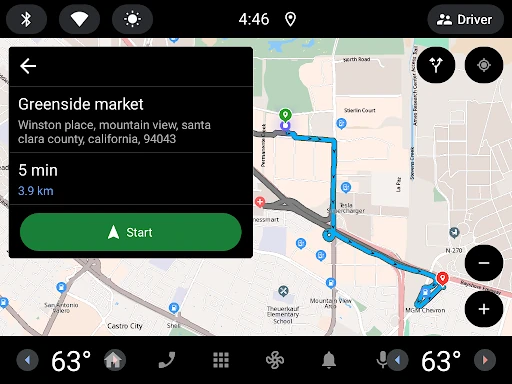
The interface of Offline Map Navigation is designed with a "safety-first" philosophy. The UI is clean and uncluttered, minimizing cognitive load for the driver. High-contrast visual elements and the implementation of Day & Night modes ensure that the screen remains readable under varying lighting conditions. The transition between the mobile app and Android Auto is fluid, following standard UX patterns that reduce the learning curve for new users. Furthermore, the inclusion of voice guidance in multiple languages and haptic-friendly Wear OS integration demonstrates a deep understanding of accessibility and user ergonomics.
To further elevate the user experience, the developers could consider implementing predictive caching for weather data along a planned route while the user is still online. Additionally, adding a "walking-only" offline mode with more granular topographical data or pedestrian-specific shortcuts would make the app even more versatile for urban explorers and hikers. Improving the granularity of the over-speed alerts to include school zones or temporary construction zones would also be a valuable safety update.
Offline Map Navigation is an essential tool for international travelers, rural commuters, and anyone looking to reduce their data footprint. Its combination of offline reliability and advanced lane assistance makes it a superior choice for long-distance road trips where signal consistency is never guaranteed. We highly recommend this app for users who prioritize safety and autonomy over the social-media-heavy features found in other navigation platforms.