Advertisement
Click to download now, finish the installation quickly, and directly unlock the "all-round experience"
Advertisement
Screenshots
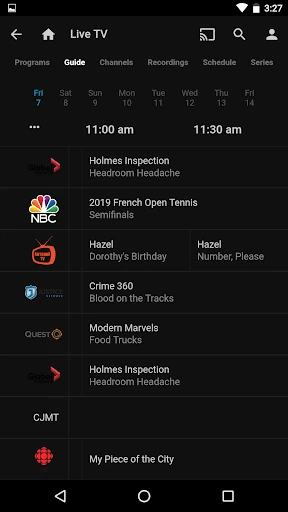
Click to download now, finish the installation quickly, and directly unlock the "all-round experience"
Jellyfin represents a significant shift in the Video Players & Editors landscape, offering a completely open-source, community-driven alternative to proprietary giants like Plex and Emby. As the official companion app, it serves as a portal to a self-hosted media ecosystem, prioritizing user privacy and data ownership above all else. In an era where subscription models and data tracking are the industry standard, Jellyfin’s "no fees, no tracking" philosophy is a breath of fresh air for tech-savvy users who want "their media, on their terms."
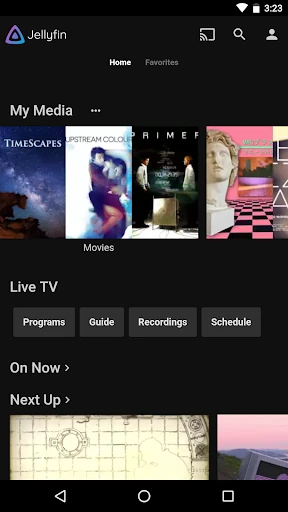
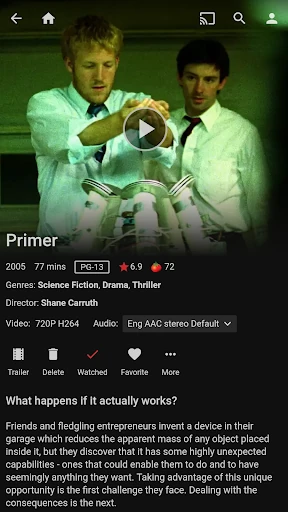
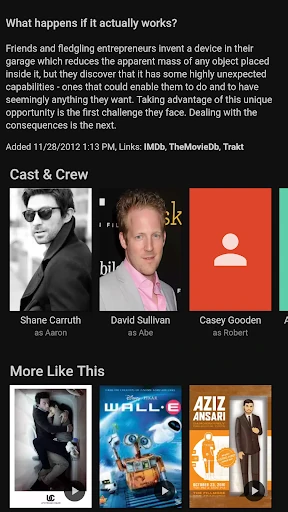
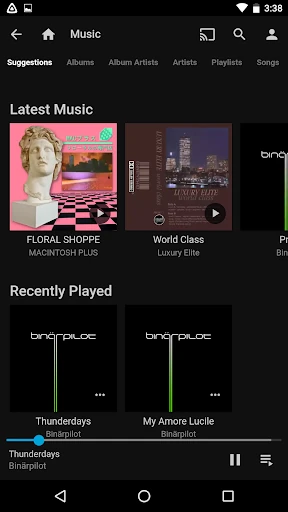
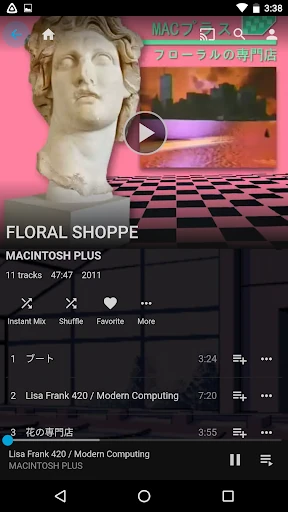
The UI of the Jellyfin Android app is designed with a focus on familiarity and utility. It mirrors the layout of the Jellyfin web interface, which ensures a consistent experience across devices. While it follows standard Android design conventions, the interface is highly dependent on the user’s own metadata organization. For a Video Players & Editors app, it leans more toward a functional library browser than a flashy content discovery tool. Navigation is straightforward, though users accustomed to high-budget commercial streaming apps may find the transitions more utilitarian than cinematic.
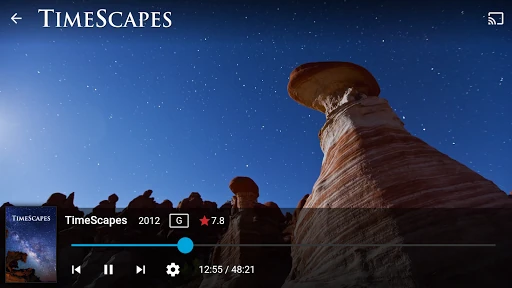
To truly compete with top-tier commercial players, Jellyfin should focus on enhancing the "nativeness" of the Android app. This includes implementing smoother gesture controls for the video player (such as swipe-to-dim or swipe-for-volume) and improving the offline download/syncing mechanism, which remains a pain point for users in low-connectivity areas. Additionally, adding a "setup wizard" for absolute beginners within the app could help bridge the gap for those intimidated by the server-side configuration.
Jellyfin is the gold standard for users who demand total control over their digital media. It is specifically designed for privacy advocates, home-lab enthusiasts, and media collectors who are tired of the "service-as-a-subscription" model. While it requires more technical effort to set up than a standard video player, the payoff is a powerful, private, and permanent media solution. If you have a home server and want a transparent way to access your content, this app is an essential installation.