AI Video Editor: ShotCut AI
Shotcut Video Workshop
Downloads
50,000,000+
Version
Latest
Advertisement
Click to download now, finish the installation quickly, and directly unlock the "all-round experience"
Advertisement
Screenshots
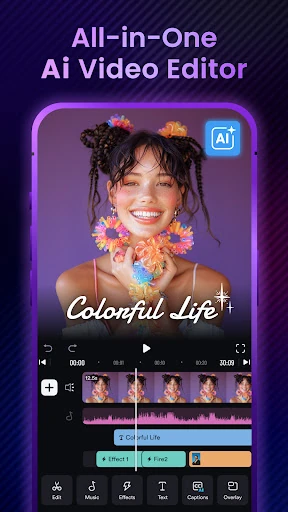
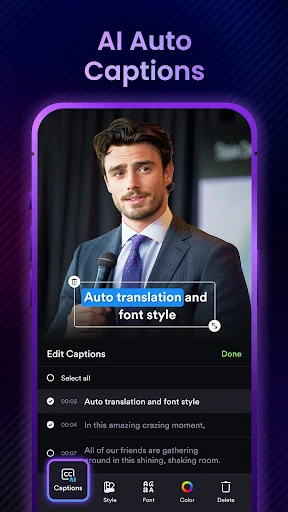
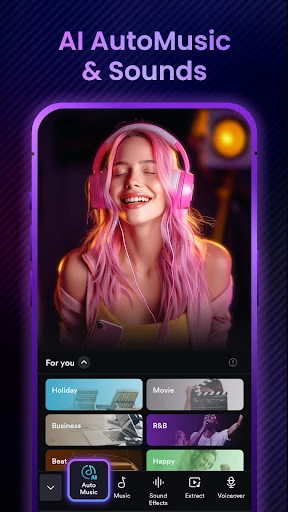
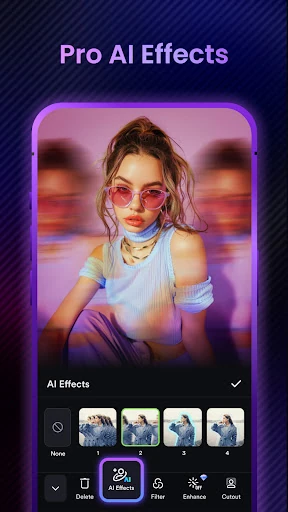
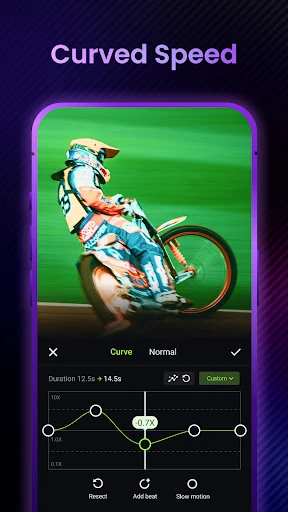
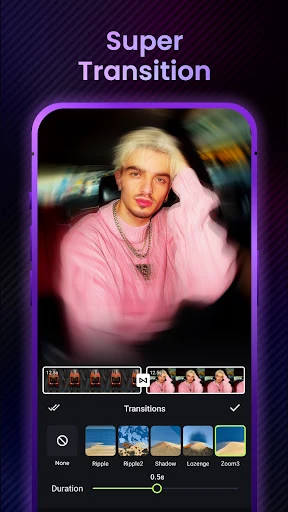
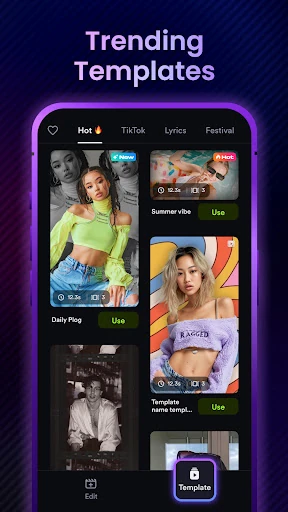
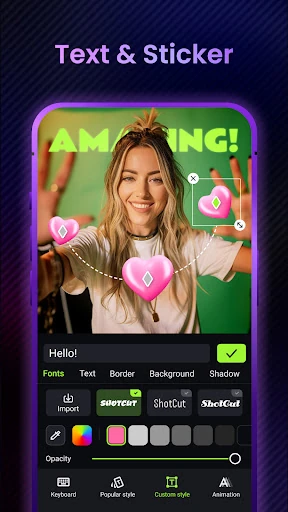
Click to download now, finish the installation quickly, and directly unlock the "all-round experience"
AI Video Editor: ShotCut AI emerges as a formidable contender in the Video Players & Editors category by successfully bridging the gap between basic mobile editing and professional-grade desktop workflows. In an era where short-form content dominates, ShotCut leverages artificial intelligence to automate the most tedious aspects of editing—such as subtitling and music selection—while maintaining a robust suite of manual controls. It is positioned as an all-in-one powerhouse for creators who need high-quality output without the steep learning curve typically associated with professional non-linear editors.
The UI of ShotCut AI is designed with a "mobile-first" philosophy, prioritizing vertical navigation and logical tool grouping. For the Video Players & Editors category, the UX succeeds by bifurcating features into "Basic" and "Pro" layers, which prevents novice users from feeling overwhelmed while keeping advanced tools like PIP (Picture-in-Picture) and keying accessible. The integration of reel templates for Instagram and TikTok directly into the workflow reflects a deep understanding of user psychology, catering to the need for speed in the current "creator economy." While the feature density is high, the clean icons and responsive timeline ensure a fluid editing experience.
To further elevate the platform, the developers should consider adding a dedicated "AI Voiceover" tool to complement the text generation features. Furthermore, optimizing the export engine for faster 4K rendering on mid-range devices would improve the UX for a broader demographic. Lastly, more granular control over the "AI Automusic" parameters—such as tempo or mood filtering—would give creators more agency over the final creative output.
AI Video Editor: ShotCut AI is highly recommended for social media influencers, digital marketers, and casual vloggers who need to produce high-impact content quickly. It is particularly effective for those pivoting from basic editors who desire "pro" features like green screen and stabilization without moving to a desktop environment. This app is a top-tier choice for anyone looking to streamline their TikTok, Reel, or YouTube Shorts production workflow through the power of automation.