Advertisement
Click to download now, finish the installation quickly, and directly unlock the "all-round experience"
Advertisement
Screenshots
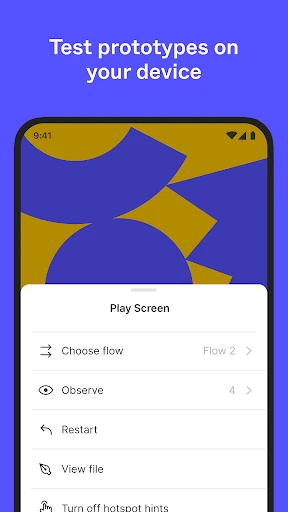
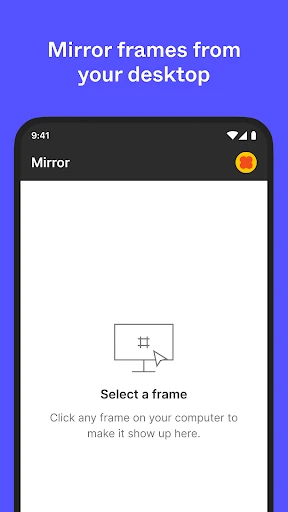
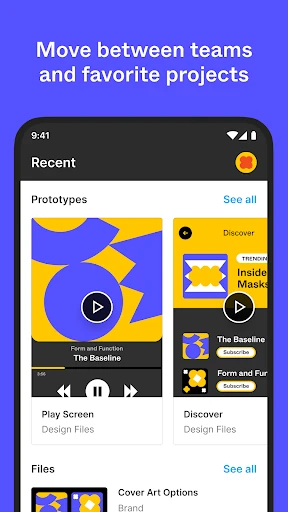
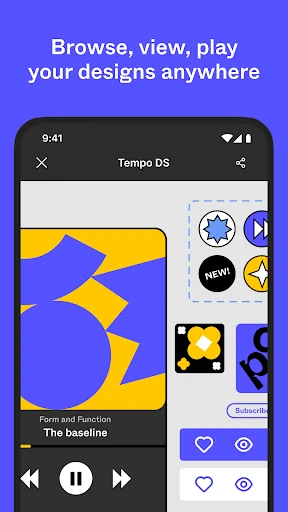
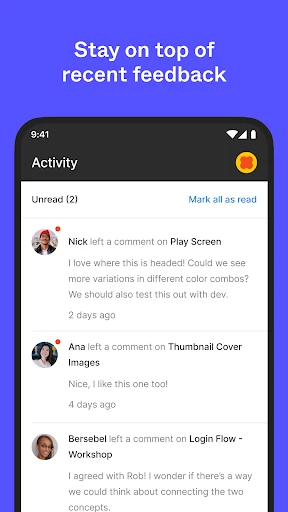
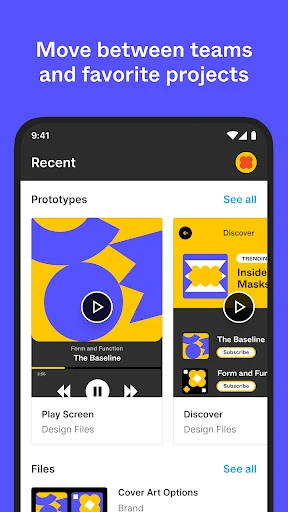
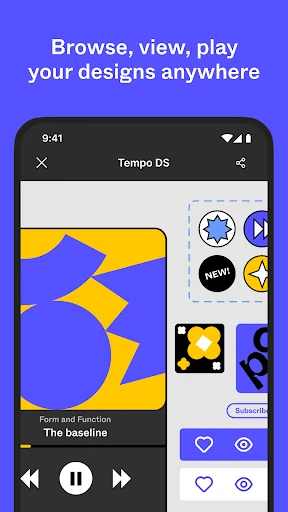
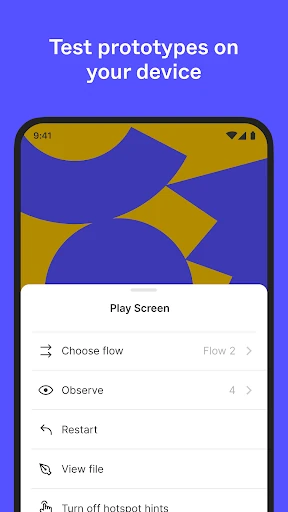
Click to download now, finish the installation quickly, and directly unlock the "all-round experience"
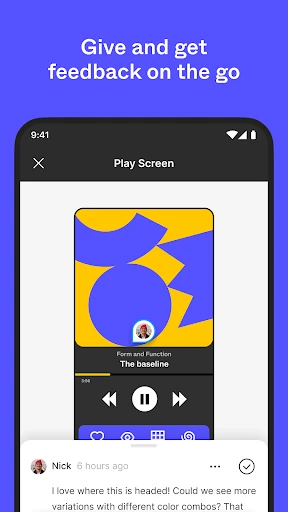
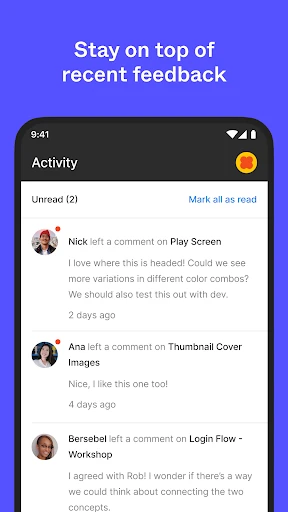
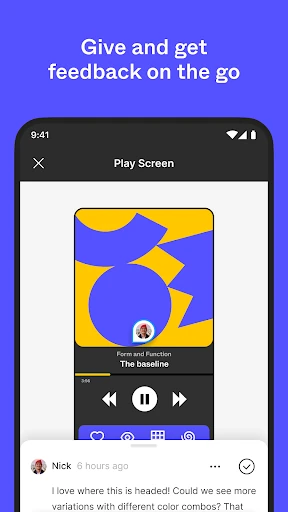
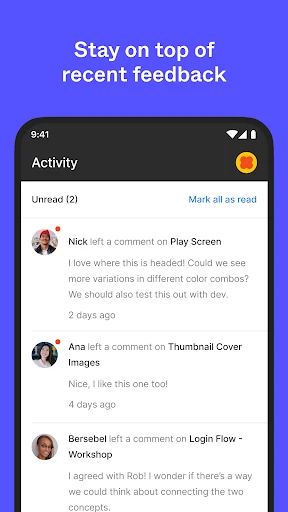
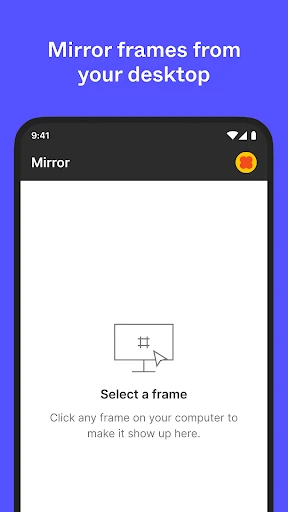
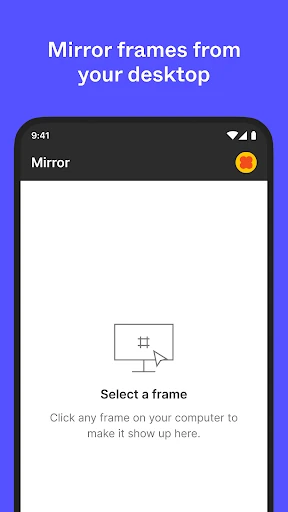
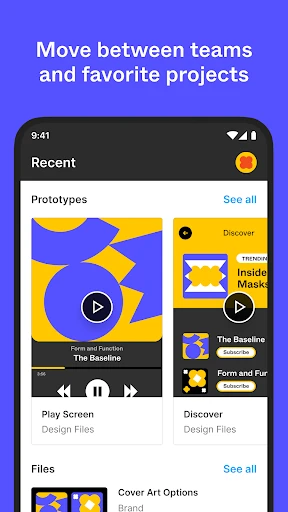
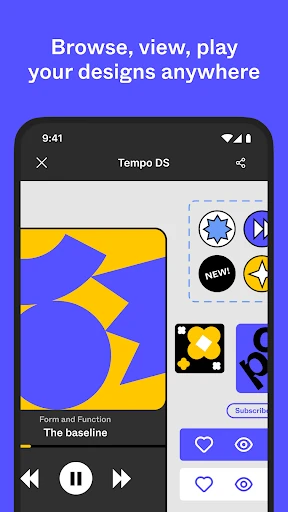
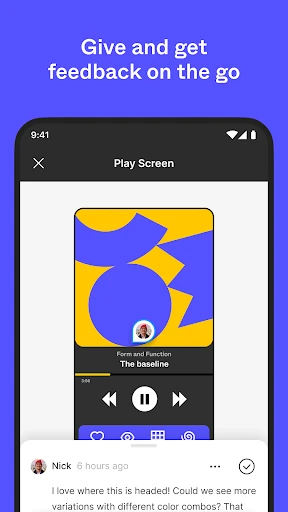
Figma: view. comment. mirror. is a sophisticated extension of the industry-leading design platform, specifically engineered to bridge the gap between high-fidelity desktop creation and mobile accessibility. In the contemporary Art & Design landscape, this app functions as a critical bridge for real-time collaboration and feedback loops. It is not intended as a full-scale mobile editor, but rather a powerful companion that empowers designers, stakeholders, and developers to stay synchronized with projects. By providing a seamless environment for reviewing prototypes and mirroring live edits, it solidifies its place as an essential utility for professional design workflows.
The interface of the Figma mobile app adheres to the minimalist and functional aesthetic of the desktop suite, ensuring a seamless transition for existing users. The UI is intentionally restrained to prioritize the design work itself. Navigation is intuitive, utilizing gestures that feel natural for exploring large artboards and complex prototypes. On the iPad, the user experience is significantly enhanced by Apple Pencil integration within FigJam, transforming the device into a digital whiteboard for fluid brainstorming. Overall, the app excels in readability and responsiveness, meeting the high standards expected from a top-tier Art & Design tool.
Future updates could benefit from the introduction of "light editing" features, such as the ability to modify text strings or swap basic components without needing a desktop. Additionally, an offline viewing mode for recently opened files would be a significant advantage for designers working in areas with unstable internet connections. Enhancing the search functionality to include layer-level search within specific files would also improve navigation efficiency for large-scale projects.
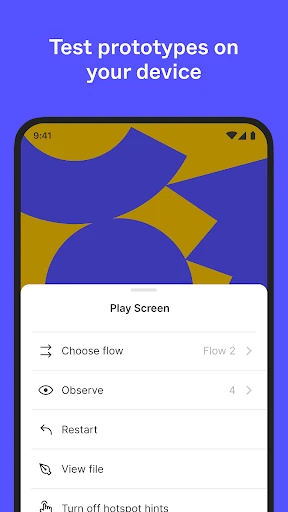
Figma: view. comment. mirror. is a must-have for product designers, UI/UX professionals, and project managers who utilize the Figma ecosystem. It serves as the ultimate review and presentation tool, ensuring that design intent is accurately communicated across all devices. While it is not a replacement for the desktop creative suite, its utility in stakeholder presentations and user testing makes it an indispensable asset for any modern design team.