Advertisement
Click to download now, finish the installation quickly, and directly unlock the all-round experience
Advertisement
Screenshots
Click to download now, finish the installation quickly, and directly unlock the all-round experience
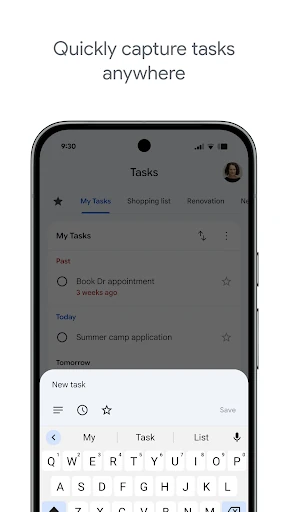
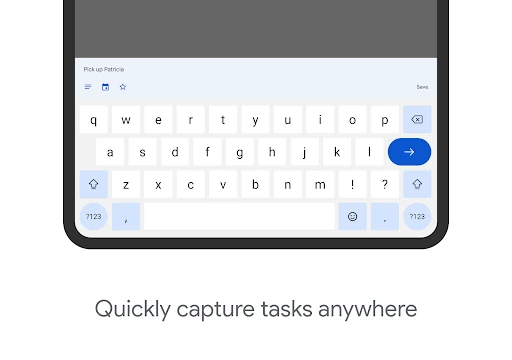
Google Tasks is a straightforward productivity app for capturing and managing personal to-dos. It suits people who want a focused list rather than a full project-management system, especially anyone already using Gmail and Google Calendar. Its main job is clear: record what needs doing, give tasks due dates where needed, and keep unfinished work visible.
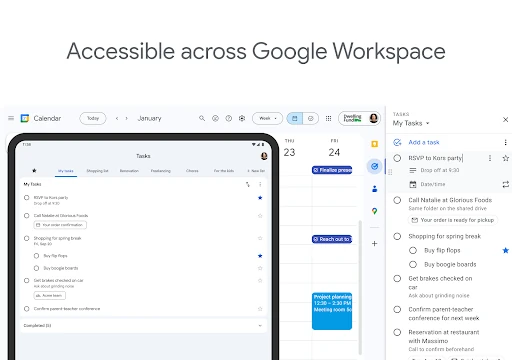
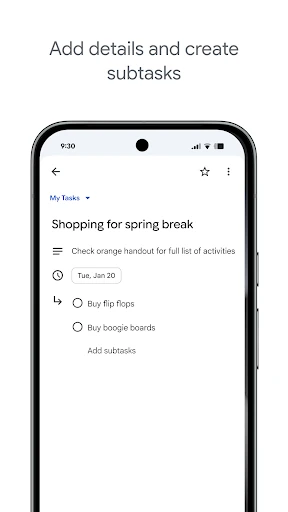
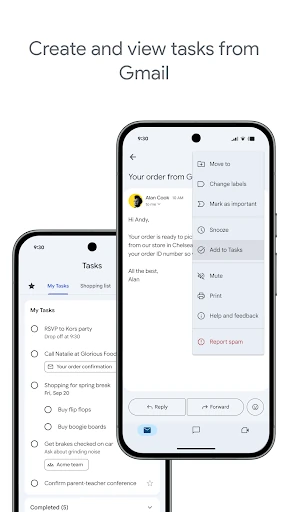
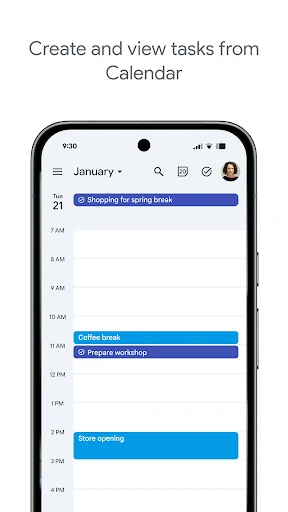
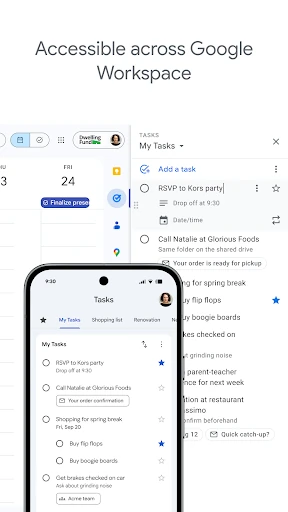
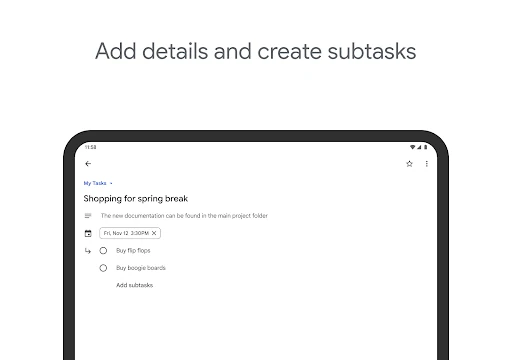
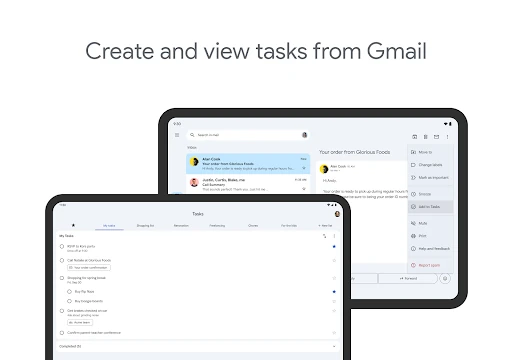
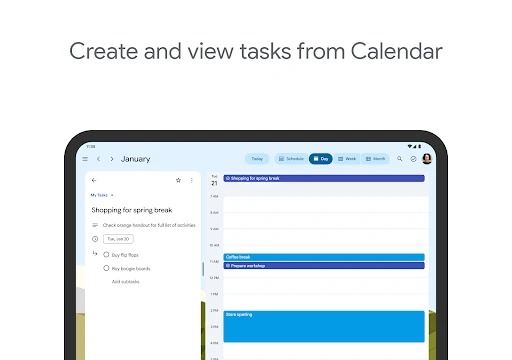
The app is most useful inside the wider Google ecosystem. Emails can be turned into tasks, helping separate an action item from the rest of an inbox conversation. Tasks can also be viewed alongside calendar commitments, which makes it easier to connect planned time with work that still needs to be completed. Lists and subtasks provide a basic structure for grouping work and breaking larger items into smaller steps.
Google Tasks keeps its interface uncluttered and its workflow easy to understand. Users can reorder items, mark important tasks, and keep their lists synchronised between supported Google experiences. That simplicity is helpful for errands, reminders, study plans and everyday follow-ups. It is less suitable for teams or detailed projects that require extensive collaboration, labels, reporting or advanced filtering.
Google Tasks is published by Google LLC in the Productivity category. Its 4.60 rating from 549,898 reviews is more informative than a high score with only a handful of opinions, while the 10,000,000+ install range shows broad adoption. Together, those figures point to an established task-list app with substantial user feedback, not merely a well-rated newcomer.