Advertisement
Click to download now, finish the installation quickly, and directly unlock the all-round experience
Advertisement
Screenshots
Click to download now, finish the installation quickly, and directly unlock the all-round experience
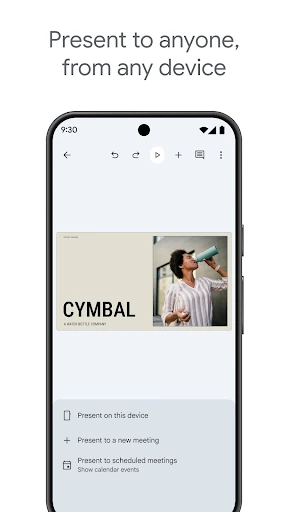
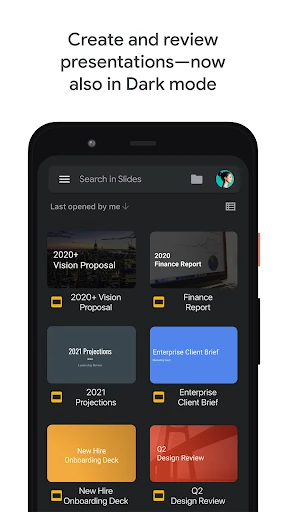
Google Slides is a presentation editor for creating, revising and showing slide decks from an Android phone or tablet. It suits students, teachers, teams and anyone who needs to work on presentations across multiple devices. Files can be edited with other people, making it useful for shared assignments, meeting decks and ongoing project work.
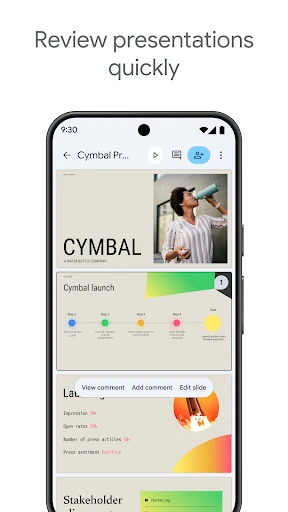
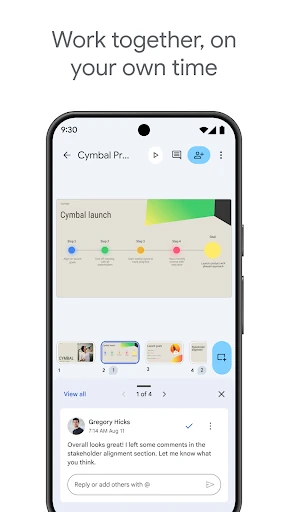
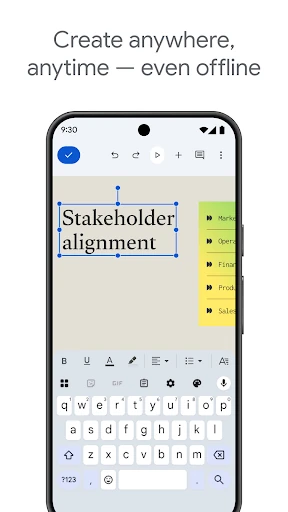
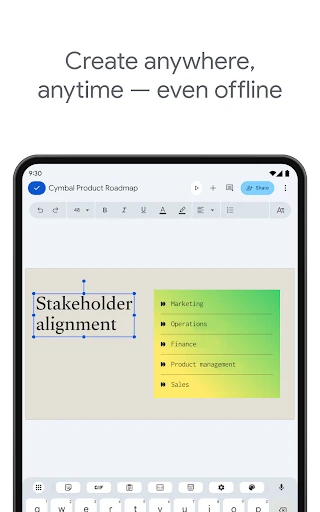
The app supports simultaneous editing, comments and shared access, so collaborators can review a deck without passing around separate copies. It can also open and edit Microsoft PowerPoint files, which helps when a team uses more than one office suite. Presentations may be available for offline editing, with changes synchronised when connectivity returns.
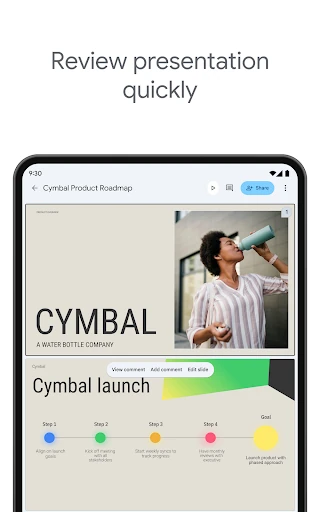
Google Slides is strongest for everyday presentation changes, reviewing feedback and making quick updates away from a computer. The mobile interface keeps common editing controls accessible, but detailed formatting and complex presentation effects may be less convenient than on the web version. Users building highly intricate decks may still prefer a larger screen for final preparation.
Google Slides has a 4.04 rating from 640,577 reviews, alongside an install range of 1,000,000,000+. That combination gives the score useful context: it reflects a very large body of user feedback and broad adoption, rather than a small set of ratings. The app is published by Google LLC in the Productivity category.