Advertisement
Click to download now, finish the installation quickly, and directly unlock the all-round experience
Advertisement
Screenshots
Click to download now, finish the installation quickly, and directly unlock the all-round experience
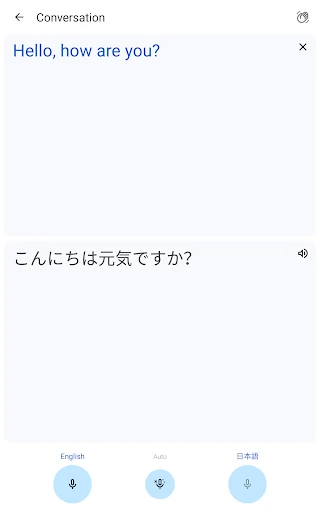
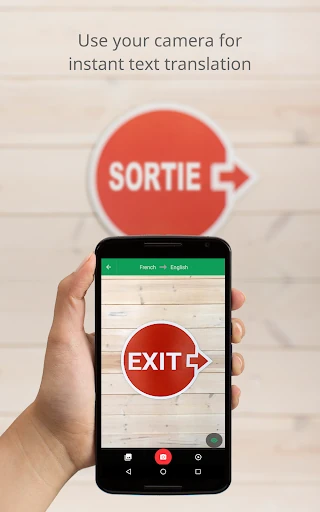
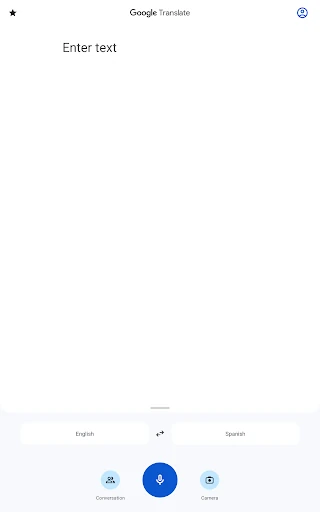
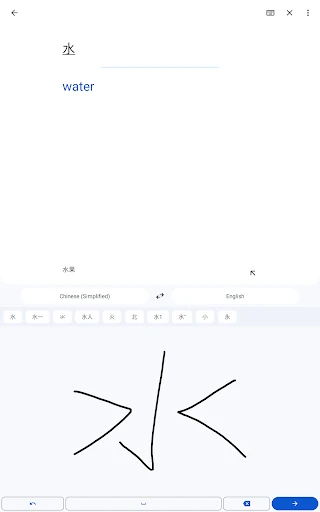
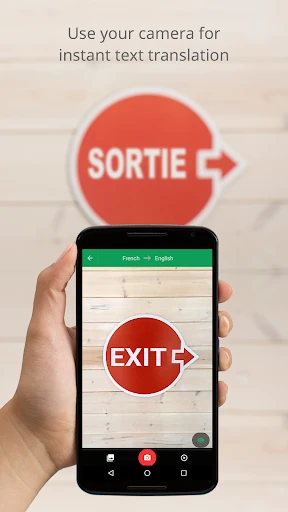
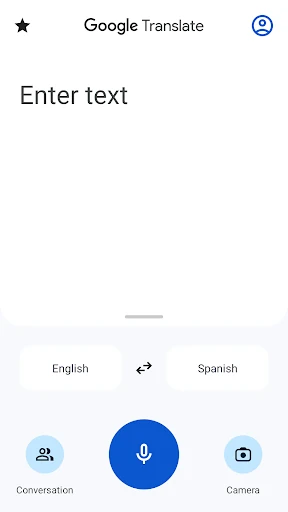
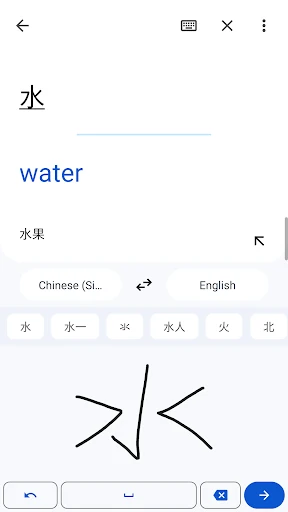
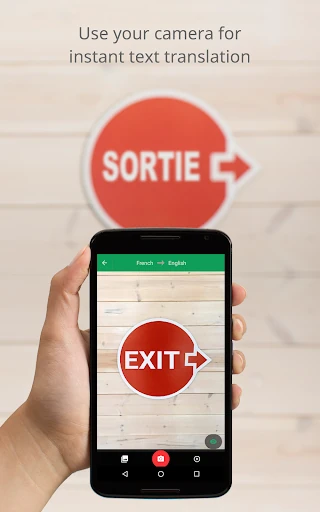
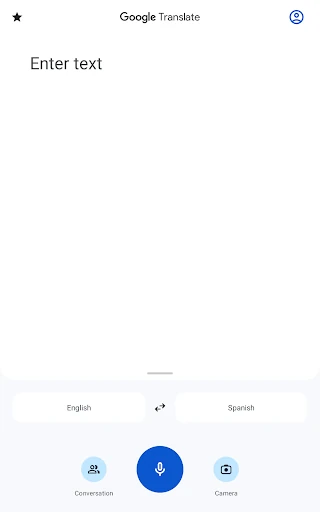
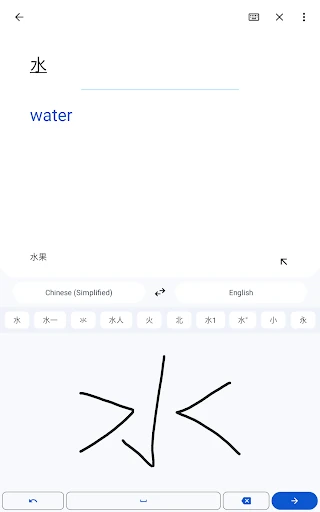
Google Translate helps travelers, students, workers and multilingual households understand and produce language across everyday situations. You can enter text, speak into the microphone, draw handwritten characters, or point the camera at signs, menus and other printed material. Photo translation is also available when you need to work from an existing image rather than live camera input.
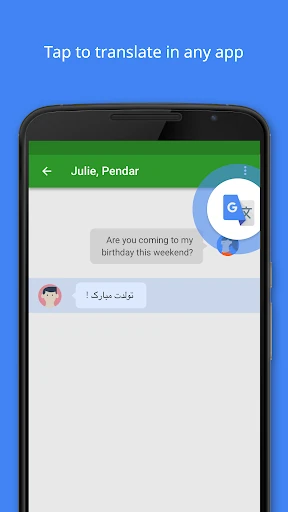
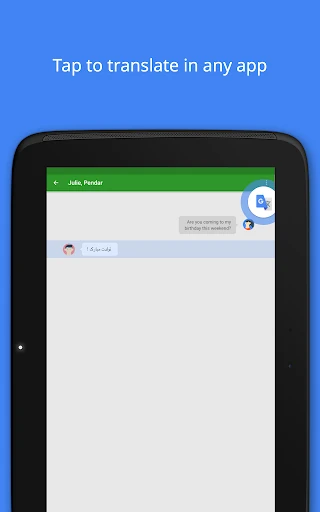
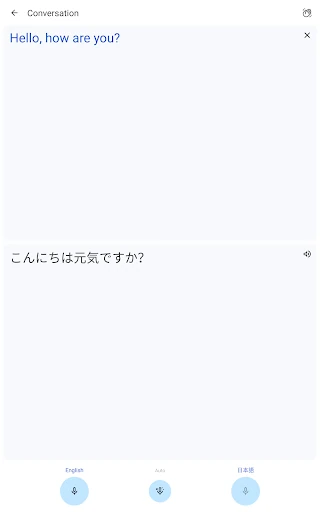
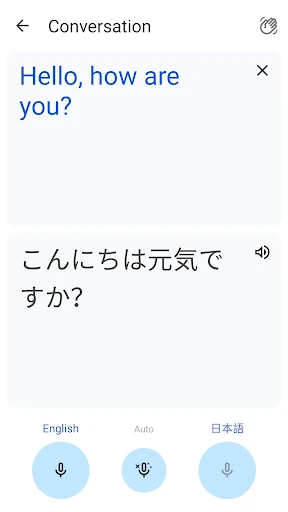
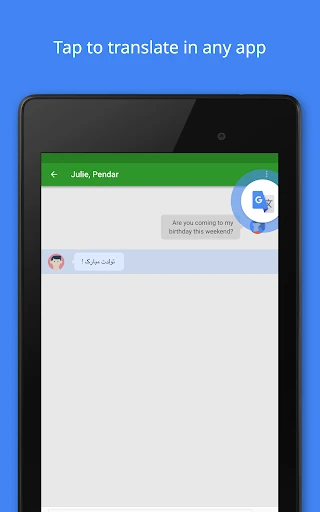
The app supports translation across 108 languages, with downloadable language packs for 59 languages when an internet connection is unavailable or costly. Its conversation and transcription tools are suited to spoken exchanges, lectures and longer explanations. Tap to Translate can also provide a translation after you copy text from another app, reducing the need to switch back and forth.
This is a practical general-purpose tool rather than a specialist language-learning course. It fits short travel questions, reading foreign-language notices, checking messages and getting the gist of spoken or written material. Results can still depend on language pair, context, handwriting quality and background noise, so important legal, medical or professional text may need human review.
Google LLC publishes Google Translate in the Tools category. Its 4.27 rating comes from 9,063,277 reviews, alongside an install range of 1,000,000,000+. That combination gives the score useful context: it reflects feedback from a very large user base, rather than a small sample of early adopters.