Weather & Clock Widget
Interactive Saudi Arabia
Downloads
50,000,000+
Version
Latest
Advertisement
Click to download now, finish the installation quickly, and directly unlock the "all-round experience"
Advertisement
Screenshots
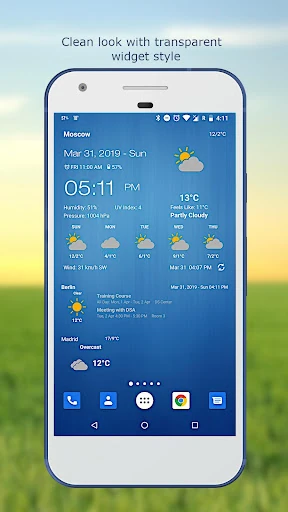
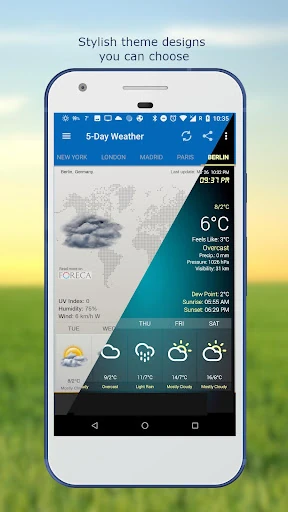
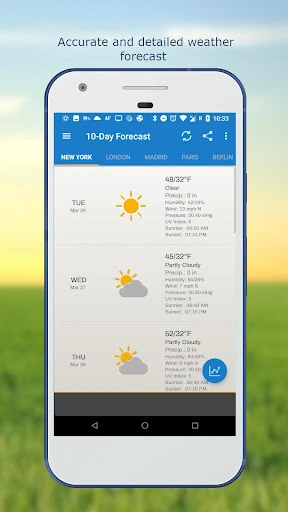
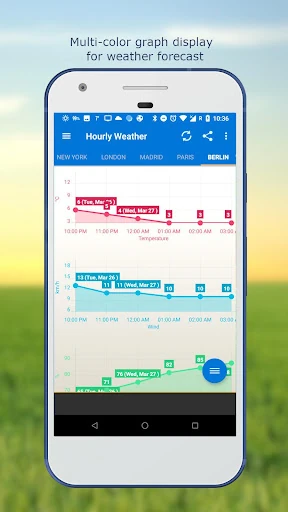
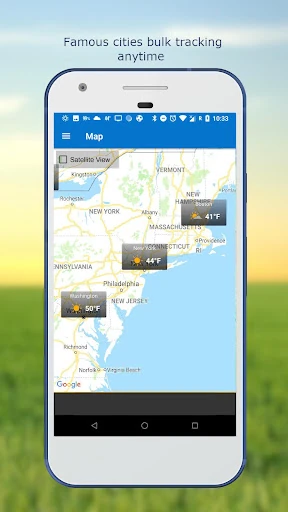
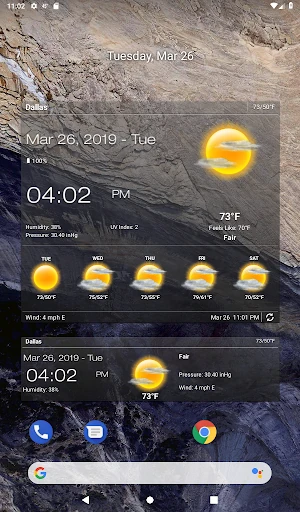
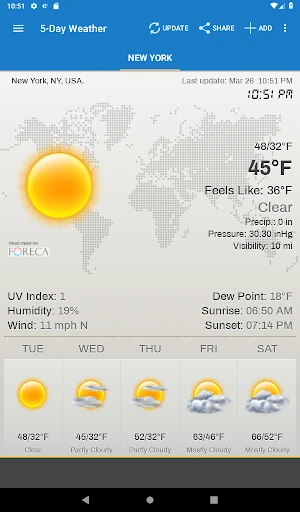
Click to download now, finish the installation quickly, and directly unlock the "all-round experience"
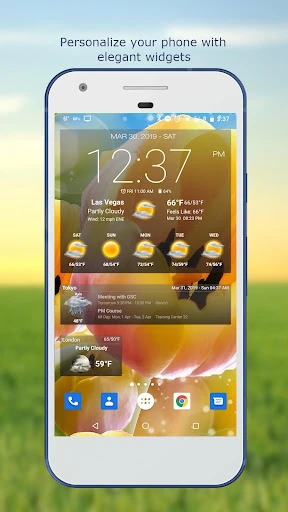
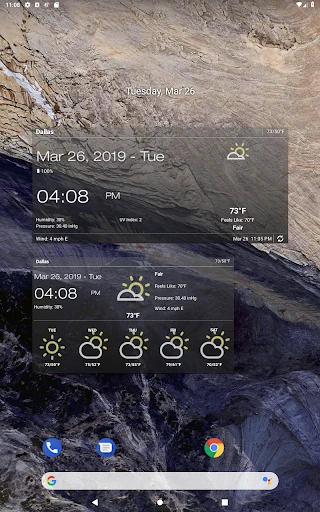
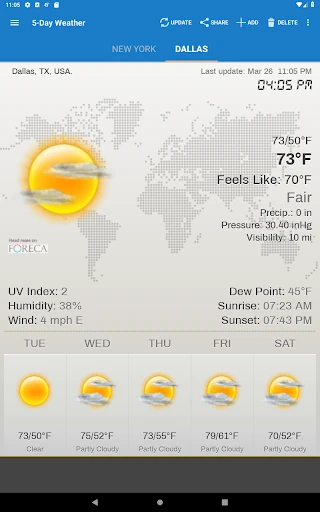
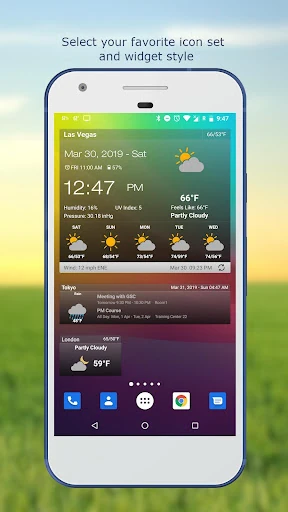
The Weather & Clock Widget stands as a veteran powerhouse in the Android ecosystem, carving out a niche for users who demand more than just a basic temperature reading. In a crowded landscape of weather applications, it distinguishes itself by functioning as a comprehensive system dashboard. By integrating time, calendar events, battery status, and detailed meteorological data into a single customizable interface, it transforms the home screen from a simple launcher into a high-utility command center. The app successfully balances professional-grade data depth with the aesthetic flexibility required for personal device customization.
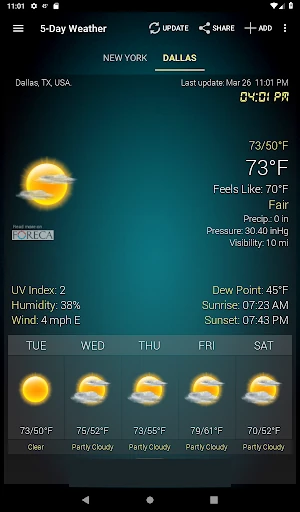
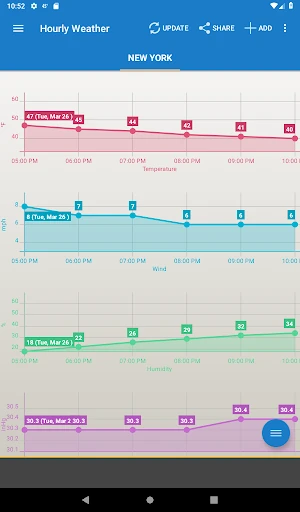
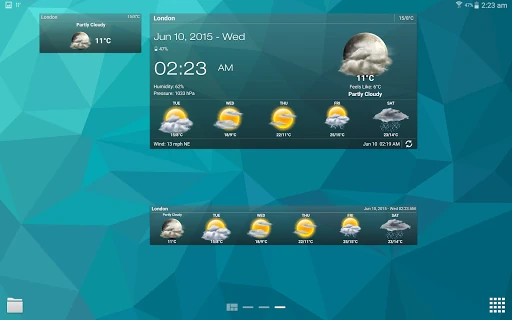
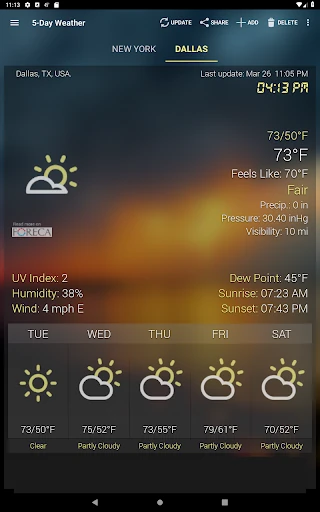
The UI design of Weather & Clock Widget leans toward a professional and data-rich aesthetic. While many modern weather apps opt for minimalist "flat" designs, this app prioritizes "glanceability" and information density. The inclusion of chart graphs for hourly and 10-day forecasts allows for a quick mental mapping of the day's progression. From a UX perspective, the level of customization—ranging from font choices to theme variations—enables the app to adapt to the user's personal style rather than forcing a singular design language upon them. The navigation is logical, making the vast amount of available data easy to parse without feeling overwhelmed.
To further elevate the experience, the next update should consider integrating live radar maps directly into the widget expanded views. Additionally, adopting "Material You" dynamic color support would allow the widgets to automatically synchronize with the user's wallpaper for a more modern, cohesive Android 13/14 aesthetic. Improving the manual location search to include more granular neighborhood-level data would also benefit users in metropolitan areas with micro-climates.
Weather & Clock Widget is the definitive choice for power users and "information seekers" who view their smartphone as a productivity tool. It is specifically designed for individuals who want to minimize the number of times they unlock their phone by having all essential data—time, schedule, weather, and hardware status—visible at a glance. For those who value precision and personalization over simplistic minimalism, this app remains a top-tier recommendation in the weather category.