
Advertisement
Click to download now, finish the installation quickly, and directly unlock the "all-round experience"
Advertisement
Screenshots
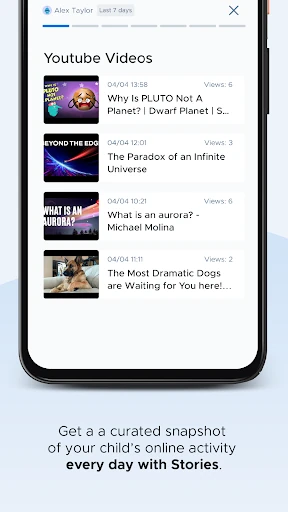
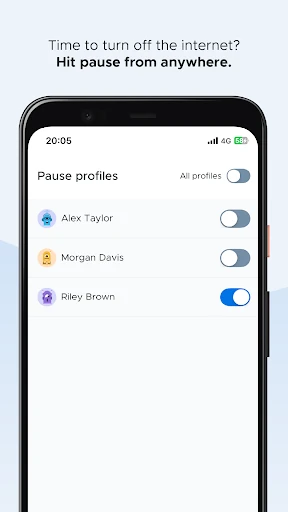
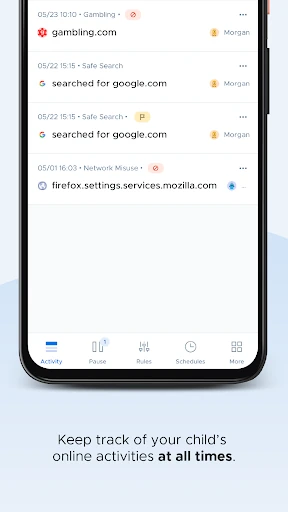
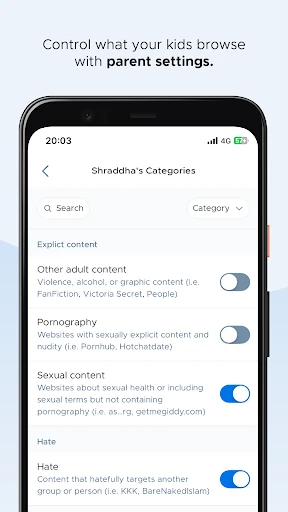
Click to download now, finish the installation quickly, and directly unlock the "all-round experience"
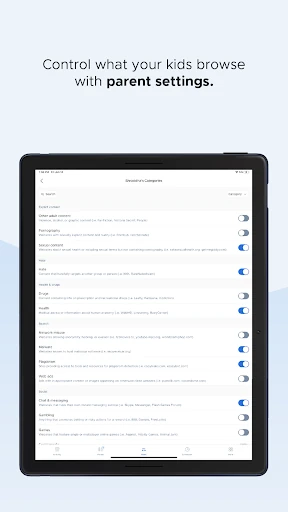
Securly Home occupies a unique and vital niche in the parenting technology landscape by bridging the gap between institutional digital safety and domestic parental oversight. Unlike standalone parental control apps that require extensive manual configuration, Securly Home extends the enterprise-grade filtering trusted by over 15,000 schools directly to the parent's smartphone. It provides a seamless transition for school-issued devices, ensuring that the protective "walled garden" established in the classroom doesn't crumble the moment a student walks through their front door. For parents, it offers a professional-grade toolkit to manage digital wellness without the steep learning curve typically associated with network security software.
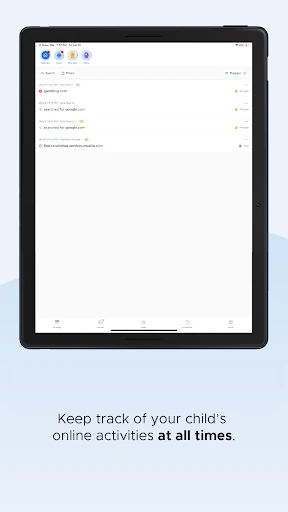
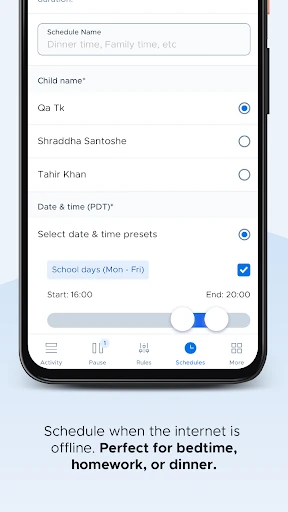
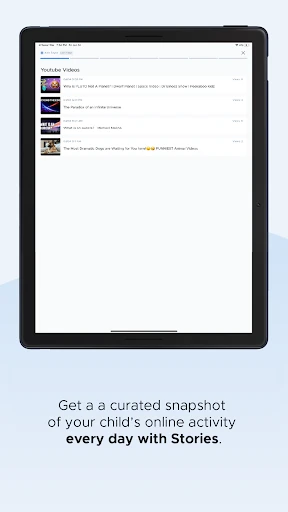
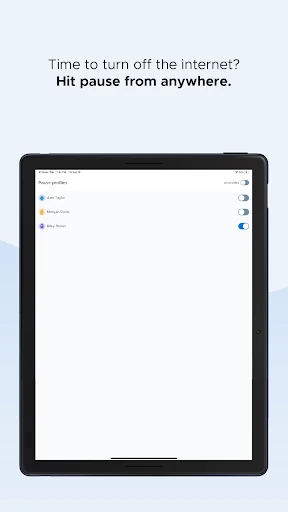
The UI of Securly Home is designed with the busy parent in mind, prioritizing clarity and high-level summaries over dense technical logs. In the Parenting app category, ease of use is paramount, and Securly delivers a clean, intuitive dashboard that makes navigation straightforward. The "Activity Feed" is presented chronologically, mimicking social media layouts that users are already comfortable with. While the interface is utilitarian, its focus on "one-tap" actions—like the pause button—demonstrates a deep understanding of user psychology and the need for immediate control in a domestic environment.
The most significant enhancement for Securly Home would be the introduction of "Cross-Device Parity." Currently, the app's biggest limitation is that it creates a "safety silo" around school devices while leaving personal devices unmanaged. Integrating a "Home Edition" for personal devices within the same interface would create a unified safety ecosystem. Additionally, adding more granular categories to the activity feed—such as "Educational," "Entertainment," and "Social"—would help parents quickly assess the quality of their child's screen time rather than just the quantity.
Securly Home is an essential download for any parent whose child has been issued a laptop or tablet by a school utilizing Securly's filtering services. It is not a replacement for a comprehensive home security suite, but it is an unparalleled tool for managing school-issued tech. We recommend this app for K-12 parents who want to stay informed and maintain a consistent set of digital rules between the classroom and the living room. It provides peace of mind through professional-level monitoring without the professional-level price tag.