Speechnotes - Speech To Text
WellSource - Empowering You
Downloads
5,000,000+
Version
Latest
Advertisement
Click to download now, finish the installation quickly, and directly unlock the "all-round experience"
Advertisement
Screenshots
Click to download now, finish the installation quickly, and directly unlock the "all-round experience"
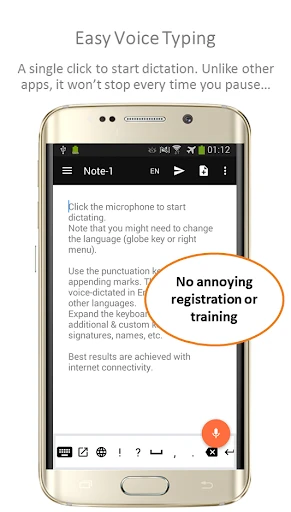
Speechnotes - Speech To Text stands as a veteran powerhouse in the Productivity landscape, offering a specialized environment tailored for long-form dictation. While many voice-to-text tools are designed for short bursts or commands, Speechnotes carves out a niche by providing a "non-stop" listening experience that doesn't time out during pauses for thought. It positions itself as a lightweight, agile alternative to heavy-duty desktop software, leveraging Google's high-accuracy speech recognition engine to bridge the gap between spoken ideas and written documents.
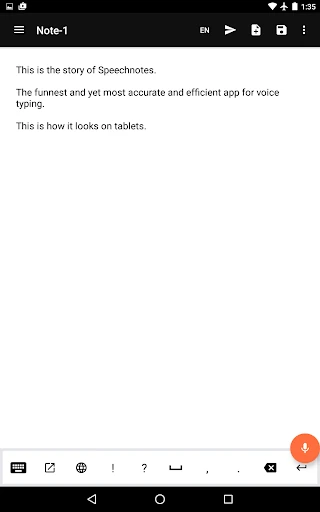
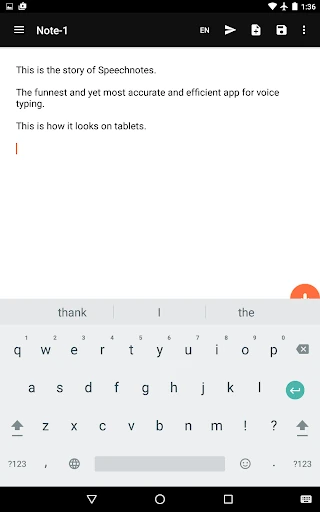
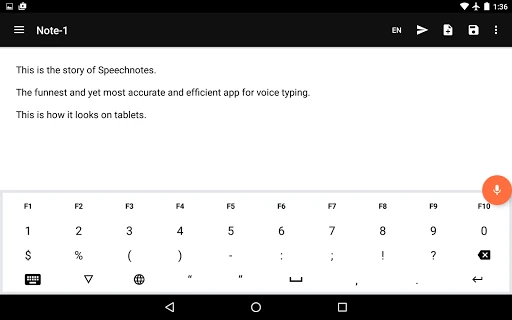
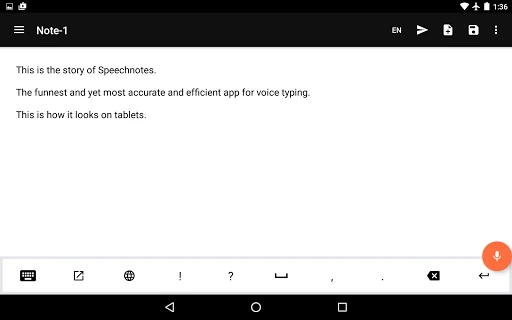
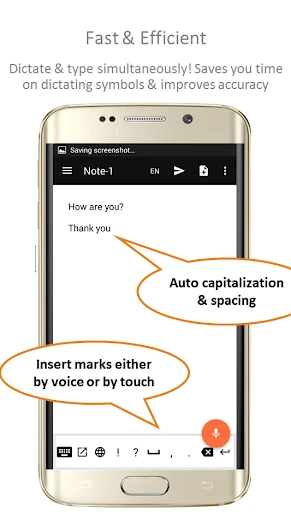
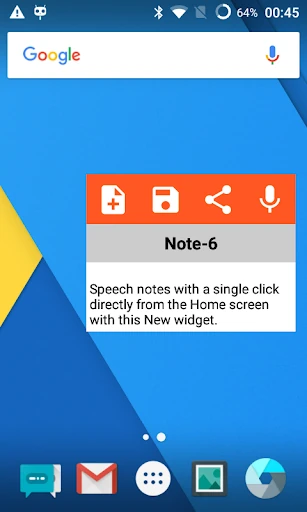
The user interface of Speechnotes is strictly utilitarian, prioritizing speed and low resource consumption over aesthetic flair. At a mere 4MB, the app is incredibly snappy, making it ideal for older devices or users who value efficiency. The design follows a minimalist philosophy, ensuring that the text area remains the focus. Features like the "one-click" transcription widget and the "always-awake" screen setting demonstrate a deep understanding of user psychology in the productivity category, removing friction from the creative process and allowing the user to remain in a state of flow.
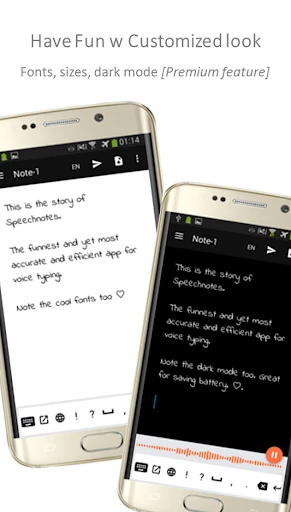
The app would benefit greatly from a modern UI overhaul to align with contemporary design trends, which would make the powerful feature set more approachable for new users. Additionally, integrating more robust on-device neural processing for offline dictation would be a significant upgrade for professionals who need to work while traveling or in areas with poor connectivity. A native dark mode that integrates with system-wide settings would also improve the experience for night-time writers.
Speechnotes - Speech To Text is the go-to solution for bloggers, journalists, students, and busy professionals who find traditional typing to be a bottleneck for their output. Its "always-on" listening capability makes it superior to standard mobile keyboards for serious writing tasks. If you need a reliable, lightweight tool that can keep up with a fast-moving mind, this is one of the most battle-tested and effective productivity apps available on the Play Store.