Advertisement
Click to download now, finish the installation quickly, and directly unlock the all-round experience
Advertisement
Screenshots
Click to download now, finish the installation quickly, and directly unlock the all-round experience
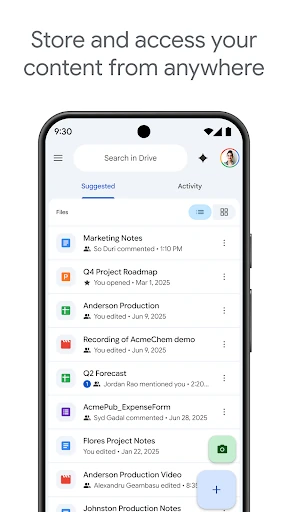
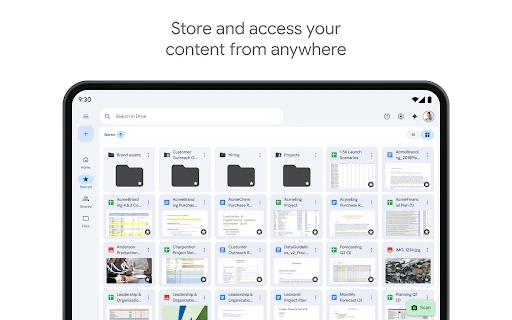
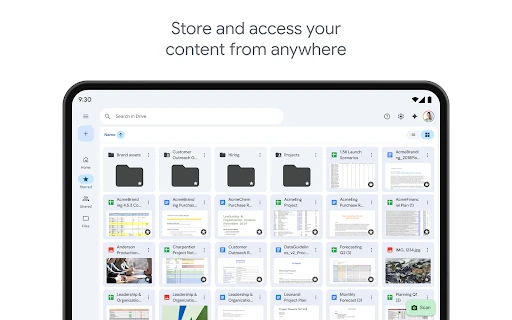
Google Drive gives Android users a central place to store, open and organise documents, images, videos and other files. It suits people who move between a phone, tablet and computer, as well as anyone already using Google’s productivity services. Folders, recent items and suggested files make common documents easier to find without relying on one device.
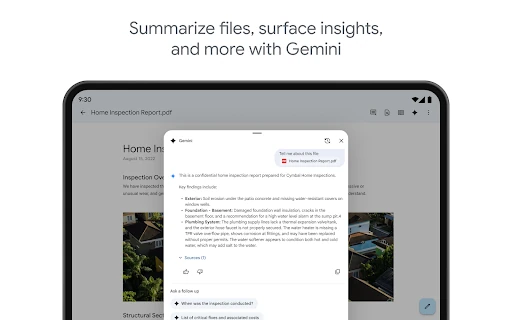
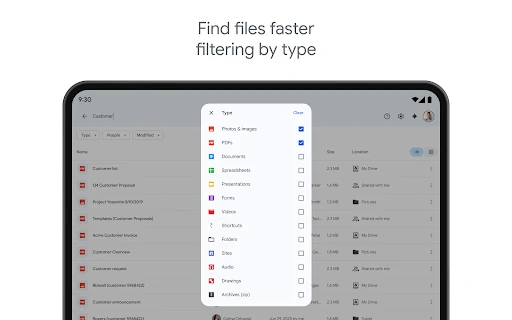
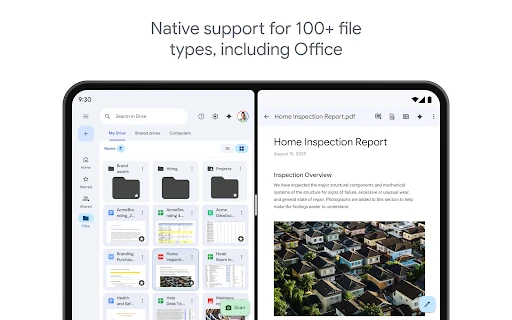
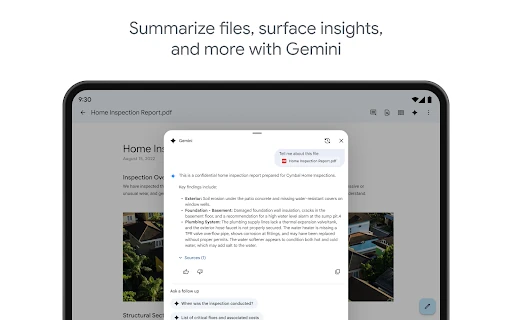
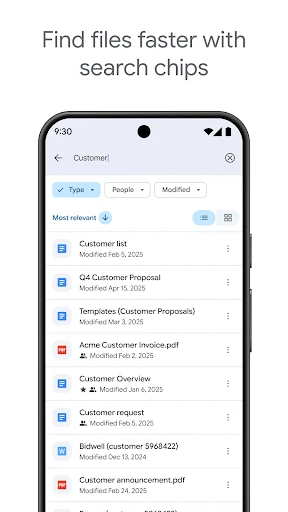
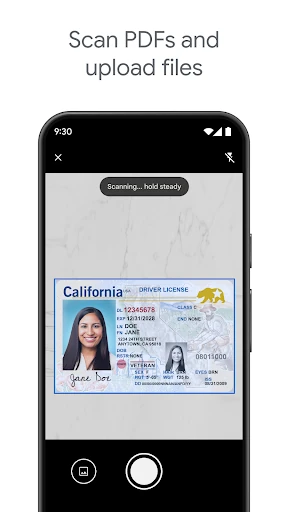
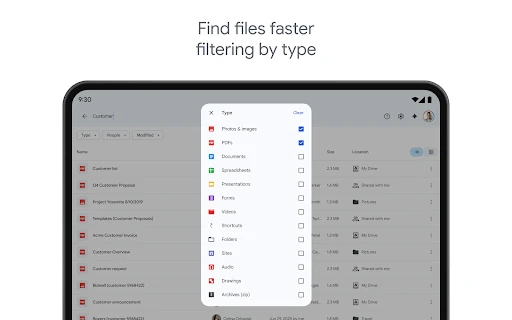
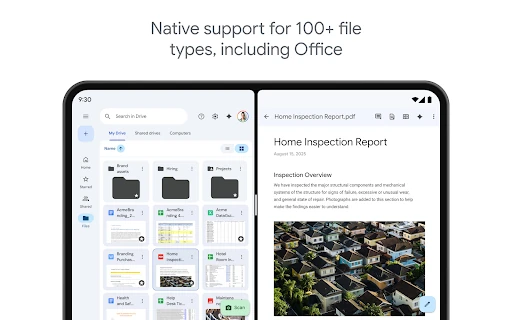
The app supports a wide range of file types, including PDFs and Microsoft Office documents. Its search tools can look beyond filenames, while filters help narrow results by file type or recent activity. A camera-based scanner is also available for turning paper documents into digital files. Selected content can be made available offline when an internet connection is not reliable.
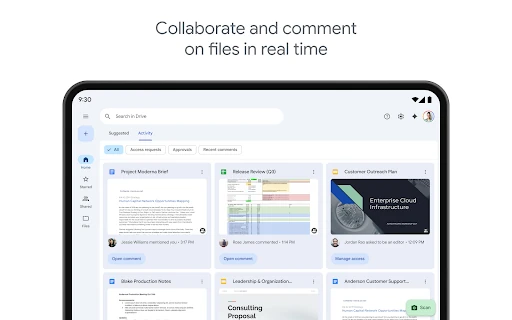
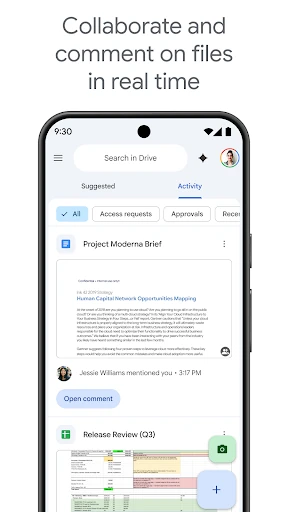
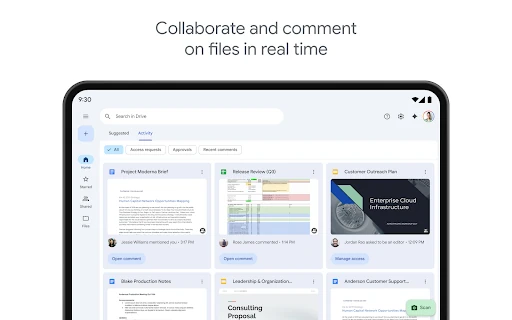
Drive is also built for shared work. Users can control who may view, comment on or edit a file, making it suitable for personal projects, schoolwork and workplace documents. Its connection with Google Docs and other Workspace apps allows files to move between storage and editing workflows without creating separate copies for every task.
Google LLC’s app holds a 4.28 rating from 10,693,891 reviews and has an install range of 10,000,000,000+. That combination matters: the score is supported by an unusually large review volume and an enormous user base, rather than a small pool of ratings. It points to a broadly established productivity app, while individual experiences can still depend on storage needs, sharing habits and wider use of Google services.