
TV Cast for Chromecast
2kit consulting
Downloads
10,000,000+
Version
Latest
Advertisement
Click to download now, finish the installation quickly, and directly unlock the "all-round experience"
Advertisement
Screenshots
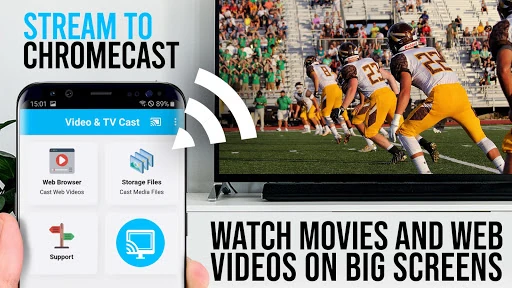
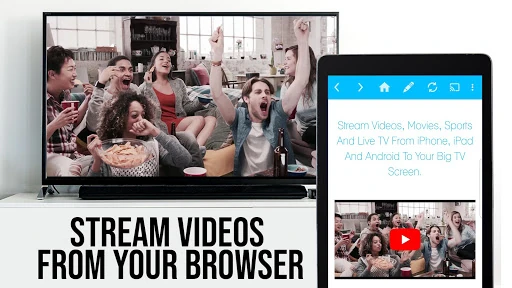
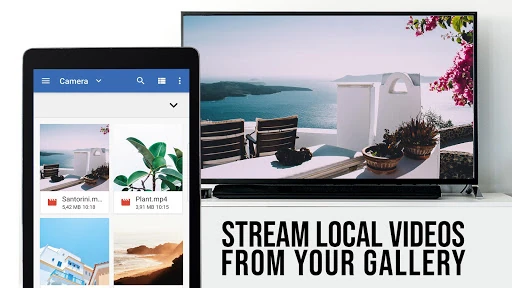
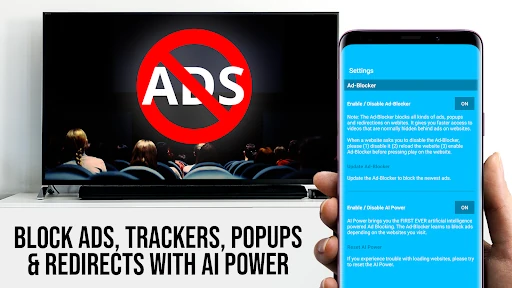
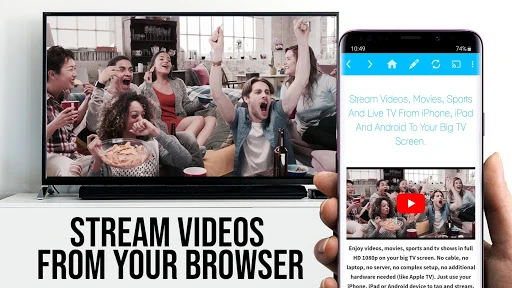
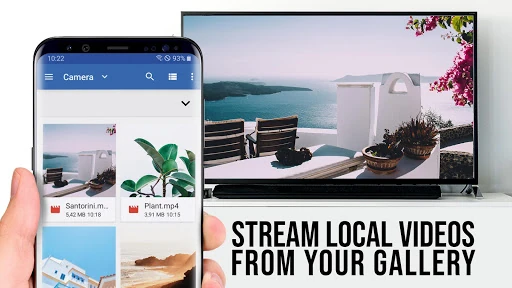
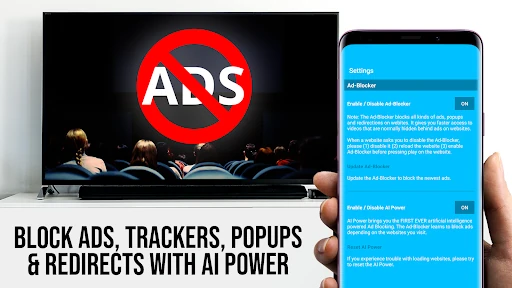
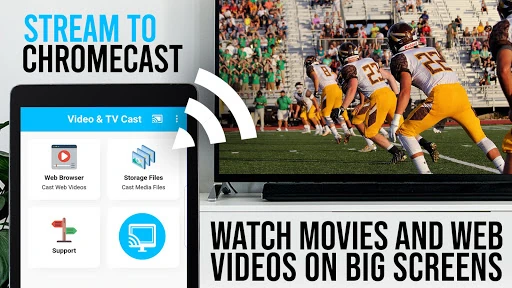
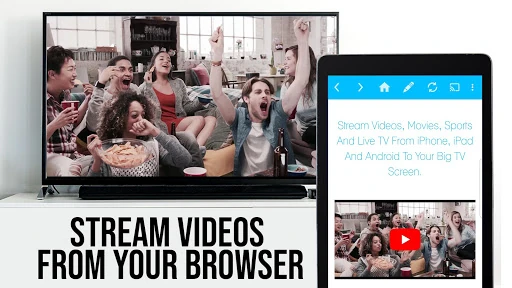
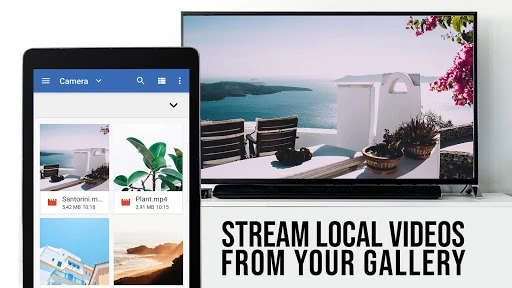
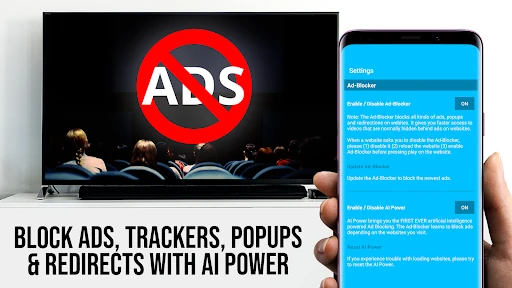
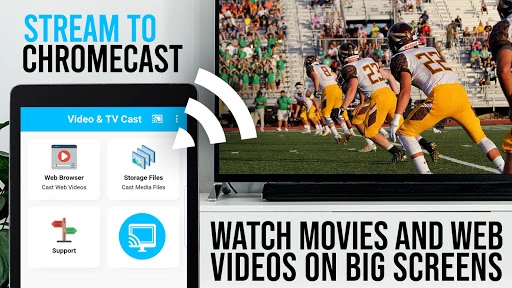
Click to download now, finish the installation quickly, and directly unlock the "all-round experience"
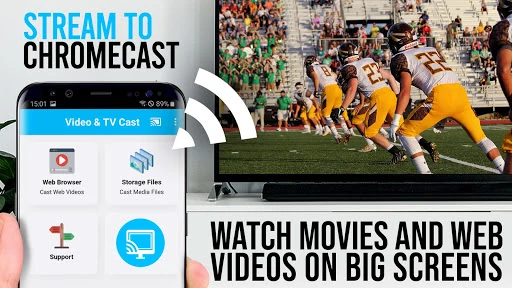
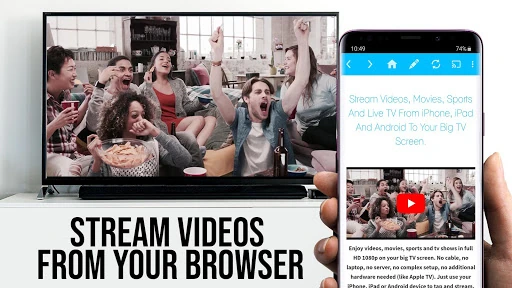
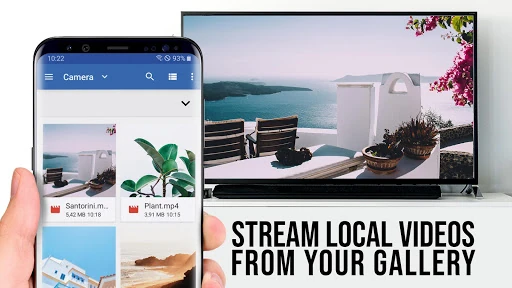
TV Cast for Chromecast is a cornerstone utility within the Video Players & Editors landscape, specifically engineered to bridge the gap between web-based content and the big screen. With a massive user base exceeding 10 million, it distinguishes itself from generic mirroring tools by utilizing a "direct-link" injection method. This approach allows the app to extract video streams directly from a website's source—supporting MP4, HLS, and IPTV formats—and hand them off to the Chromecast hardware. This results in a more stable, battery-efficient streaming experience compared to standard screen mirroring, positioning it as a professional-grade tool for users who consume niche web media and live broadcasts.
The interface of TV Cast for Chromecast is built on a functional, utility-first philosophy. It operates essentially as a specialized web browser with an integrated media detection engine. While the design lacks the flashy aesthetic of modern social media apps, it prioritizes a clear workflow: browse, detect, and cast. The placement of the video detection bar at the bottom of the screen is a strategic UI choice, ensuring that users are notified the moment a stream is ready without obstructing the browsing window. It meets the high performance expectations of the Video Players & Editors category by maintaining a lightweight footprint that doesn't bog down the host device during active casting.
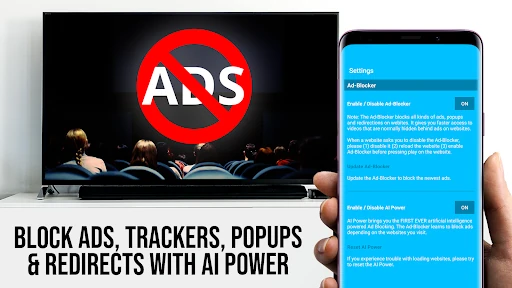
The app could benefit from a visual overhaul to align with modern Material Design 3 standards, making the navigation menus more intuitive for new users. Additionally, integrating an ad-blocker specifically for the internal browser would significantly improve the video detection success rate by preventing malicious pop-ups from interfering with the link extraction engine. Finally, a "favorites" or "history" tab specifically for discovered video links would help users quickly return to their preferred IPTV streams.
TV Cast for Chromecast is a must-have utility for "cord-cutters," sports enthusiasts, and users who frequently access web-based video repositories that lack native casting support. It is not a replacement for official streaming apps like Netflix, but it is an essential tool for the rest of the internet's video content. If you need a reliable, privacy-focused way to send web-based MP4s or IPTV streams to your Google Cast device, this remains the gold standard in its category.