Advertisement
Click to download now, finish the installation quickly, and directly unlock the "all-round experience"
Advertisement
Screenshots
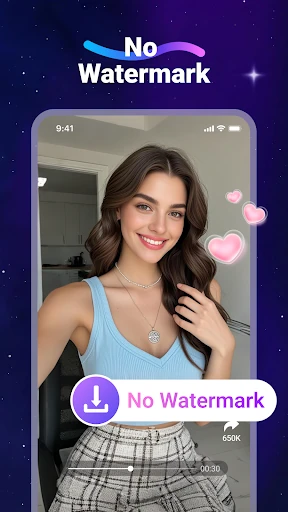
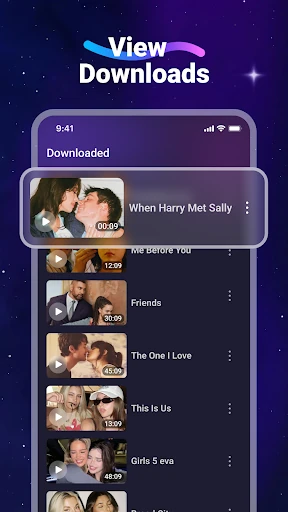
Click to download now, finish the installation quickly, and directly unlock the "all-round experience"
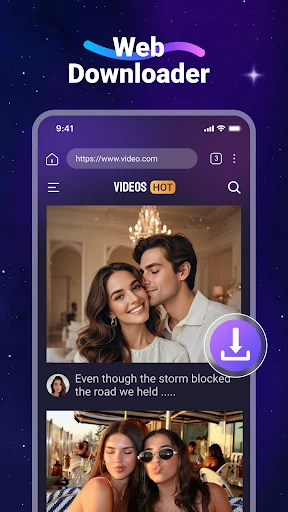
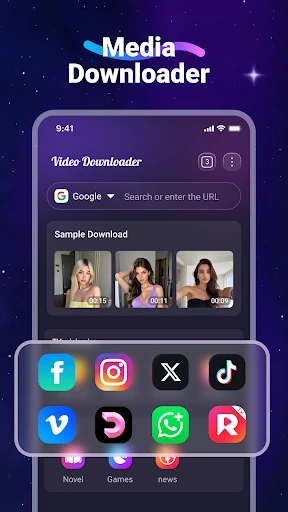
Video Downloader is a functional and efficient utility designed to bridge the gap between web-based content and offline accessibility. Within the competitive Video Players & Editors landscape, this application distinguishes itself by offering a self-contained ecosystem—integrating browsing, downloading, and playback into a single workflow. It is a pragmatic solution for users looking to bypass the limitations of streaming-only platforms, providing a reliable way to manage media without consuming mobile data. Its focus on broad format compatibility and background processing positions it as a robust tool for power users who prioritize media portability.
The user interface follows a straightforward, utility-first philosophy typical of high-performing tools in the Video Players & Editors category. The design prioritizes function over aesthetic flair, ensuring that the path from discovery to download is as short as possible. The inclusion of a dedicated "Files" tab for management provides a clean organizational structure, while the bookmarking system mimics a desktop browser experience. While the UI is intuitive for most, the overall experience relies heavily on the performance of the internal browser; however, the clear three-step "How to use" logic ensures a low learning curve for new users.
To further enhance its standing in the market, the app could benefit from adding a built-in ad-blocker for the integrated browser to provide a cleaner discovery experience. Additionally, implementing gesture-based controls within the built-in video player (such as swiping for volume and brightness) would align it with modern video player standards. A "Private Folder" feature protected by a PIN or biometric lock would also be a welcome addition for users seeking extra privacy for their saved content.
Video Downloader is a highly recommended tool for commuters, travelers, and individuals residing in areas with unstable internet connections. Its target audience includes anyone who needs to curate a personal offline media library from a variety of web sources. While it cannot bypass the restrictions of major platforms like YouTube, its performance across the rest of the open web is exemplary. For users seeking a "Swiss Army knife" for media acquisition and management, this app is a top-tier choice.