Advertisement
Click to download now, finish the installation quickly, and directly unlock the "all-round experience"
Advertisement
Screenshots
Click to download now, finish the installation quickly, and directly unlock the "all-round experience"
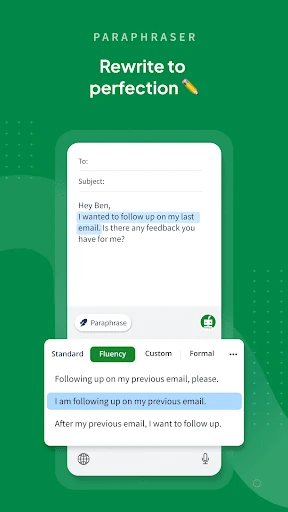
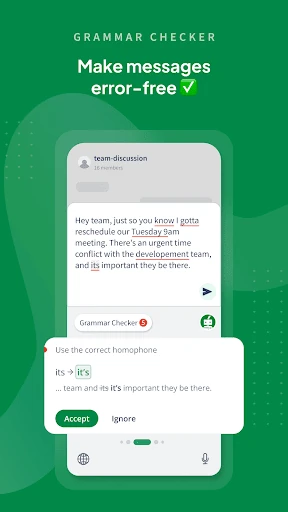
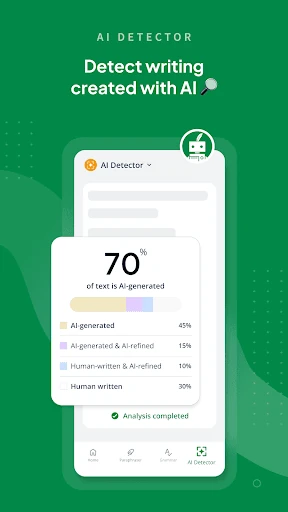
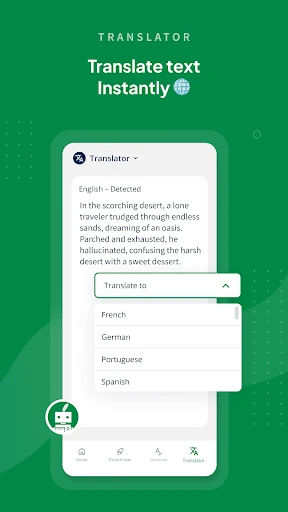
QuillBot: AI Writing Assistant has established itself as a cornerstone in the Productivity landscape, offering a sophisticated suite of tools that transcend basic spell-checkers. By consolidating paraphrasing, grammar correction, AI detection, and translation into a unified ecosystem, it addresses the complex needs of modern digital communication. The app functions as a comprehensive writing companion that balances generative AI power with user-centric utility, making it an authoritative choice for those seeking to enhance their written output without sacrificing speed or clarity.
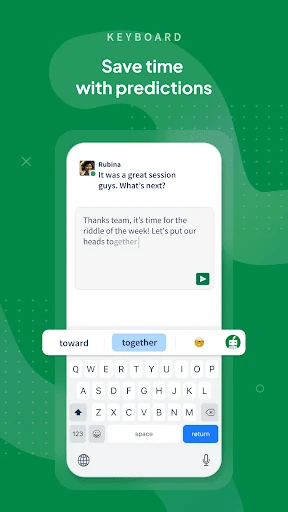
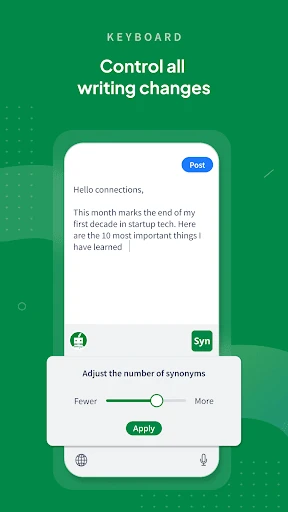
The user interface of QuillBot is designed with a "function-first" philosophy that aligns perfectly with the Productivity category's high standards. The primary UI is clean and distraction-free, focusing on the text editor, while the AI Keyboard is ergonomically sound for long-form mobile typing. The UX is characterized by low latency and intuitive navigation; transitioning from a translation task to a paraphrasing task requires minimal taps. The integration of the floating widget is particularly impressive, as it maintains accessibility without cluttering the user's screen space, demonstrating a deep understanding of mobile workflow constraints.
While the current feature set is comprehensive, the next update could introduce basic offline functionality for the grammar checker and local document editing to support users on the go. Additionally, the image generation tool currently feels secondary to the text tools; integrating it more deeply into the document creation workflow with better formatting options would be a significant upgrade. Finally, adding more granular controls for the AI Detector could help users understand specifically why certain passages are flagged.
QuillBot: AI Writing Assistant is a premier tool for students, educators, corporate professionals, and non-native English speakers who require a polished and professional voice. Its ability to serve as both a creative generator and a rigorous editor makes it a versatile asset in any productivity toolkit. We highly recommend this app for anyone who conducts the majority of their professional or academic correspondence on a mobile device and demands a high level of linguistic precision.