Advertisement
Click to download now, finish the installation quickly, and directly unlock the "all-round experience"
Advertisement
Screenshots
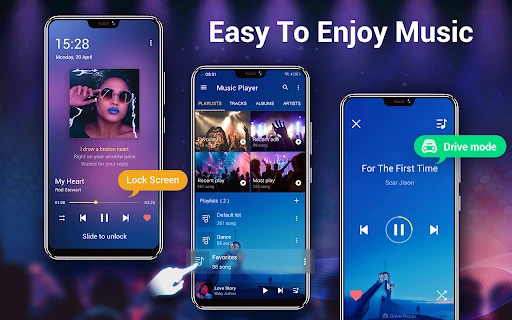
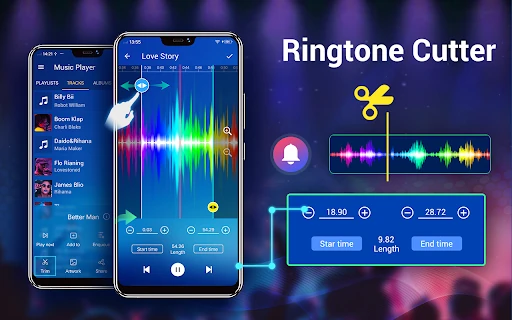
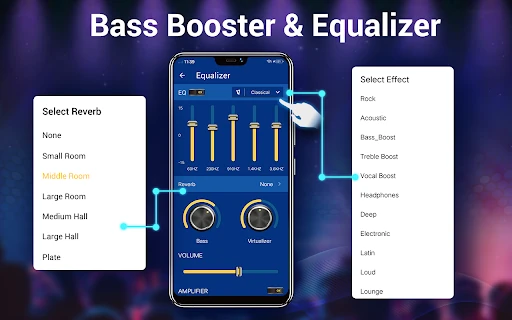
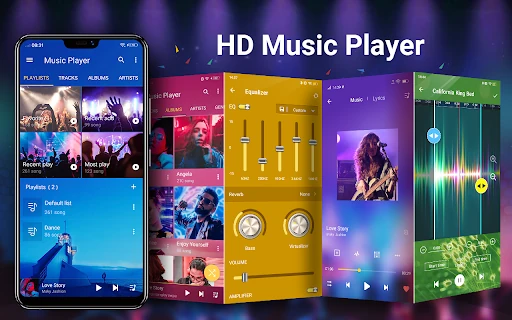
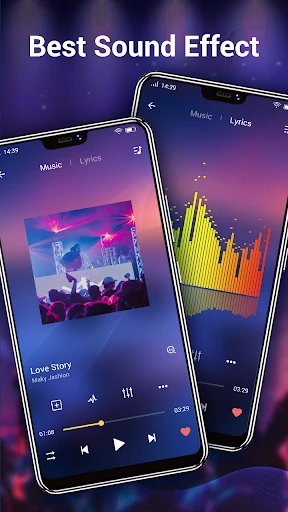
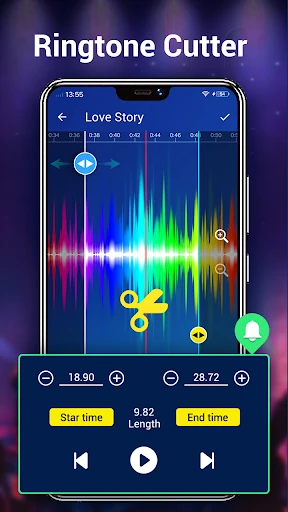
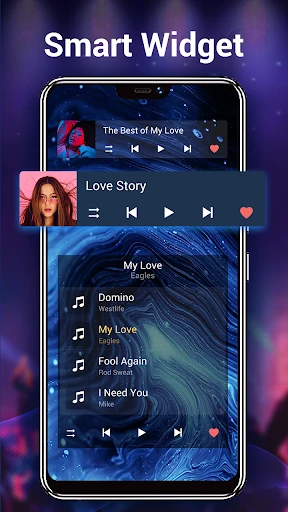
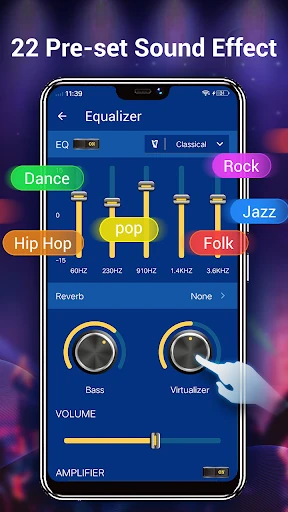
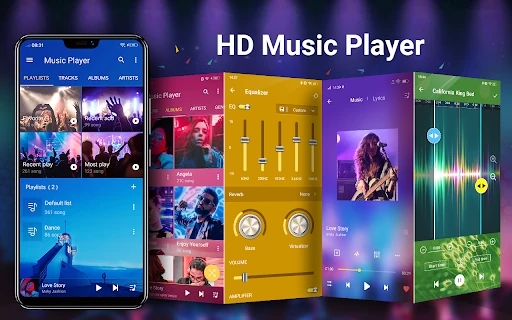
Click to download now, finish the installation quickly, and directly unlock the "all-round experience"
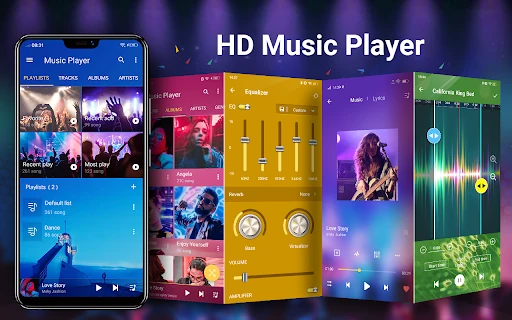
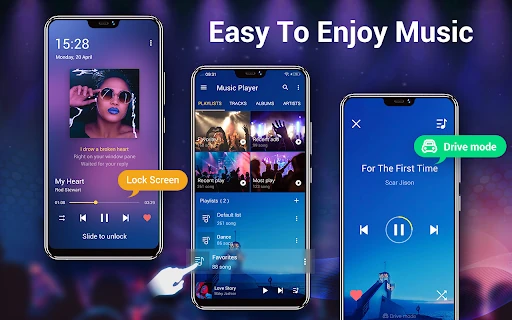
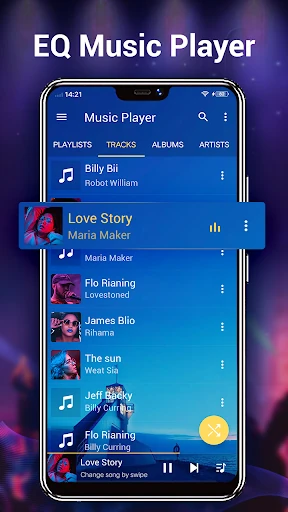
Music Player for Android stands as a specialized utility within the Music & Audio landscape, specifically designed for users who prioritize local file management over the ephemeral nature of streaming. In an era dominated by subscription models, this app carves out a niche by offering a folder-centric approach to playback, ensuring that users with meticulously organized directories have a tool that respects their structure. It is a high-performance media player that balances robust audio decoding with deep visual personalization, making it a professional-grade alternative to standard pre-installed players.
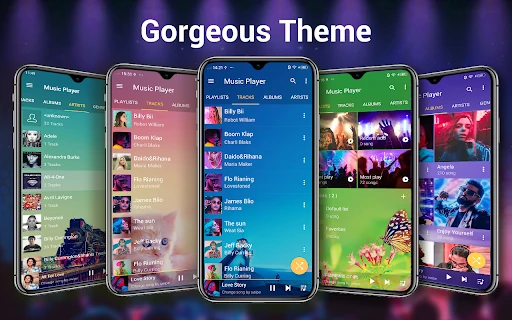
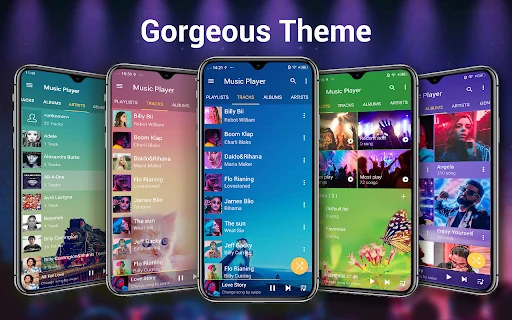
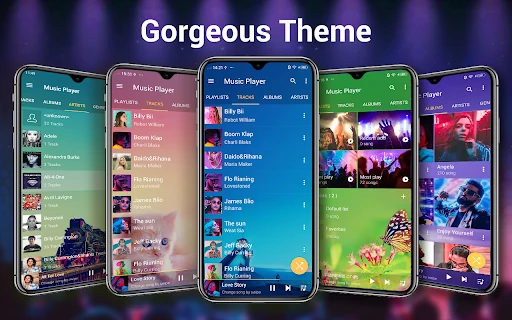
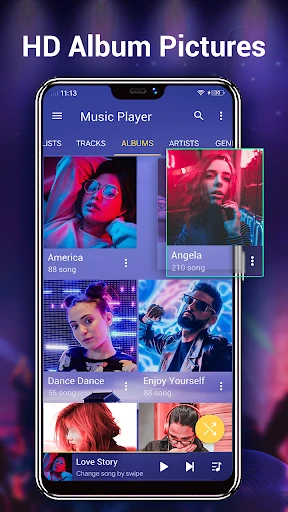
The UI is built around the philosophy of "personalization first." With over 22 gorgeous background skins, the app avoids the clinical, sterile look of many modern players, allowing the user to define the aesthetic. From a UX perspective, the transition between the library and the playback screen is fluid. The inclusion of manual album art and artist picture selection—sourced from the internet or local gallery—empowers the user to fix broken visual metadata easily. While the design leans toward a more traditional Android aesthetic, it remains highly functional and intuitive for power users who value control over minimalist trends.
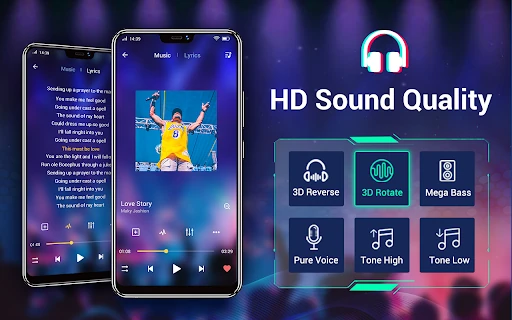
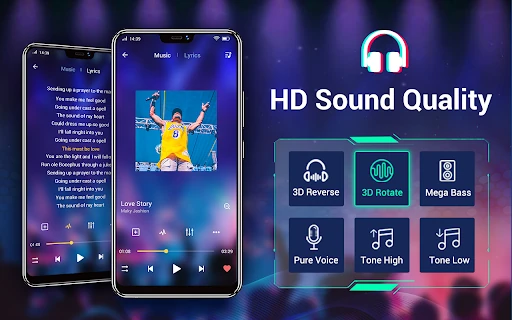
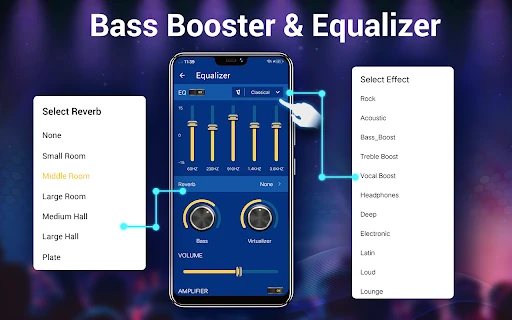
To further elevate the user experience, the next update should consider implementing a 10-band equalizer to satisfy the "HD Playback" marketing promise for true audiophiles. Additionally, integrating support for cloud storage providers like Google Drive or Dropbox would allow users to access their "local" files even when they aren't stored physically on the device storage. Finally, adopting a more modern Material You design language would help the app feel more native on the latest versions of Android.
Music Player for Android is the perfect companion for the "digital archivist"—the user who has spent years building a high-quality local music library and wants a player that respects folder hierarchies. It is a powerful, skinable, and reliable media hub for those who prefer ownership over access. If you have a large collection of MP3s and FLACs and want an app that makes them look as good as they sound, this is a top-tier recommendation.