Advertisement
Click to download now, finish the installation quickly, and directly unlock the all-round experience
Advertisement
Screenshots
Click to download now, finish the installation quickly, and directly unlock the all-round experience
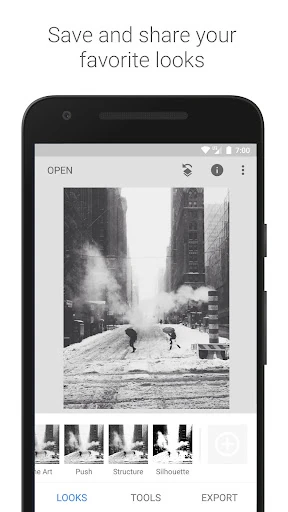
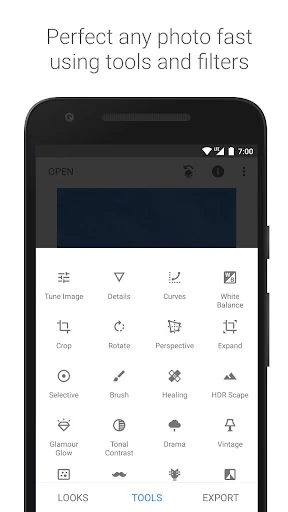
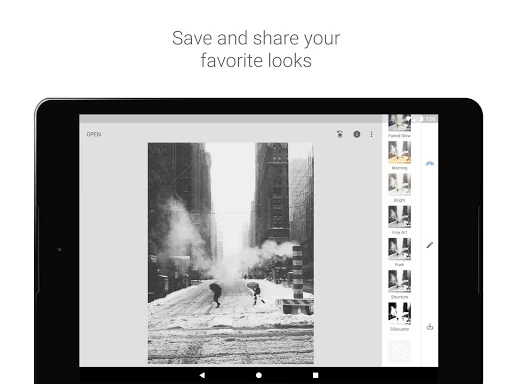
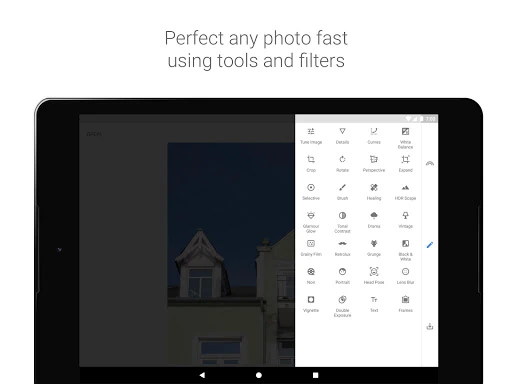
Snapseed is a photography editor for Android users who want more control than a basic filter app provides. It supports everyday adjustments such as exposure, colour and detail, along with tools for cropping, healing, perspective correction and selective edits. That makes it suitable for quick fixes, social images and more deliberate photo work.
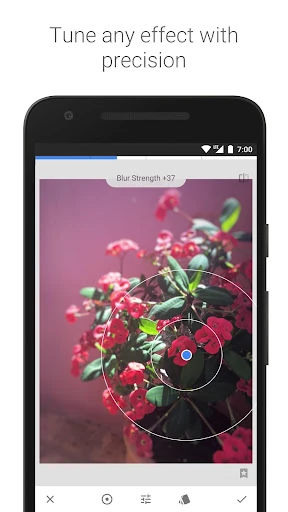
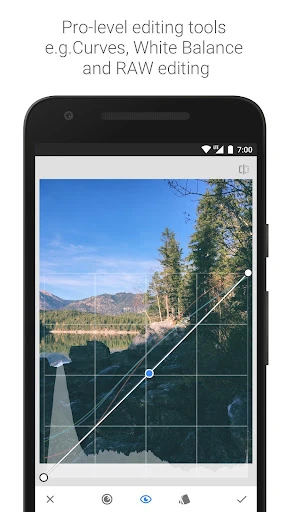
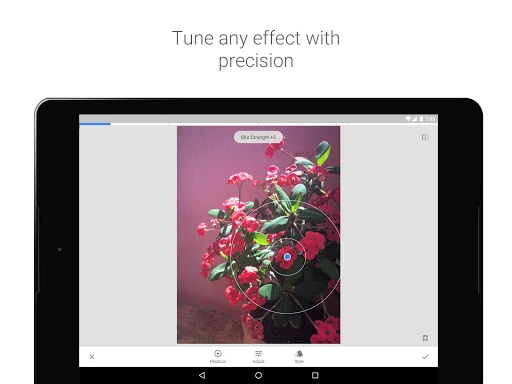
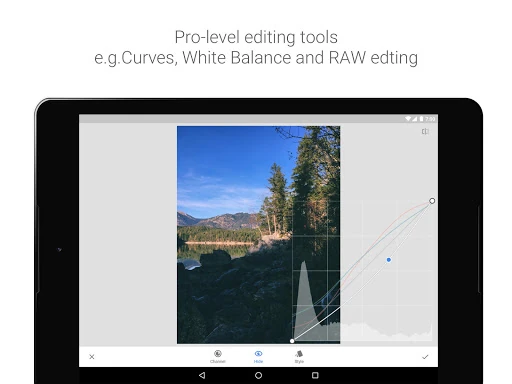
The app includes a RAW development tool for compatible DNG files, giving photographers more latitude when adjusting captured images. Its control-point editing can apply changes to selected areas rather than altering the whole photo. Curves, perspective tools and canvas expansion add options for correcting tone, geometry and composition, while the healing tool can remove some unwanted distractions.
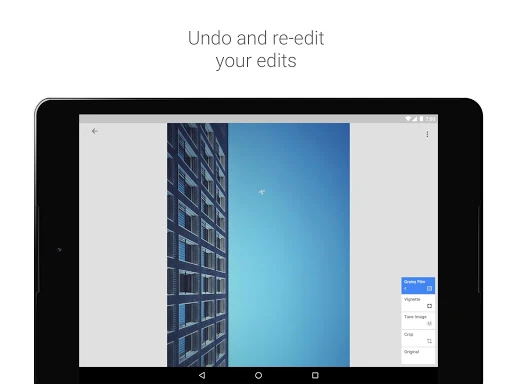
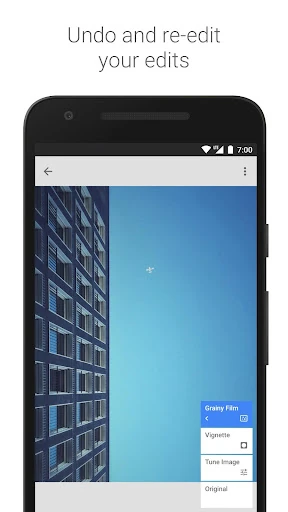
Snapseed also records edits as a stack, so individual adjustments can be revisited or removed later. The editing interface relies heavily on gestures: users choose a setting with vertical swipes and change its strength with horizontal swipes. This keeps the controls close to the image, although new users may need time to learn the workflow.
Snapseed fits photographers who want a broad editing toolkit on a phone without moving to a desktop program. It is also practical for casual users who mainly need cropping, lighting corrections or selective touch-ups. Those looking only for one-tap effects may find its range of controls more involved than necessary.
Google LLC’s Snapseed has a 3.96 rating from 1,734,713 reviews and an install range of 100,000,000+. The review volume and install figure give that score useful context: it reflects feedback from a large Android audience rather than a small early group. The result points to a widely used editor with generally positive reception, while leaving room for differing views on its gesture-based controls and editing approach.