
AI Photo Editor - Lumii
InShot Video Editor
Downloads
50,000,000+
Version
Latest
Advertisement
Click to download now, finish the installation quickly, and directly unlock the "all-round experience"
Advertisement
Screenshots
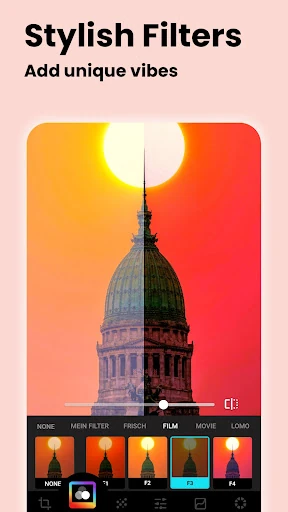
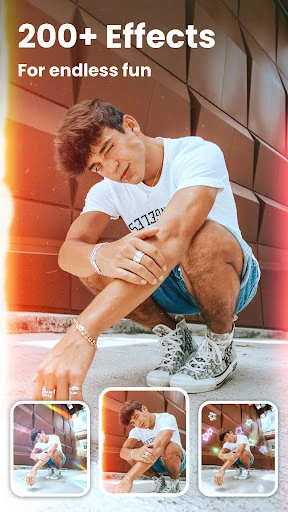
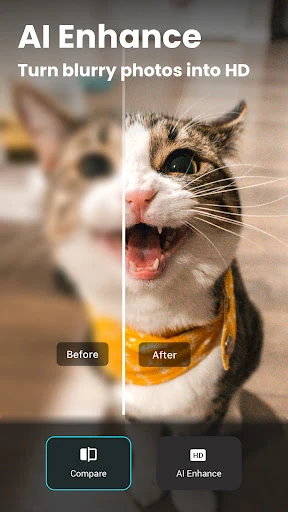
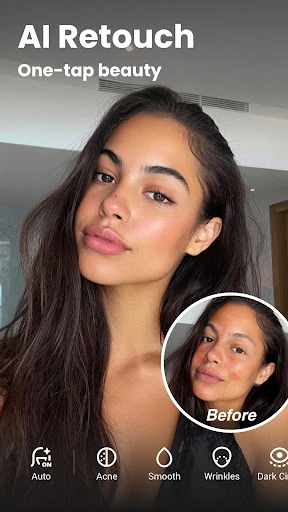





Click to download now, finish the installation quickly, and directly unlock the "all-round experience"
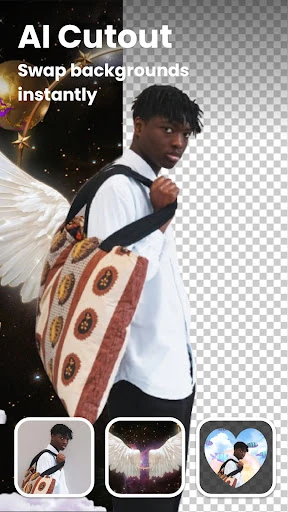
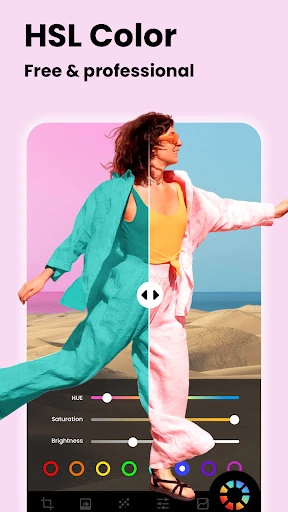
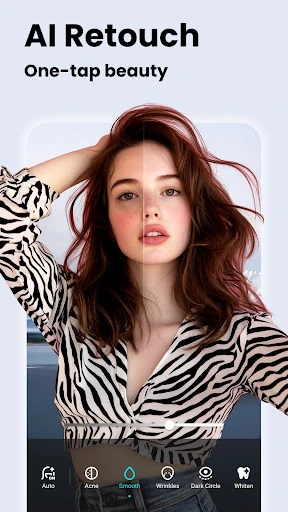
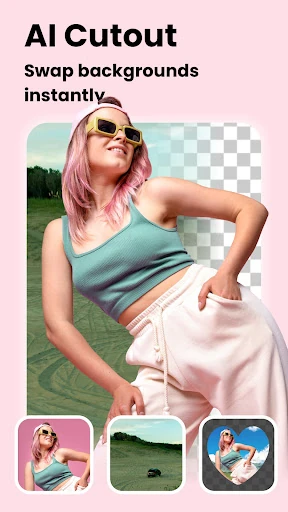
AI Photo Editor - Lumii stands out in the crowded Photography category as a robust, all-in-one solution that successfully bridges the gap between casual filter apps and professional-grade editing software. By integrating advanced AI-driven features like background removal and portrait retouching with high-end manual controls such as HSL and Curves, Lumii offers a versatile toolkit for both novices and "prosumer" mobile photographers. Its commitment to a distraction-free editing environment—specifically the absence of ads during the actual creative process—elevates the user experience significantly above many of its competitors, positioning it as a top-tier choice for creators looking for polished, Instagram-ready results without the complexity of desktop software.
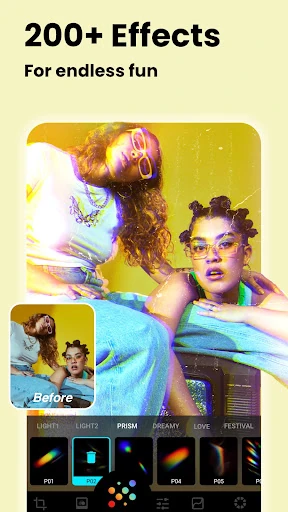
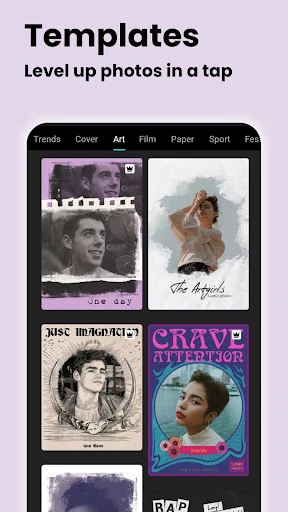
The UI of Lumii is engineered with a "mobile-first" philosophy that prioritizes speed and accessibility. The interface feels clean and uncluttered, utilizing a bottom-navigation architecture that keeps the most frequently used tools within thumb's reach. The transition between AI-automated "one-tap" fixes and granular manual adjustments is seamless, catering to different user intent levels. From a UX perspective, the most impressive element is the responsiveness of the sliders and the real-time rendering of complex effects like Glitch and Double Exposure. The design follows standard Android Material Design patterns, making it immediately intuitive for the target demographic of social media content creators.
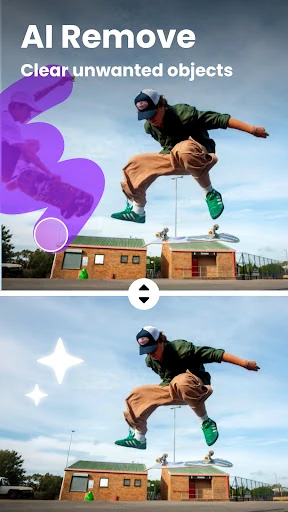
To further solidify its market position, Lumii could benefit from the inclusion of batch processing capabilities, allowing users to apply the same HSL adjustments or filters to multiple photos simultaneously. Additionally, expanding the AI object removal tool to include "generative fill" capabilities would help in more complex scene reconstructions. A more robust organizational system for user-created presets would also improve long-term utility for power users who have developed a specific "signature" look for their brand.
AI Photo Editor - Lumii is an ideal choice for social media influencers, hobbyist photographers, and digital artists who require a high degree of control without the subscription costs associated with professional suites. It strikes a rare balance between automated AI convenience and manual precision. For anyone seeking a powerful, ad-free mobile darkroom that can transform snapshots into professional-grade assets, Lumii is a highly recommended installation.