Advertisement
Click to download now, finish the installation quickly, and directly unlock the "all-round experience"
Advertisement
Screenshots
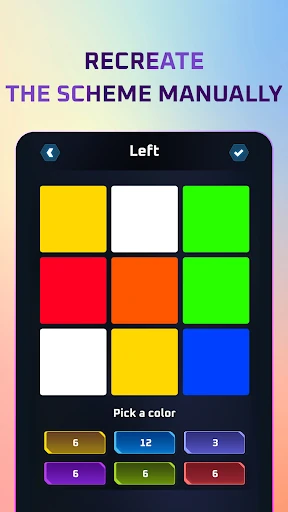
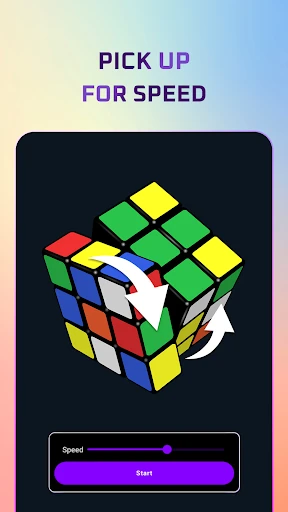
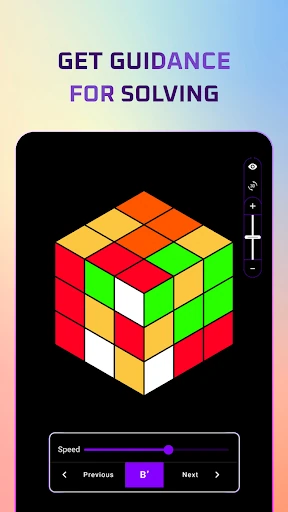
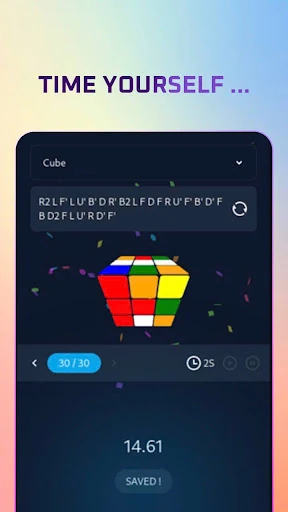
Click to download now, finish the installation quickly, and directly unlock the "all-round experience"
Cube Solver: Scan, Learn, Play is a highly functional utility that positions itself as an essential bridge in the digital Education landscape for puzzle enthusiasts. By blending computer vision with algorithmic efficiency, the app transforms the daunting complexity of the Rubik's Cube into a structured, manageable learning experience. It is designed not merely as a "cheat sheet," but as a comprehensive coach that fosters a deeper understanding of spatial logic and algorithmic thinking.
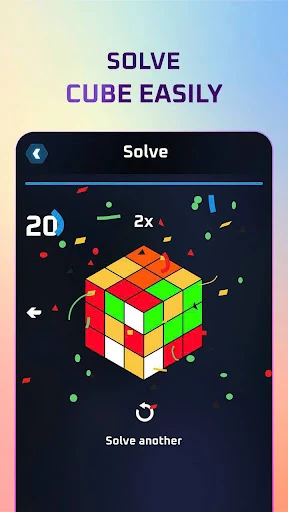
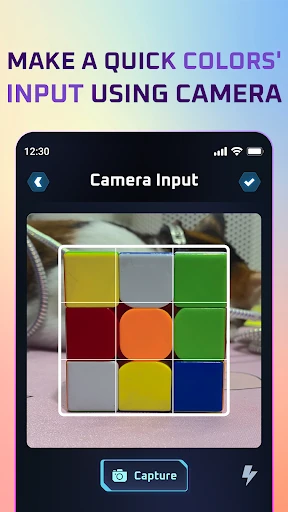
The interface of Cube Solver is built around the principle of intuitive guidance, which is a gold standard for the Education category. The UI is clean, focusing the user's attention on the scanning process and the subsequent step-by-step instructions. From a UX perspective, the transition from the camera viewfinder to the 3D-rendered solution path is seamless, reducing the cognitive load on beginners who might otherwise struggle with traditional cubing notation. The feedback loop is immediate and rewarding, which is critical for maintaining user engagement during the learning process.
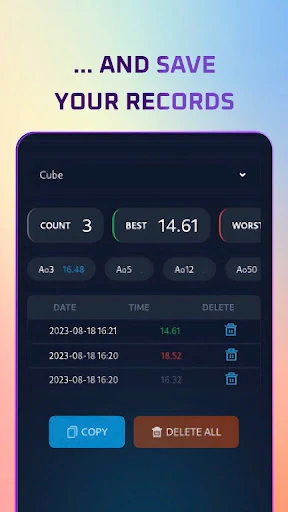
To further enhance its educational value, the app could benefit from an Augmented Reality (AR) overlay that projects the next move directly onto the cube through the camera interface. Additionally, incorporating a dedicated "Speedcubing Mode" with a built-in stack timer and statistics tracking would provide a long-term retention path for users who have already mastered the basic solution and want to move into competitive play.
Cube Solver: Scan, Learn, Play is an ideal solution for beginners who feel overwhelmed by the cube and intermediate players looking to refine their efficiency. It succeeds as both a utility and a teacher, making it a standout entry in the educational puzzle niche. We highly recommend this app for any student of the cube who wants to move from confusion to mastery in a matter of minutes.