Advertisement
Click to download now, finish the installation quickly, and directly unlock the "all-round experience"
Advertisement
Screenshots
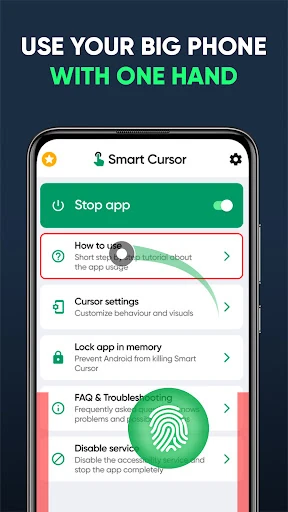
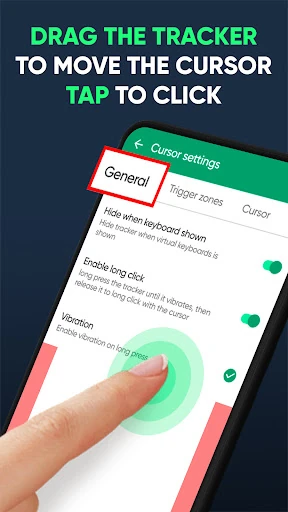
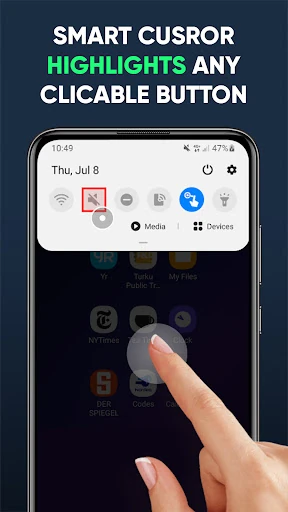
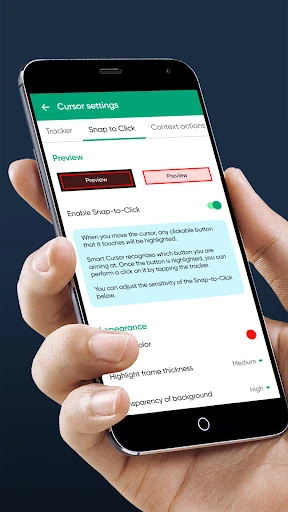
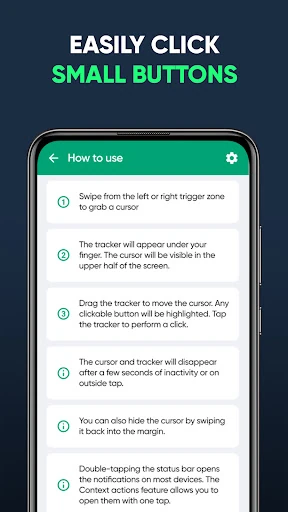
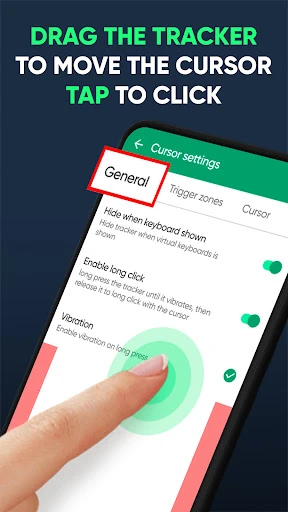
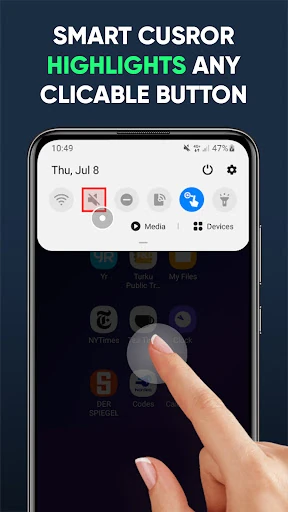
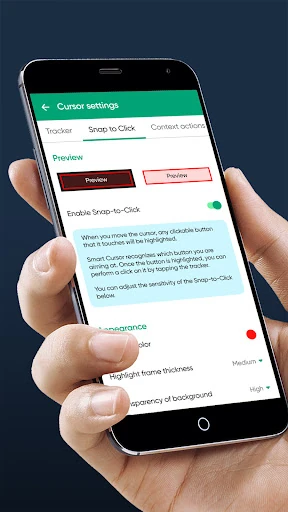
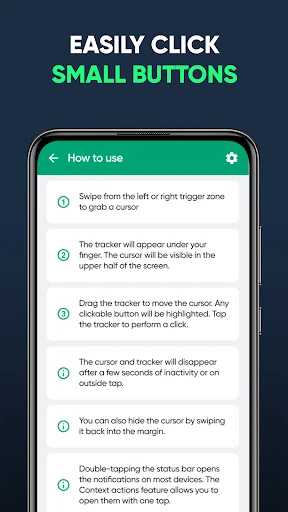
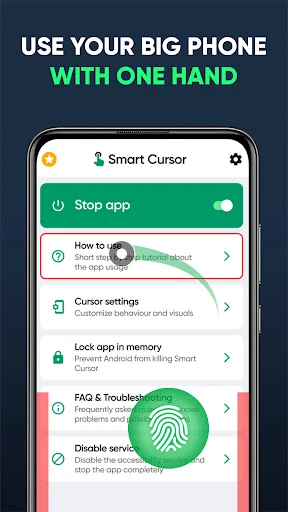
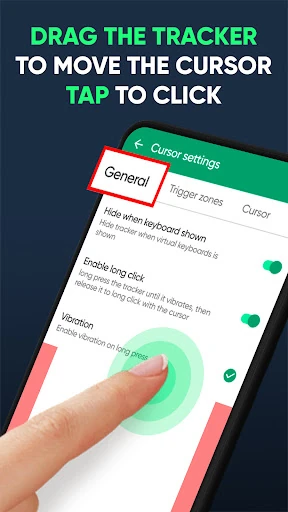
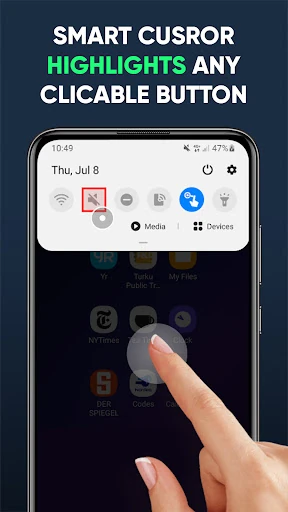
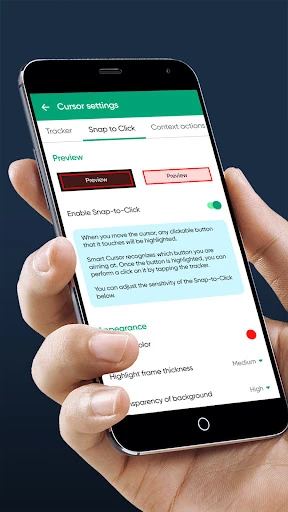
Click to download now, finish the installation quickly, and directly unlock the "all-round experience"
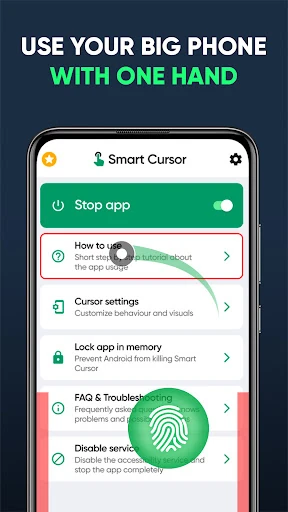
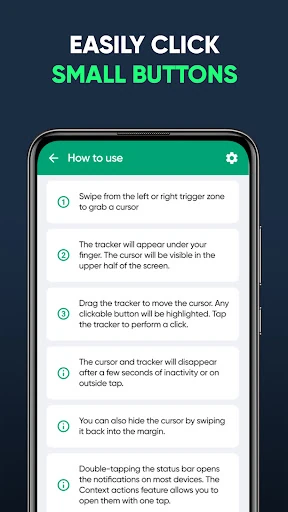
In an era where smartphone displays are reaching tablet-like proportions, Mouse & Screen Cursor Touchpad emerges as a critical utility for ergonomics and accessibility. Positioned firmly within the Tools category, this application addresses the "phablet" dilemma—the physical difficulty of reaching the top corners of a large screen with one hand. By implementing a sophisticated virtual touchpad and cursor system, it effectively bridges the gap between hardware size and human hand span. As a tech editor, I find its approach to one-handed navigation both technically sound and user-centric, offering a desktop-class precision layer over the Android interface.
The user experience is characterized by its "invisible" design philosophy. Instead of overwhelming the user with a heavy UI, Mouse & Screen Cursor Touchpad focuses on a sleek, minimalist overlay that respects the device's native aesthetics. The learning curve is impressively shallow; the gesture-based controls feel intuitive almost immediately. From a UX standpoint, the application successfully minimizes cognitive load by using familiar desktop metaphors (the cursor and touchpad) while adapting them for the vertical, touch-first environment of Android.
Future updates would benefit from enhanced visual customization, such as the ability to change the cursor's skin or the tracker's opacity to better suit different system themes. Additionally, an "auto-whitelist" feature that automatically disables the cursor when specific full-screen applications (like high-motion games or video players) are launched would streamline the user experience even further.
Mouse & Screen Cursor Touchpad is an essential tool for power users, owners of "Plus" or "Ultra" sized smartphones, and users with limited hand mobility. It transforms the often-clunky experience of handling a large device into a streamlined, one-handed operation. If you find yourself constantly readjusting your grip to reach the top of your screen, this application is a highly recommended addition to your digital toolkit.