MaterialX - Material Design UI
Dream Space
Downloads
100,000+
Version
Latest
Advertisement
Click to download now, finish the installation quickly, and directly unlock the "all-round experience"
Advertisement
Screenshots
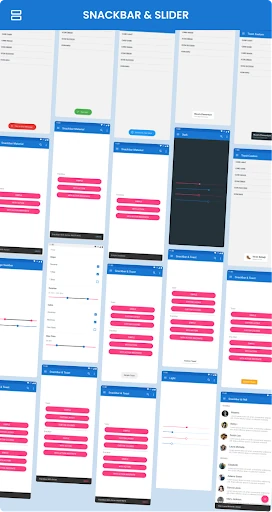
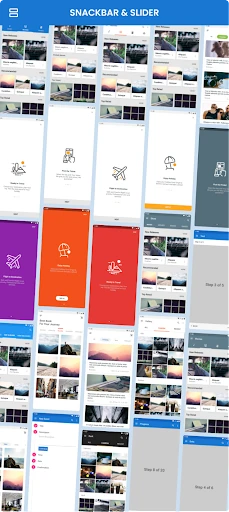
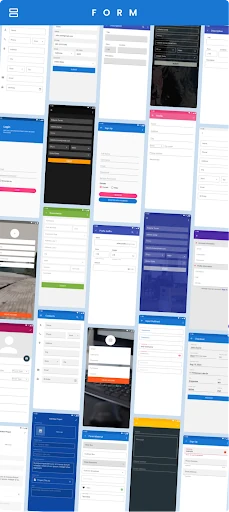
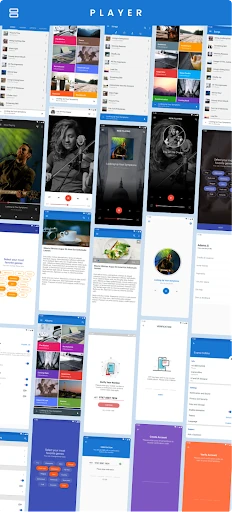
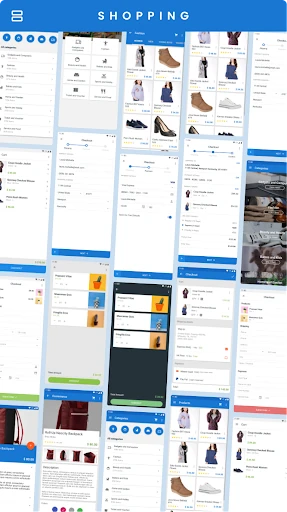
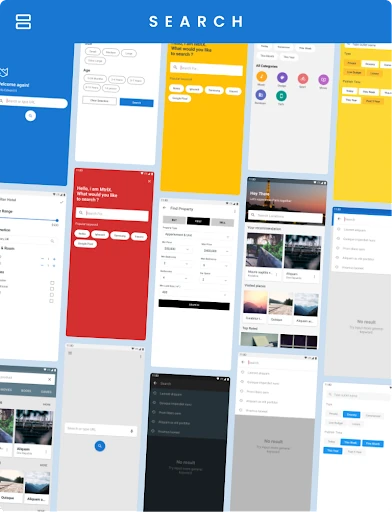
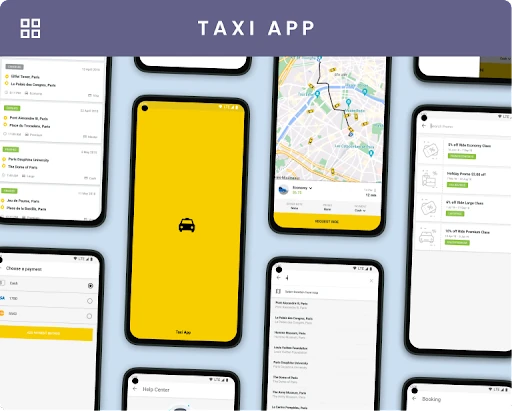
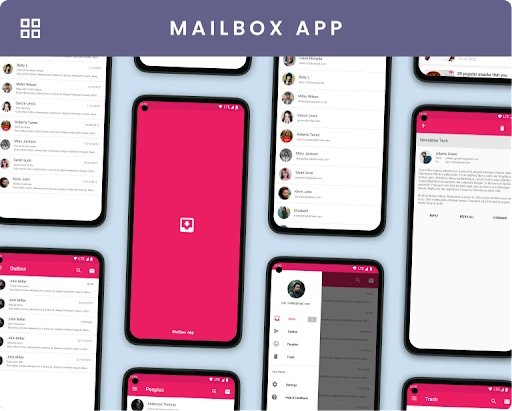
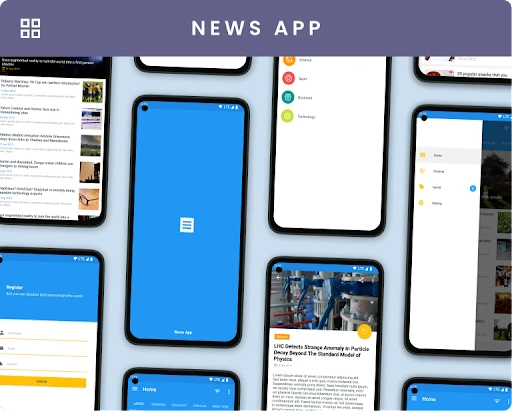
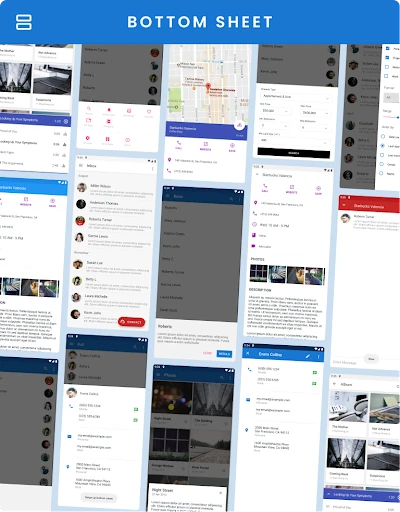
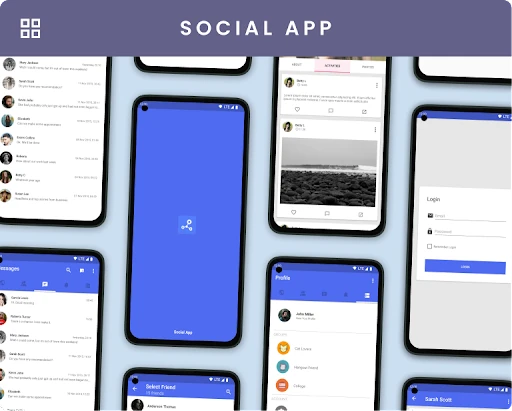
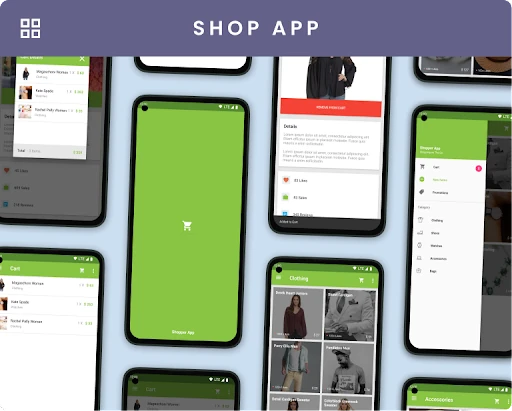
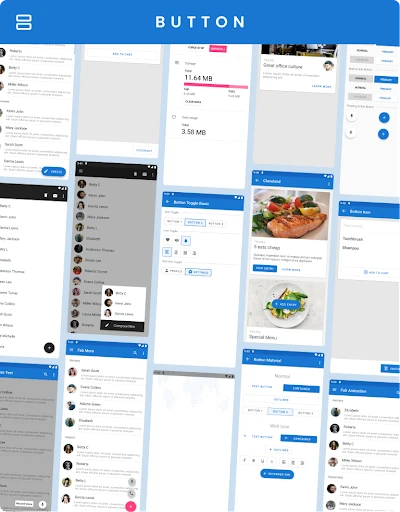
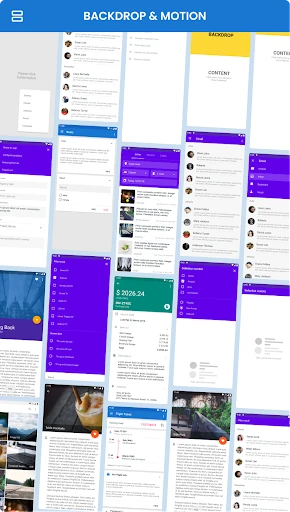
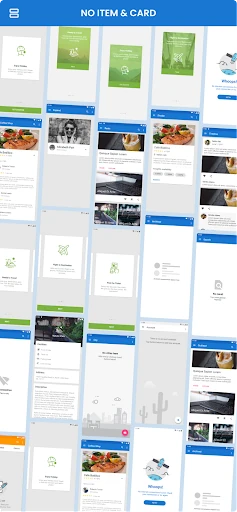
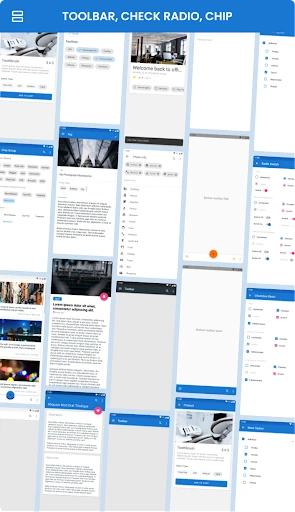
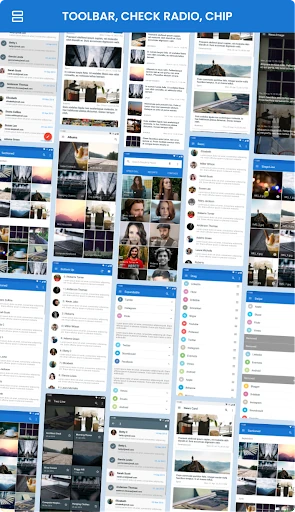
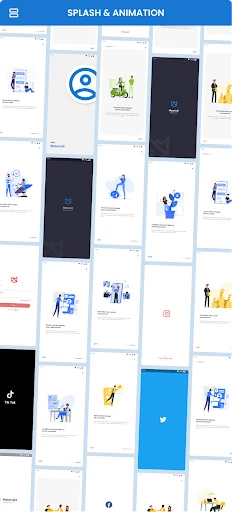
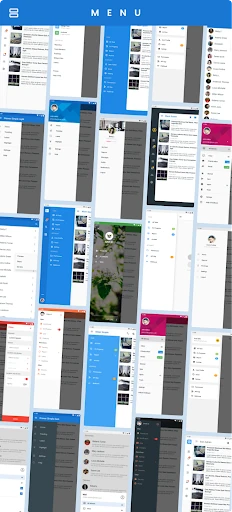
Click to download now, finish the installation quickly, and directly unlock the "all-round experience"
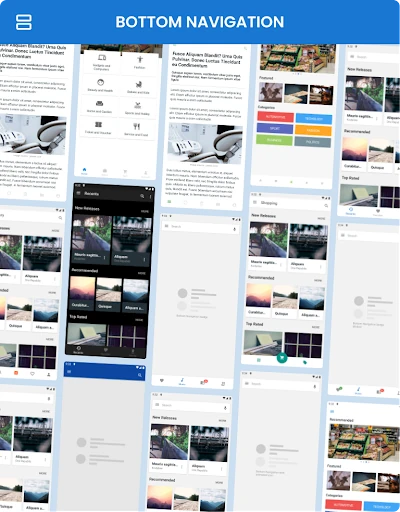
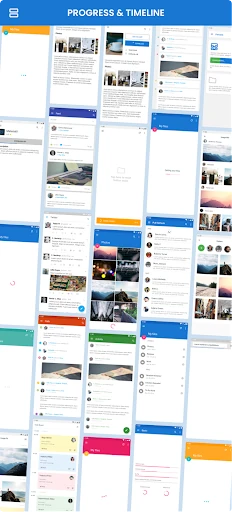
MaterialX - Material Design UI serves as a comprehensive bridge between the conceptual rigor of Google’s Material Design guidelines and the practical realities of native Android development. Positioned as a flagship entry in the Libraries & Demo category, it provides developers with a living catalog of UI components that are often difficult to translate from design mocks to functional code. As a professional reference tool, MaterialX effectively solves the "implementation gap" by providing a high-fidelity preview of native source code execution, ensuring that the end-user experience remains consistent with modern aesthetic standards.
The interface of MaterialX is a masterclass in the Libraries & Demo category. Because the app itself is a demonstration of its own capabilities, the UX is fluid, characterized by smooth transitions, proper elevation, and tactile feedback. The navigation is logically segmented, allowing a developer to find specific components like "Navigation Drawers" or "Data Tables" within seconds. The design achieves its primary goal: proving that native Android code can be as visually stunning and responsive as a high-end design prototype.
To further solidify its position as the premier UI reference tool, MaterialX should focus on deeper integration of Material 3 components, specifically focusing on dynamic color theming. Additionally, incorporating a live "Code Preview" feature directly within the app—where developers can view snippets of XML or Kotlin/Java before purchasing the full source—would greatly enhance the utility for quick reference during the design phase.
MaterialX - Material Design UI is an essential resource for professional Android developers, UI/UX designers, and software architects who aim to deliver polished, industry-standard applications. It is particularly valuable for teams looking to maintain design consistency while accelerating their development cycle. If you are a developer tasked with transforming a complex design concept into a functional product, this app and its associated source code are a mandatory addition to your toolkit.