Quick notes, lists and reminders
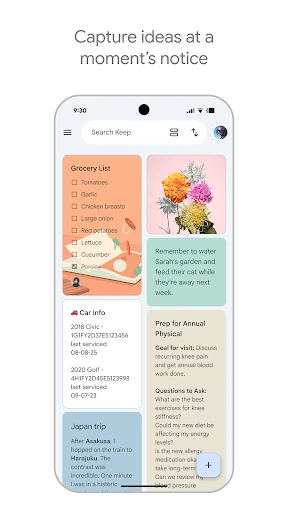
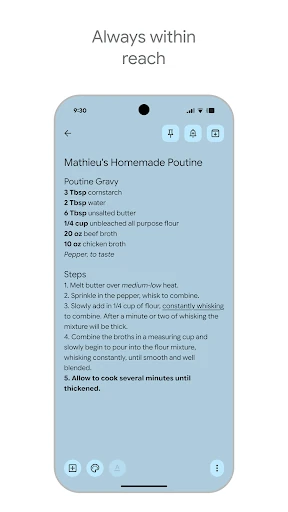
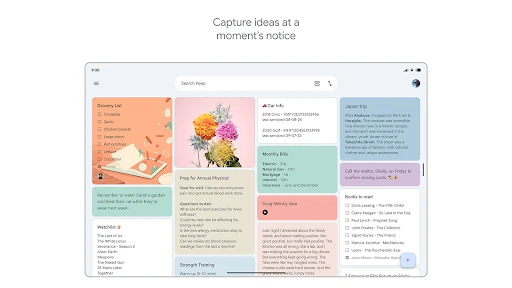
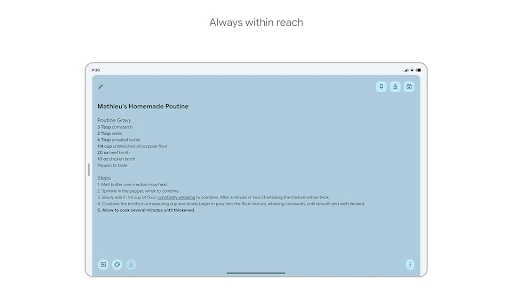
Google Keep is a lightweight productivity app for capturing short notes, checklists, ideas and reminders. It suits people who want a fast place for grocery lists, errands, class notes or passing thoughts without managing a complex project system. Notes can be created with text, handwriting, photos or voice, with spoken content transcribed for easier reference.
Useful tools for everyday planning
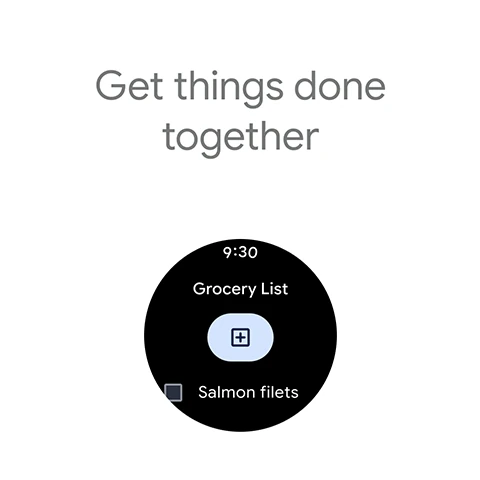
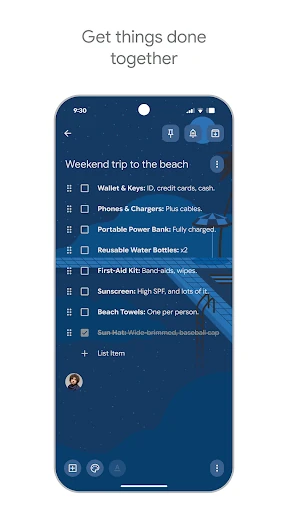
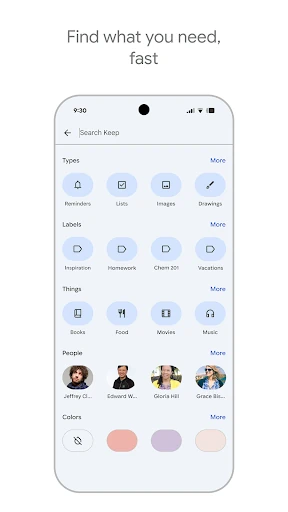
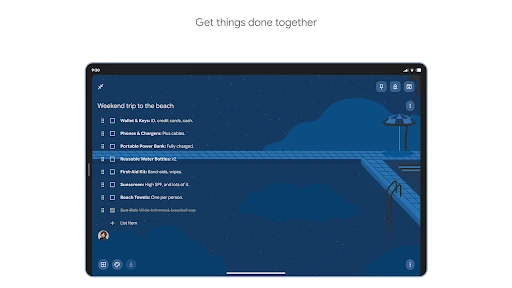
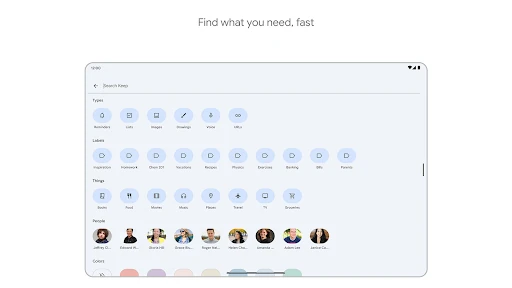
Keep lets you arrange notes with colours and labels, then find them through search. Time-based and location-based reminders help connect a note to a task or place. Shared notes and lists can be edited by more than one person, making the app practical for household shopping, simple planning and small group tasks.
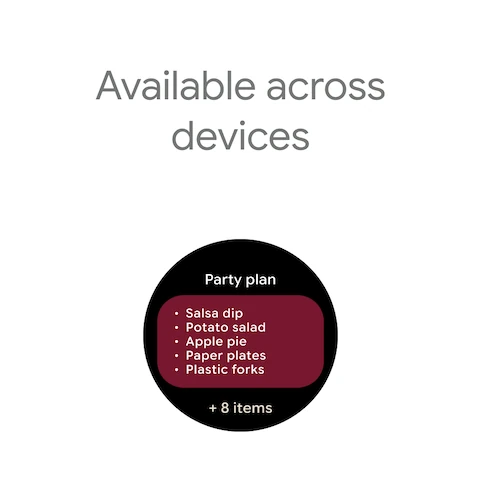
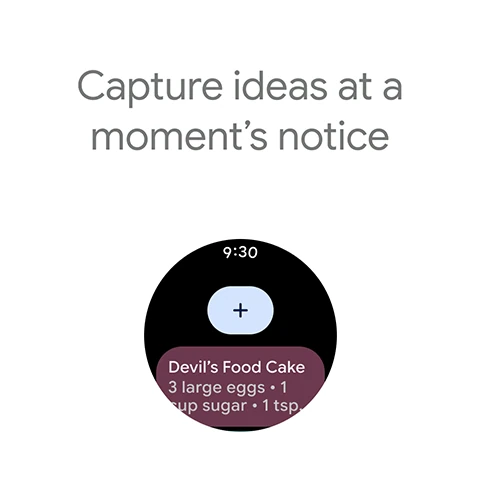
Its strongest fit is for users already relying on Google services. Notes sync across signed-in devices and can be accessed beyond an Android phone, while integrations with other Google tools make it easier to move from a quick idea to a document or scheduled activity. It is designed for fast capture rather than long-form writing, detailed databases or full project management.
Scale behind the rating
Google Keep - Notes and lists is published by Google LLC in the Productivity category. It holds a 4.69 rating from 2,267,485 reviews, alongside an install range of 1,000,000,000+. That combination gives the score useful context: this is not a lightly reviewed app with a small user base, but a widely used notes tool with feedback from a substantial number of people.
What to consider
- Good fit: quick capture, checklists, reminders, shared lists and simple organisation.
- Less suitable: users who need advanced formatting, elaborate folder structures or detailed project workflows.