Advertisement
Click to download now, finish the installation quickly, and directly unlock the all-round experience
Advertisement
Screenshots
Click to download now, finish the installation quickly, and directly unlock the all-round experience
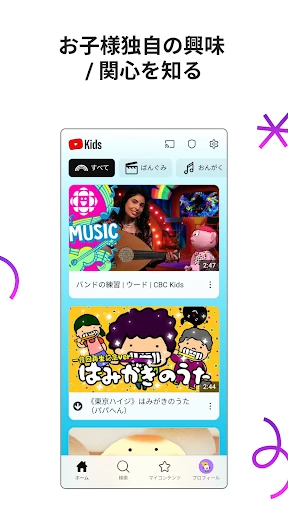
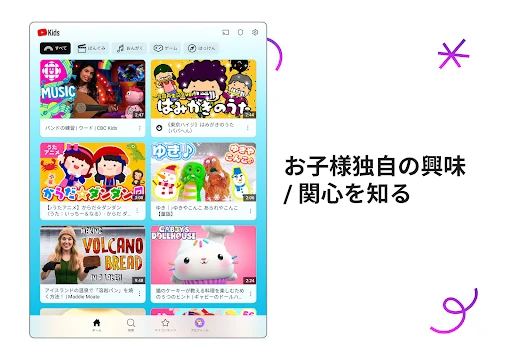
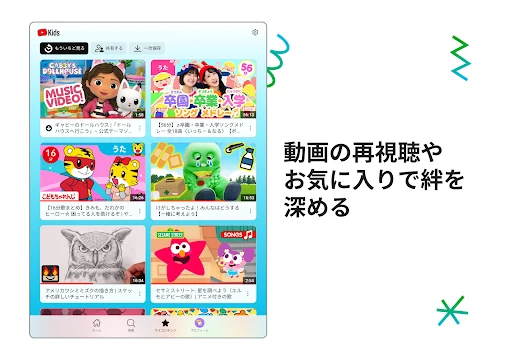
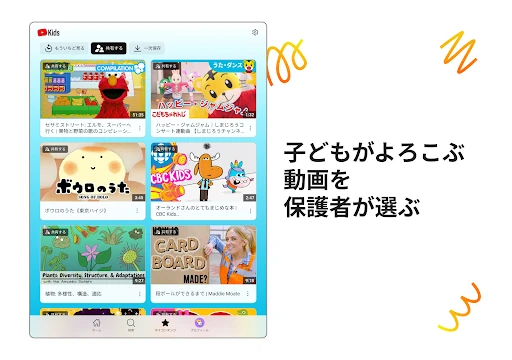
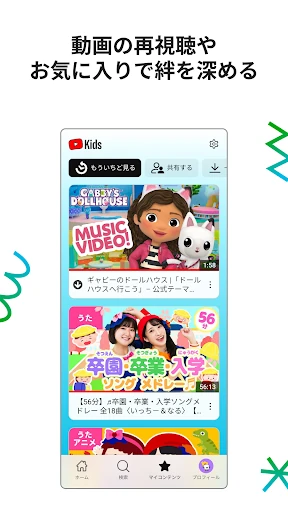
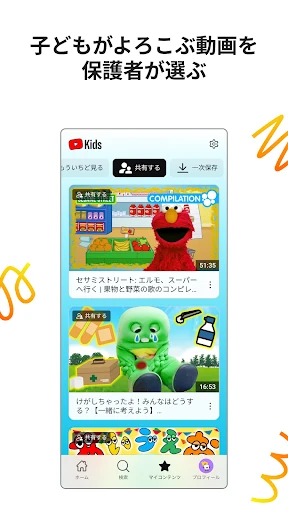
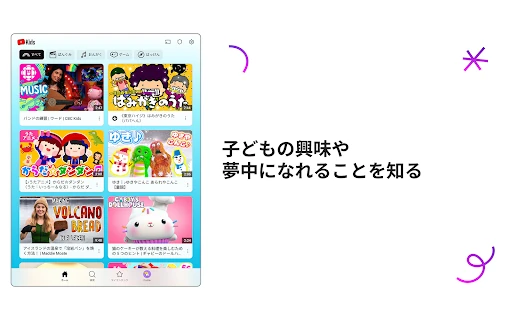
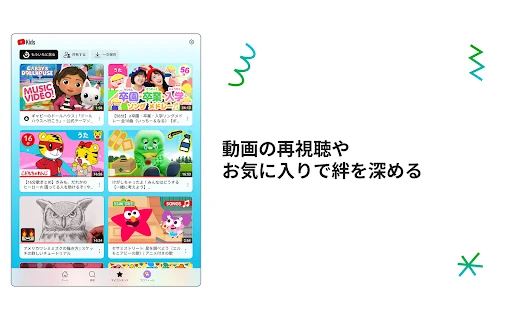
YouTube Kids is a video entertainment app designed for children and the adults who manage their screen time. It presents a separate, simplified YouTube experience with content intended for younger viewers, making it a better fit for families than the standard YouTube app when children are browsing independently.
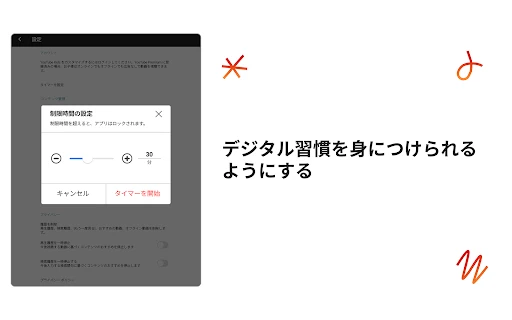
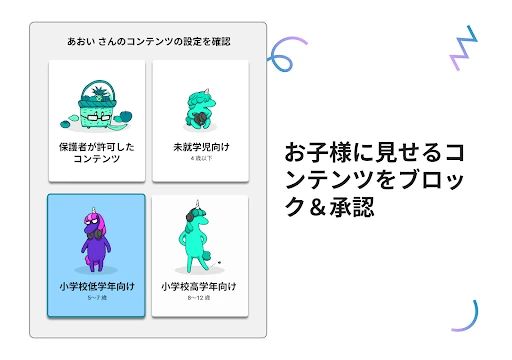
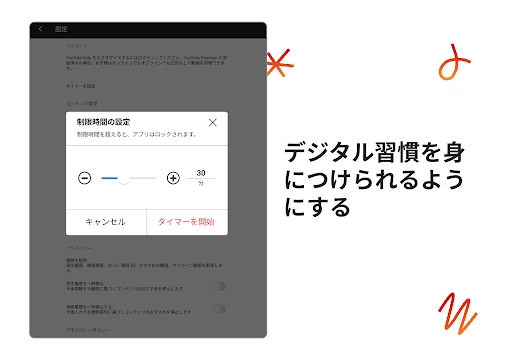
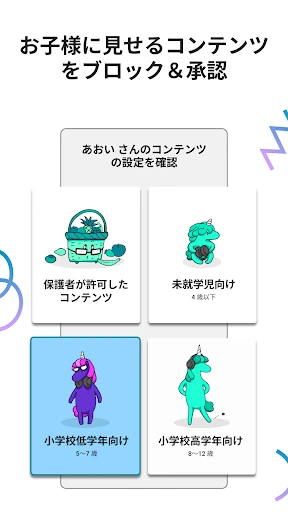
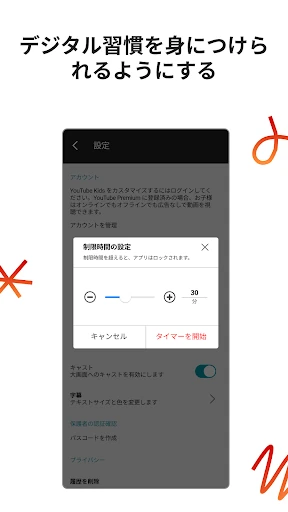
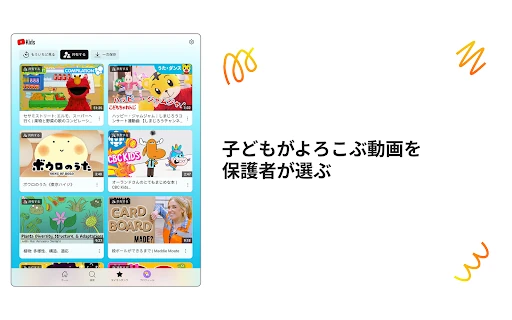
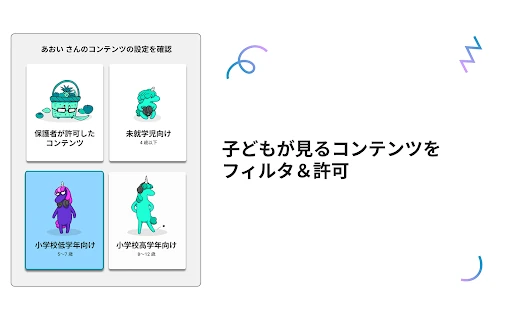
The app gives parents several ways to shape what appears on screen. Age-based settings help tailor recommendations for preschoolers, younger children, or older children. Parents can also approve specific videos, channels, and collections, block content they do not want shown, and use a timer to limit a viewing session.
YouTube Kids is most useful for parents looking for a more controlled way for children to watch educational, creative, and entertaining videos. It suits families with younger viewers who need straightforward navigation and adult supervision tools, although parental settings still require regular attention because no automated filter can judge every video perfectly.
Google LLC’s app has a 4.2 rating from more than 3.2 million reviews and 500,000,000+ installs. That combination gives the score meaningful scale: it reflects a very large audience rather than a small group of early users. The rating is strong, while the review volume and install range show that YouTube Kids is an established choice in the Entertainment category.