Advertisement
Click to download now, finish the installation quickly, and directly unlock the all-round experience
Advertisement
Screenshots
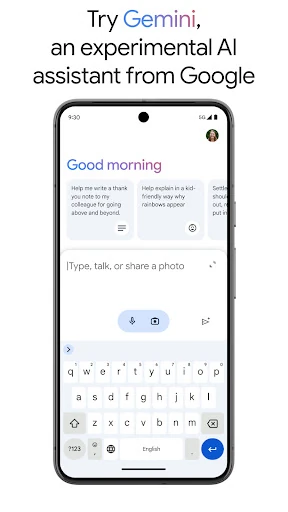
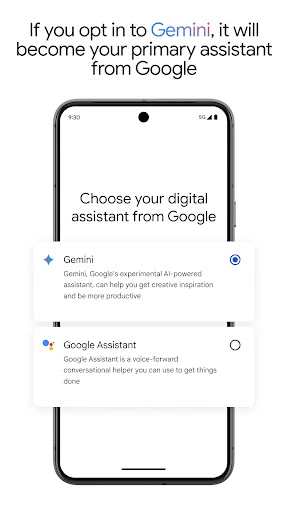
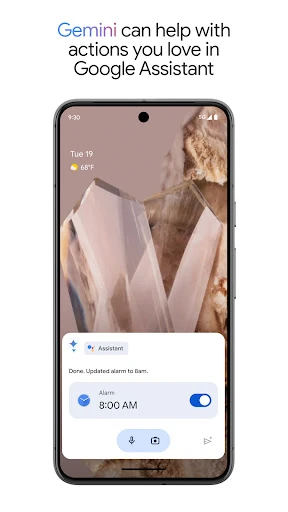
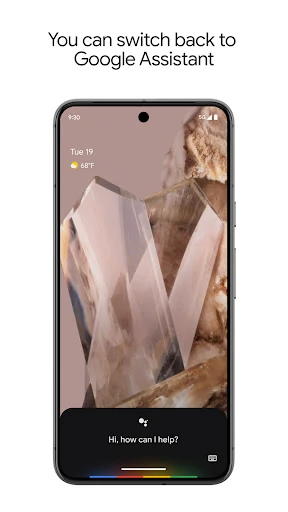
Click to download now, finish the installation quickly, and directly unlock the all-round experience
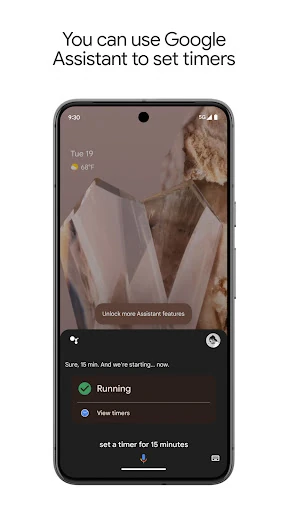
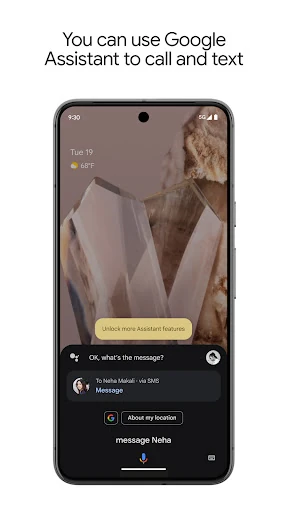
Google Assistant is a voice-controlled productivity app for Android phones and other compatible devices. It lets users ask questions, start searches, open apps, make calls, send messages, create reminders and manage everyday tasks without navigating each function manually. It suits people who want quick hands-free access to common phone actions, as well as users who already rely on Google services.
The app works best as a layer across several parts of a phone rather than as a single-purpose tool. Depending on the device and connected services, it can help with:
Google Assistant is a practical fit for Android users who prefer speaking instead of typing, need help while multitasking, or want one interface for phone actions and connected devices. Its usefulness depends on the permissions, language support, hardware and services available on a particular device, so the experience can vary between users.
Google LLC’s app has a 3.78 rating from 1,278,969 reviews and an install range of 5,000,000,000+. That combination gives the score useful context: the rating is based on a very large body of feedback and the app has extremely broad distribution. It is not a small app with a handful of enthusiastic reviews, though the below-four rating also suggests that the experience is not consistently satisfying for everyone.