Advertisement
Click to download now, finish the installation quickly, and directly unlock the "all-round experience"
Advertisement
Screenshots
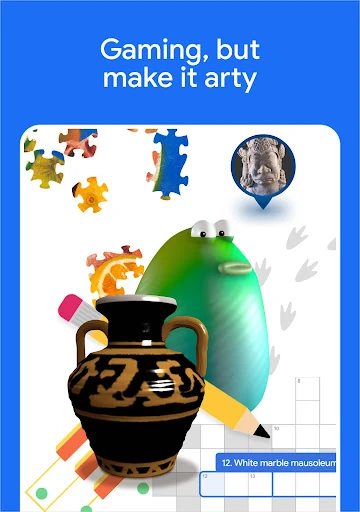
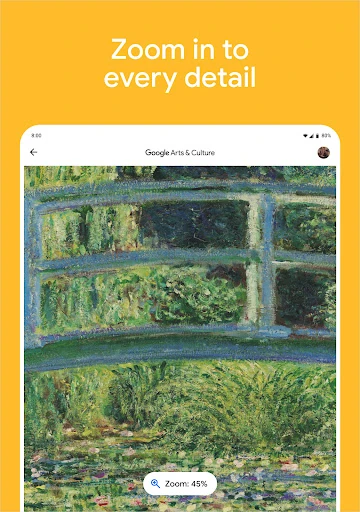

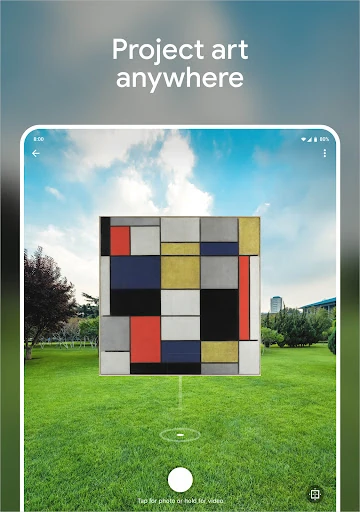
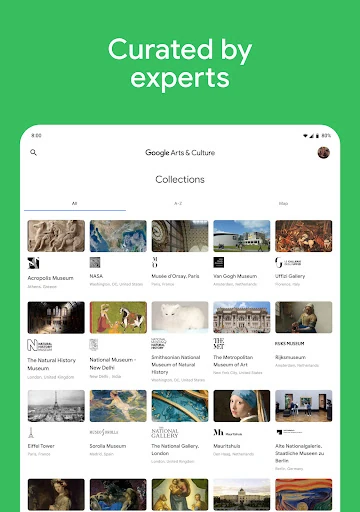

Click to download now, finish the installation quickly, and directly unlock the "all-round experience"
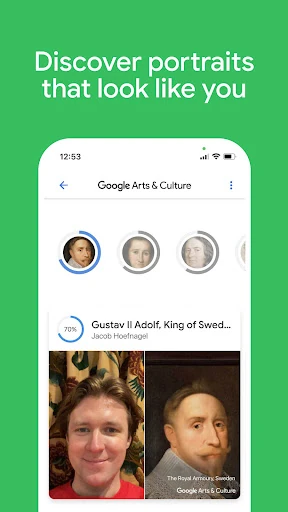
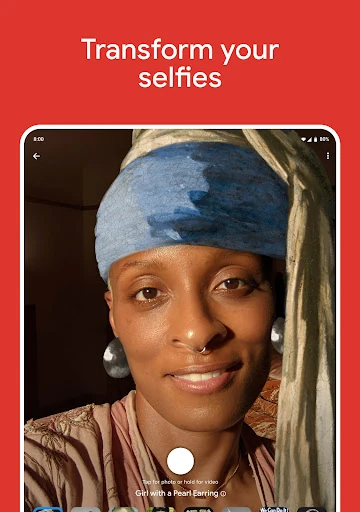
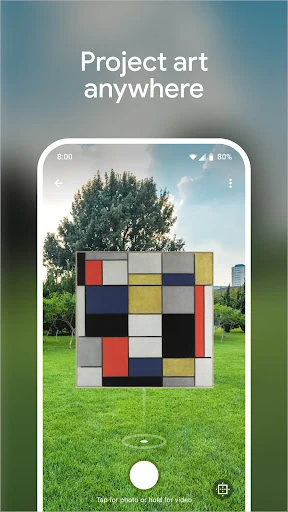
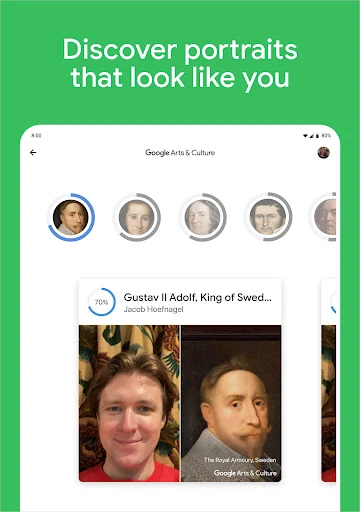
Google Arts & Culture stands as a masterclass in digital preservation and educational outreach, effectively democratizing access to global heritage. In the contemporary Education landscape, it distinguishes itself by acting as a high-fidelity bridge between technology and the humanities, aggregating content from over 2,000 cultural institutions. Its authoritative tone and innovative use of immersive technology make it an essential tool for bringing world-class museum experiences to the palm of a user's hand.
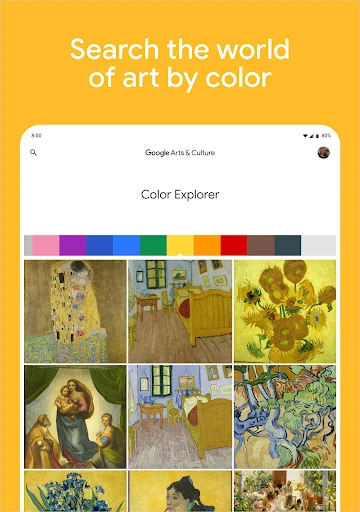
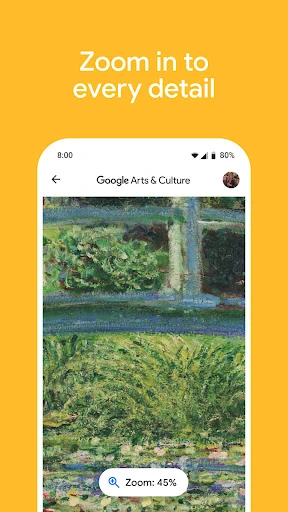
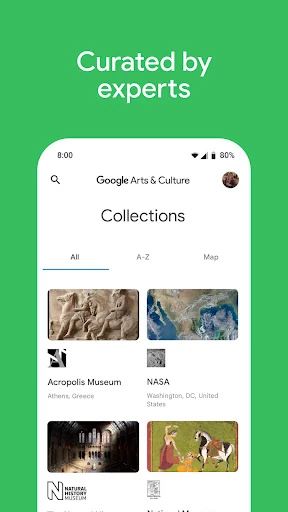
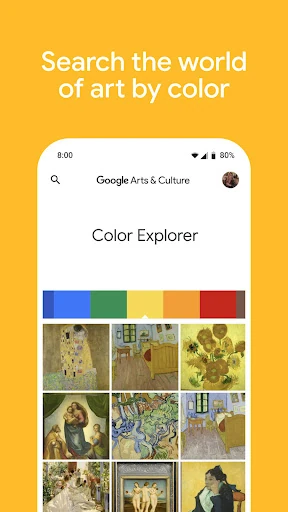
The interface reflects Google’s signature minimalist design philosophy, prioritizing high-resolution imagery and clean typography. The user experience is built around discovery, utilizing intuitive gestures and a "color palette" navigation system that makes browsing through centuries of history feel like a modern, fluid experience. While the app houses a massive amount of data, the UI avoids clutter by categorizing content into digestible stories and guided tours, which is a gold standard for educational platforms aiming to maintain user engagement without overwhelming them.
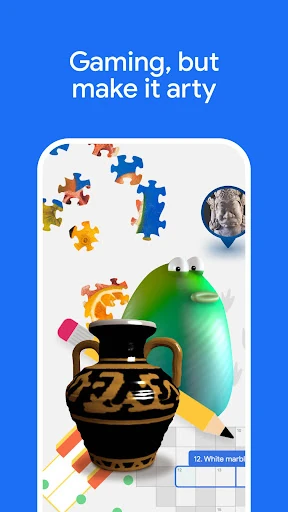
To further enhance its educational utility, the app could benefit from more robust offline capabilities for rural or low-connectivity classrooms. Additionally, implementing more gamified learning paths—such as badges, quizzes, or progress tracking for specific history modules—would help keep K-12 students more consistently engaged. Finally, expanding the "Art Recognizer" database to include more independent and regional museums would broaden its real-world utility.
Google Arts & Culture is an indispensable resource for students, educators, and travelers alike. It successfully transforms complex historical and artistic data into an accessible, engaging format. It is highly recommended for anyone with a curiosity about the world, serving as both a comprehensive research library and a source of creative inspiration. For the Education category, it remains the definitive benchmark for digital cultural exploration.