Advertisement
Click to download now, finish the installation quickly, and directly unlock the "all-round experience"
Advertisement
Screenshots
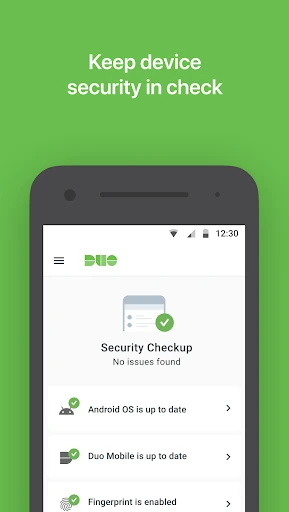
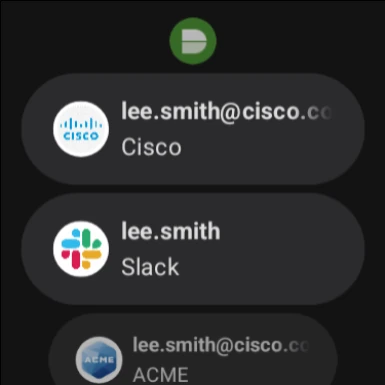
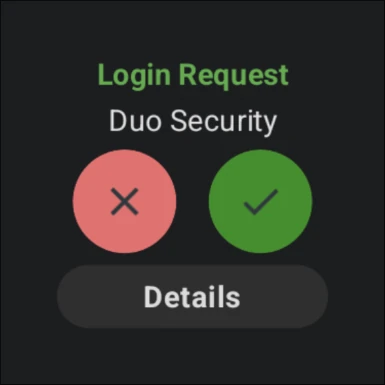
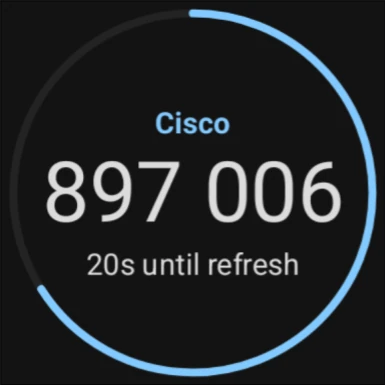
Click to download now, finish the installation quickly, and directly unlock the "all-round experience"
Duo Mobile stands as a gold standard in the Business category for secure, user-centric authentication. By integrating seamlessly with Duo Security’s ecosystem, it offers a frictionless yet robust layer of protection against unauthorized access. In an era where cybersecurity is paramount, Duo Mobile simplifies the complexities of multi-factor authentication (MFA), making it a critical asset for enterprises and individual professionals alike. Its ability to balance high-level security with a "one-tap" user philosophy makes it a benchmark for corporate utility apps.
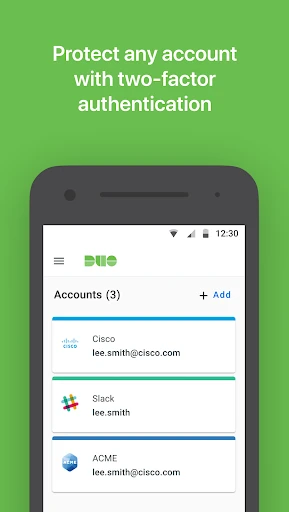
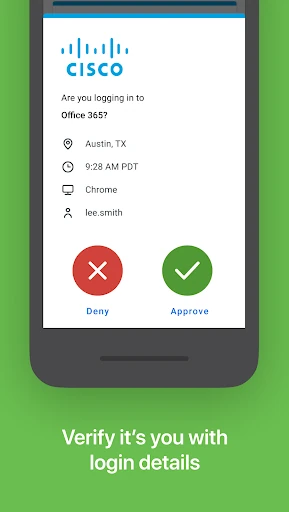
The UI of Duo Mobile is intentionally minimalist, focusing on utility over aesthetic flair. This design choice aligns perfectly with the Business category's requirements for speed and clarity. The "One-Tap" approval screen is prominent and prevents "push fatigue" by presenting clear metadata about the login attempt. Navigation is intuitive, though the initial setup requires following an activation link provided by an administrator—a necessary security hurdle that the app handles with clear on-screen instructions. The interface remains uncluttered even as more third-party accounts are added.
Future updates could benefit from enhanced organization features, such as the ability to group or search through third-party accounts, which would assist power users managing dozens of services. Additionally, incorporating a more streamlined "Account Migration" tool for moving 2FA tokens to new devices would greatly improve the lifecycle UX, as the current process can be cumbersome for non-technical users.
Duo Mobile is an essential tool for any organization prioritizing a "Zero Trust" security model. It is designed primarily for employees and contractors within a Duo-managed environment, yet it serves as a highly capable standalone authenticator for personal use as well. If you require a secure, professional-grade 2FA solution that minimizes the time spent on login hurdles, Duo Mobile is the premier recommendation.