Advertisement
Click to download now, finish the installation quickly, and directly unlock the "all-round experience"
Advertisement
Screenshots
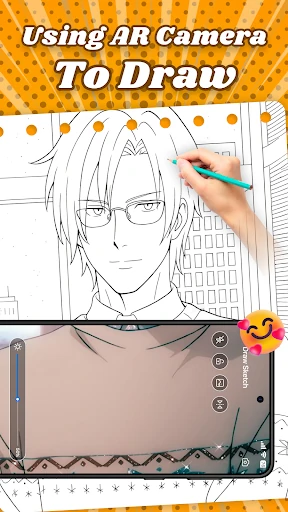
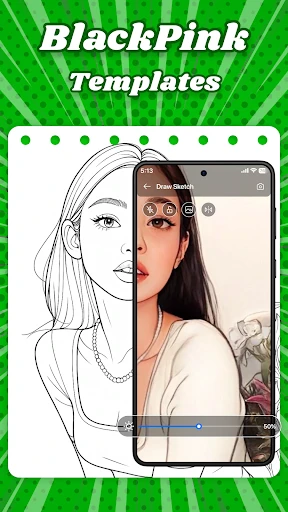
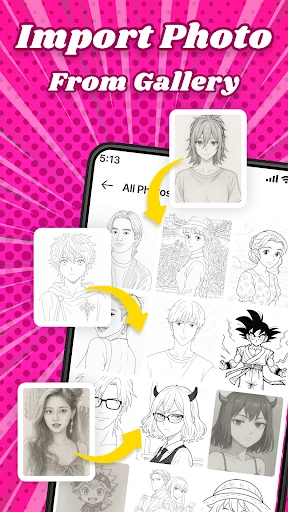
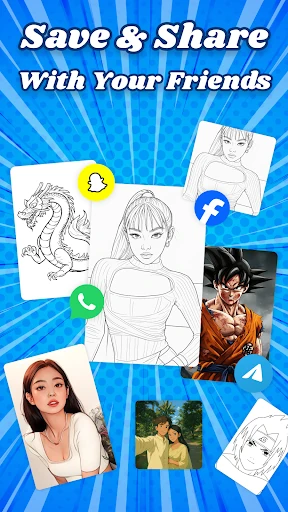
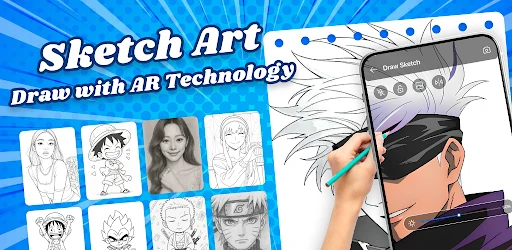
Click to download now, finish the installation quickly, and directly unlock the "all-round experience"
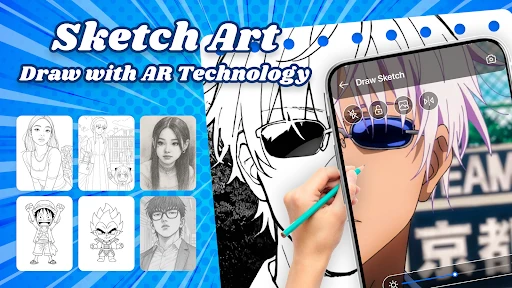
AR Anime Sketch Drawing represents a significant shift in the Art & Design category by leveraging augmented reality to lower the barrier to entry for aspiring illustrators. By transforming the smartphone into a virtual light box, the app addresses the common frustration of mastering proportions and perspective in anime art. In a landscape often dominated by complex digital illustration suites, this app stands out for its focus on the physical medium, encouraging users to develop muscle memory through a guided, camera-assisted workflow. It is a highly practical utility that bridges the gap between digital templates and traditional paper-and-pencil artistry.
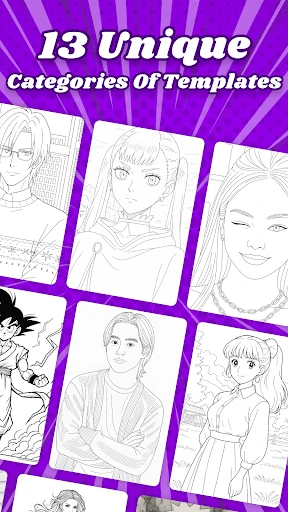
The user experience is centered around an intuitive "Camera-First" philosophy, which is essential for any AR-based creative tool. The interface is designed to be unobtrusive, maximizing the screen real estate for the viewfinder while keeping essential controls within easy reach. The UI facilitates a seamless transition from selecting a character template to entering the drawing mode, ensuring that the technology never gets in the way of the creative process. For an Art & Design app, the layout feels clean and functional, prioritizing visibility and ease of calibration, which are critical for maintaining a stable projection during a drawing session.
To further enhance the professional utility of the app, developers should consider implementing an "Auto-Focus Lock" and "Exposure Calibration" tool within the camera interface to prevent flickering during drawing. Additionally, adding a time-lapse recording feature would allow users to capture and share their creative process on social media, adding a viral growth component to the app. Integrating a broader range of difficulty levels—from simple facial features to complex dynamic poses—would also help in retaining users as their skills evolve.
AR Anime Sketch Drawing is an excellent entry point for hobbyists, students, and manga enthusiasts who want to transition from fans to creators. It serves as a digital training wheel that successfully demystifies the technical aspects of anime illustration. We recommend this app for anyone looking to jumpstart their drawing journey without the steep learning curve of professional software. It is a practical, innovative, and highly effective tool for the modern aspiring artist.