🏆 Expert Verdict & Overview
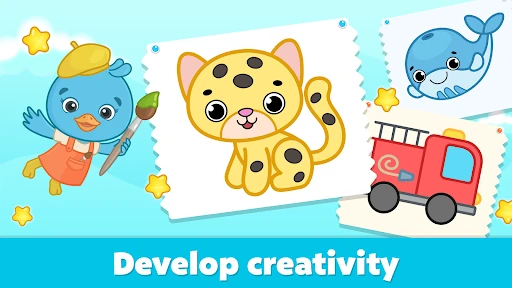
Drawing Games for Kids by Bimi Boo represents a high-caliber entry into the early childhood educational landscape. Positioned as more than just a digital coloring book, it serves as a foundational tool for developing fine motor skills and creative expression in toddlers aged 2 to 6. By integrating guided tracing mechanics with interactive, animated rewards, the app effectively bridges the gap between passive screen time and active cognitive development, setting a high standard for safety and pedagogical value in the preschool category.
🔍 Key Features Breakdown
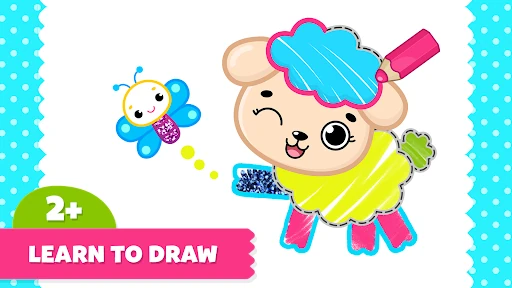
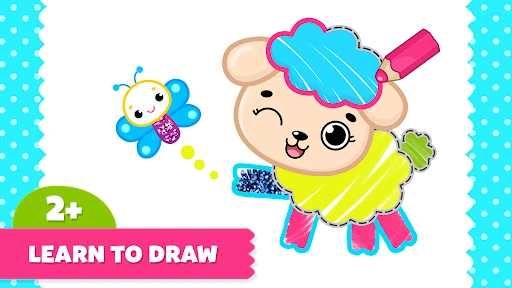
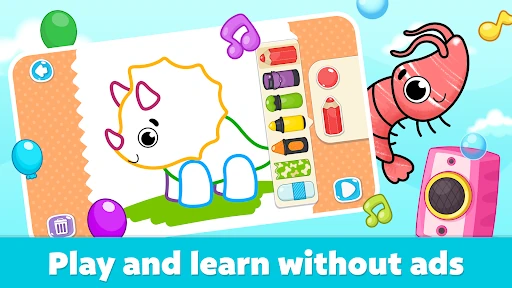
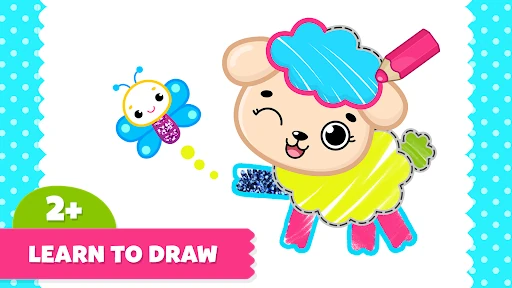
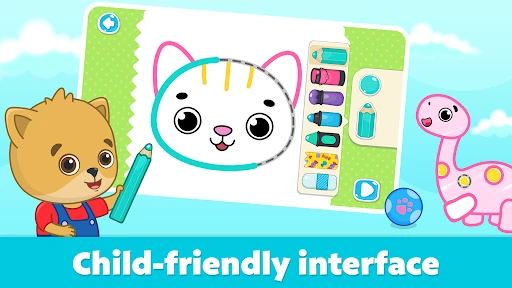
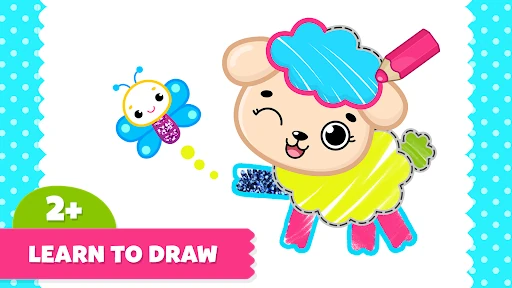
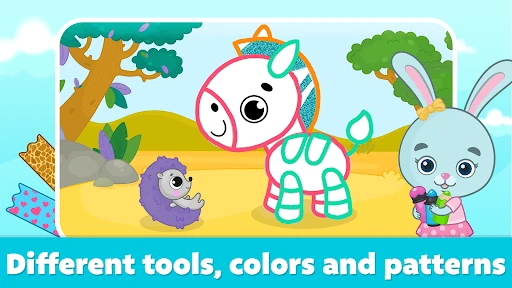
- Guided Tracing & Animation: Children learn to draw by following dotted lines, which are then transformed into live animations, providing immediate positive reinforcement and a sense of accomplishment.
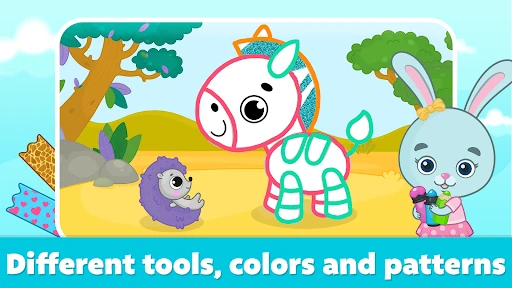
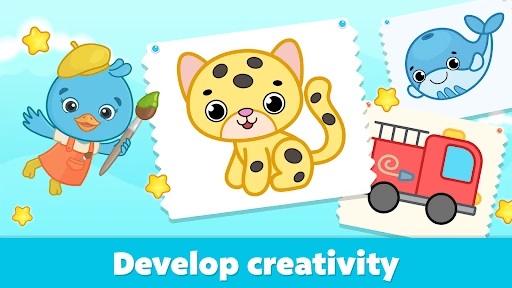
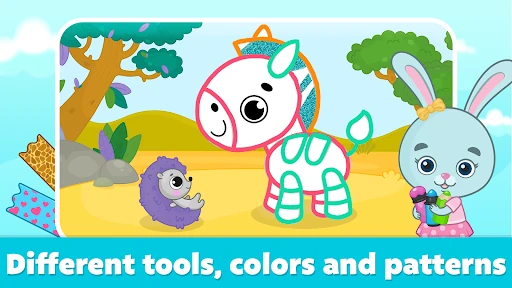
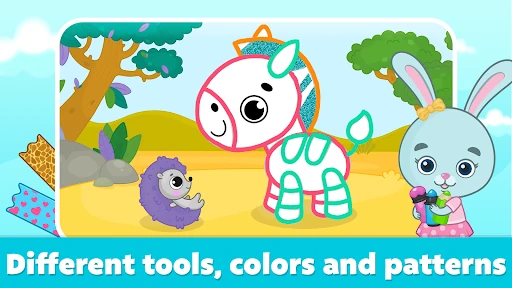
- Diverse Artistic Modes: Beyond simple coloring, the inclusion of kaleidoscope mirror effects, neon-glitter tools, and freeform sketching solves the problem of repetitive gameplay and encourages varied creative exploration.
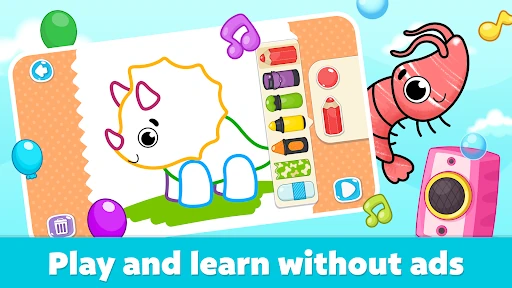
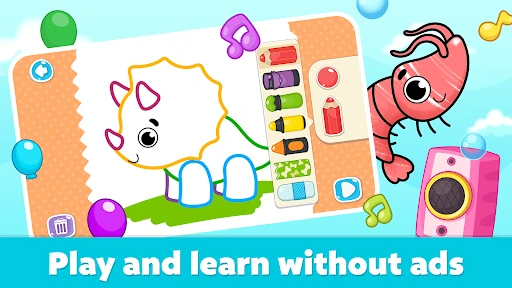
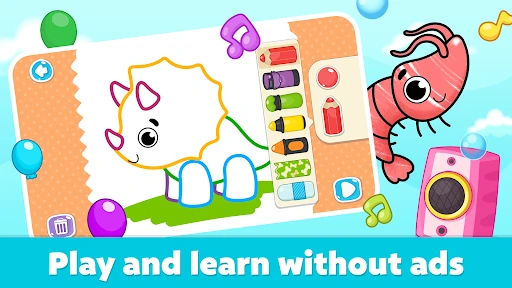
- Safe & Offline Environment: The app is built with a "safety-first" mindset, featuring no third-party advertisements or external links, allowing parents to permit independent play without supervision concerns.
- Expert-Led Content: All activities are developed in collaboration with preschool education experts, ensuring that the difficulty curves and visual stimuli are age-appropriate for kindergarten preparation.
🎨 User Experience & Design
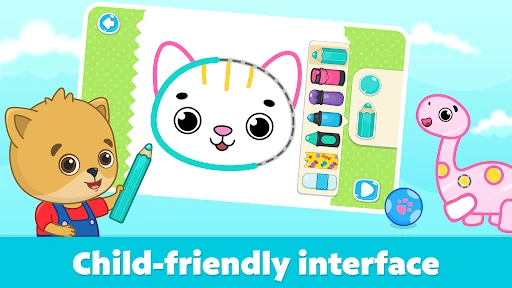
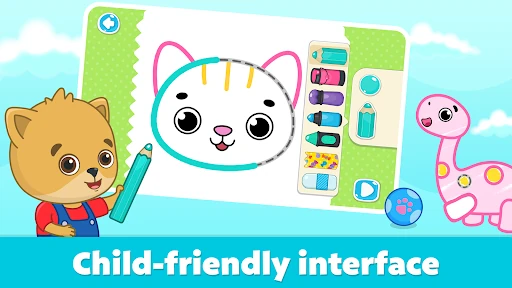
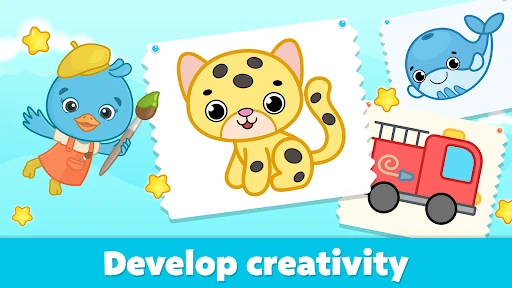
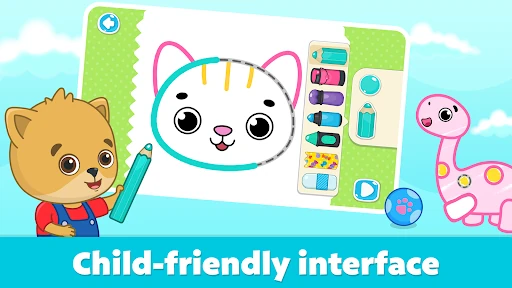
The UI is masterfully tailored for its young target demographic, utilizing large touch targets and intuitive navigation that eliminates the need for adult intervention. The aesthetic is clean and vibrant, avoiding the cluttered "over-stimulation" common in many kids' apps. From a UX perspective, the transition from drawing to animation is seamless, providing a tactile feel to the digital canvas that aligns perfectly with the developmental needs of children with limited dexterity.
⚖️ Pros & Cons Analysis
- ✅ The Good: Completely ad-free experience ensures a focused and secure environment for young users.
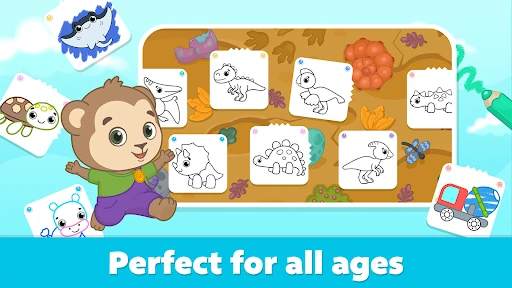
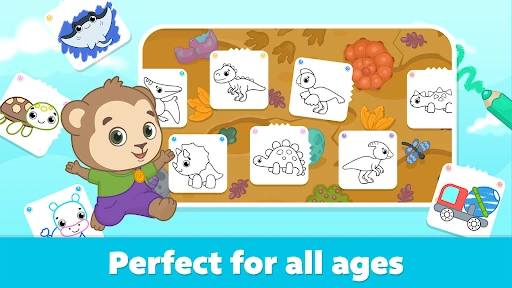
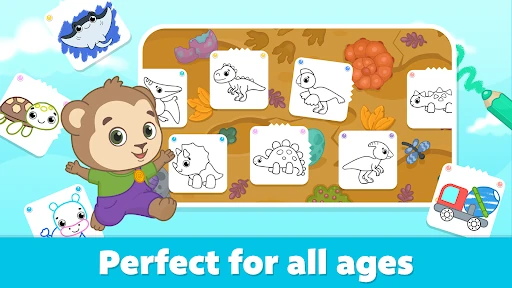
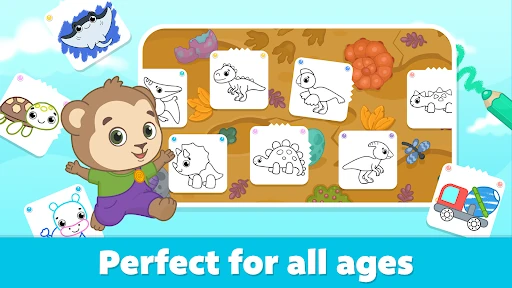
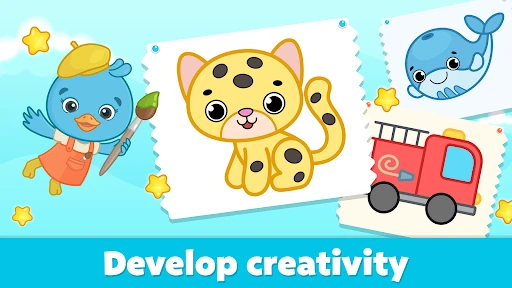
- ✅ The Good: High replayability through a vast library of topics including dinosaurs, animals, and vehicles.
- ❌ The Bad: The subscription-based model may be less appealing to parents who prefer a one-time "buy-to-own" purchase structure.
- ❌ The Bad: Limited selection of free images, which may require a commitment before a child can fully explore the variety of modes.
🛠️ Room for Improvement
To further enhance the educational value, the developers could introduce a "Parental Progress Gallery" where artwork can be exported or saved in a digital portfolio. Additionally, integrating basic letter and number tracing within the existing art style could further solidify its utility as a comprehensive preschool preparation tool.
🏁 Final Conclusion & Recommendation
This app is a premium choice for parents of toddlers and preschoolers who value quality, safety, and educational substance. While the subscription model is a consideration, the lack of intrusive ads and the expert-driven design make it one of the most reliable creative outlets available on the Google Play Store. It is highly recommended for children aged 2-6 as a safe space for artistic development.